
Laptop Not Turning On? — How to Fix It
A laptop not turning on doesn’t always mean a dead machine. This guide walks you through the quick checks to force a dead laptop to start at home — and explains how Khaleej Fixer’s board-level diagnostics revive a laptop suddenly dead with free pickup across Dubai and Sharjah.
 KHALEEJ FIXER
First: 2-Minute Checks You Can Try at Home
Before assuming the worst, run through these quick checks — they resolve a surprising number of ‘dead’ laptops, and they cost nothing:
What Your Symptoms Mean
Not every ‘won’t turn on’ is the same fault. Match your symptom to narrow it down:
🔌 No lights at all
Usually means no power is reaching the board — a dead adapter, broken charging port, or a failed power circuit. Start with the charger checks above.
💡 Light on, but not turning on
Power reaches the board but boot fails — often RAM, a corrupted BIOS, or a shorted component holding the power rail down. This needs board-level diagnosis.
📺 Black screen, fans spinning
The laptop is on — the display path failed. Suspect the screen, display cable, or backlight circuit. An external-monitor test confirms it in seconds.
🔊 Beeps or blinking LEDs
Beep codes and blink patterns are the BIOS telling you what failed — usually RAM, display, or motherboard. Count the beeps and tell us; it speeds up diagnosis.
Common Reasons a Laptop Won’t Turn On
🔋 Dead Charger or Battery
The most common and cheapest cause. Failed adapters, worn-out batteries, and swollen cells that trigger protection circuits.
🔌 Broken Charging Port
A cracked DC jack or damaged USB-C port breaks the power path — the laptop can’t charge even with a good adapter.
🧬 RAM Failure
Failed or unseated memory stops the boot process completely — often with beep codes or blinking LEDs.
📺 Display vs. Power Fault
Sometimes the laptop IS on but the screen is dead — a backlight, cable, or panel issue masquerading as ‘won’t turn on’.
⚙️ Corrupted BIOS
A failed update or power cut during flashing can corrupt the BIOS, leaving the machine completely unresponsive.
🛠️ Motherboard Fault
Shorted MOSFETs, blown fuses, or failed power ICs on the board — the deep faults we specialize in repairing at component level.
How Our Technicians Diagnose a Dead Laptop
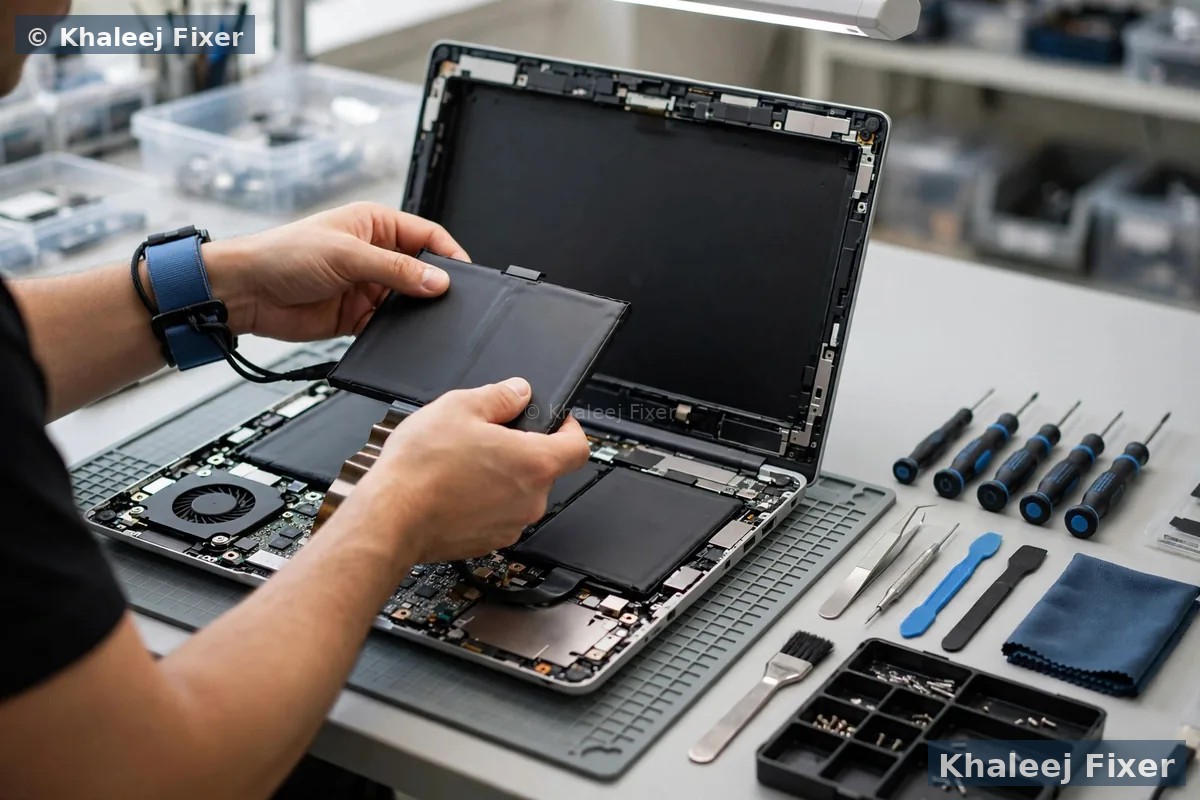
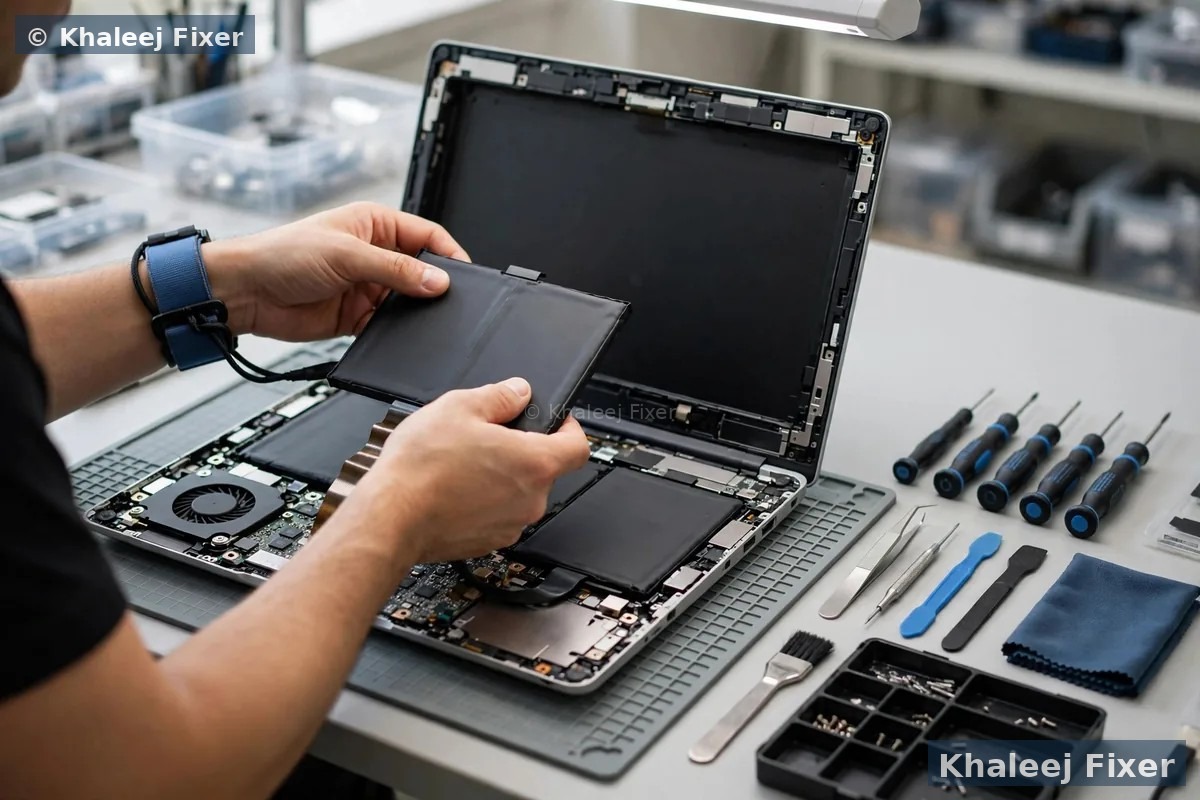
When your laptop arrives at our lab, it goes through a systematic board-level diagnostic process:
Why Choose Khaleej Fixer for No-Power Repairs
🛠️ Board-Level Specialists
We repair at component level — finding the one failed chip instead of quoting a whole new motherboard.
💾 Data Stays Intact
Power-circuit repairs never touch your storage. Your files, photos, and work come back exactly as they were.
🔍 Free Diagnosis
We identify the exact fault free of charge — and if it’s uneconomical to repair, we’ll tell you honestly.
💲 Transparent Pricing
Fixed quote before work begins. Check our price list — no hidden fees.
🛡️ 2-Month Warranty
Every no-power repair is covered by a written 2-month warranty on parts and labor.
🚚 Free Pickup & Delivery
We collect your dead laptop from anywhere in Dubai or Sharjah — free.
Frequently Asked Questions — Laptop Not Turning On
Why is my laptop not turning on even when plugged in?
Can a completely dead laptop be repaired?
How much does it cost to fix a laptop that won’t turn on?
Will I lose my data if my laptop won’t boot?
My laptop shows no lights at all — is it the motherboard?
How long does a no-power repair take?
Do you fix liquid-damaged laptops that won’t turn on?
Do you offer free pickup for dead laptops?
What warranty comes with the repair?
Dead Laptop? Let’s Bring It Back to Life.
Free diagnosis · Free pickup & delivery · Board-level repair · 2-month warranty