
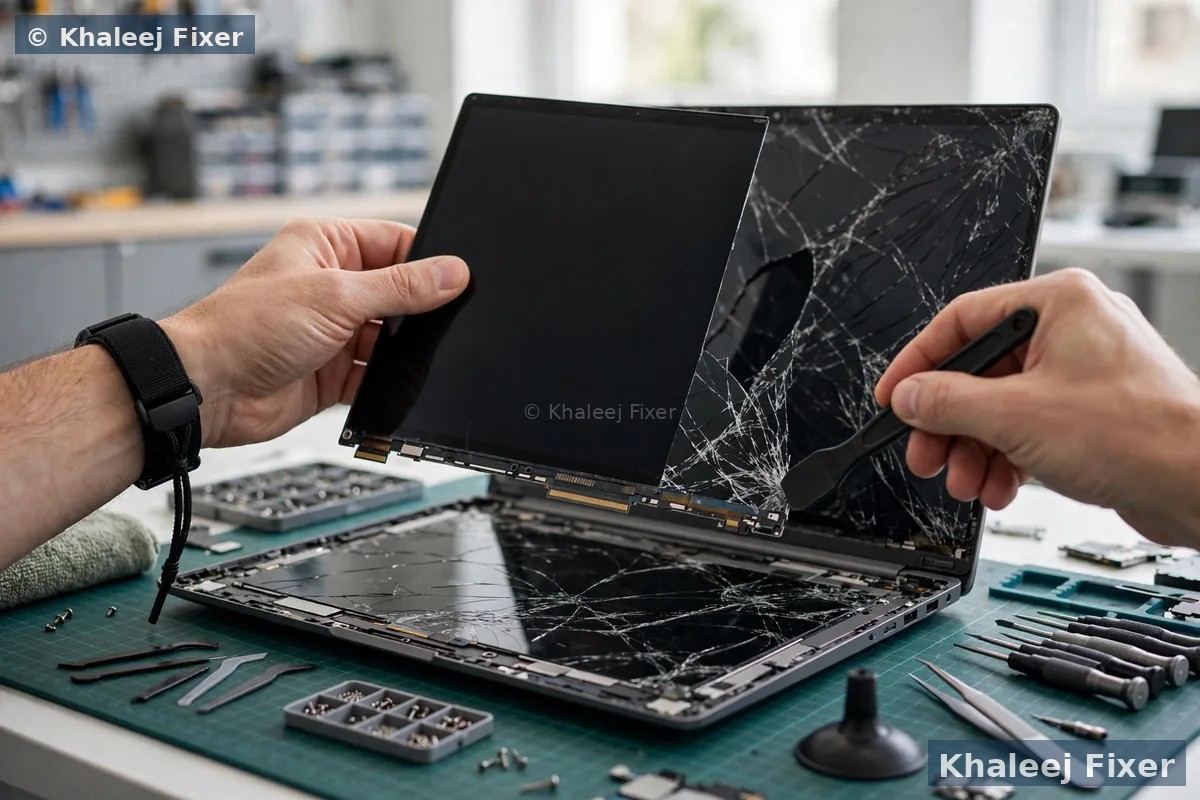
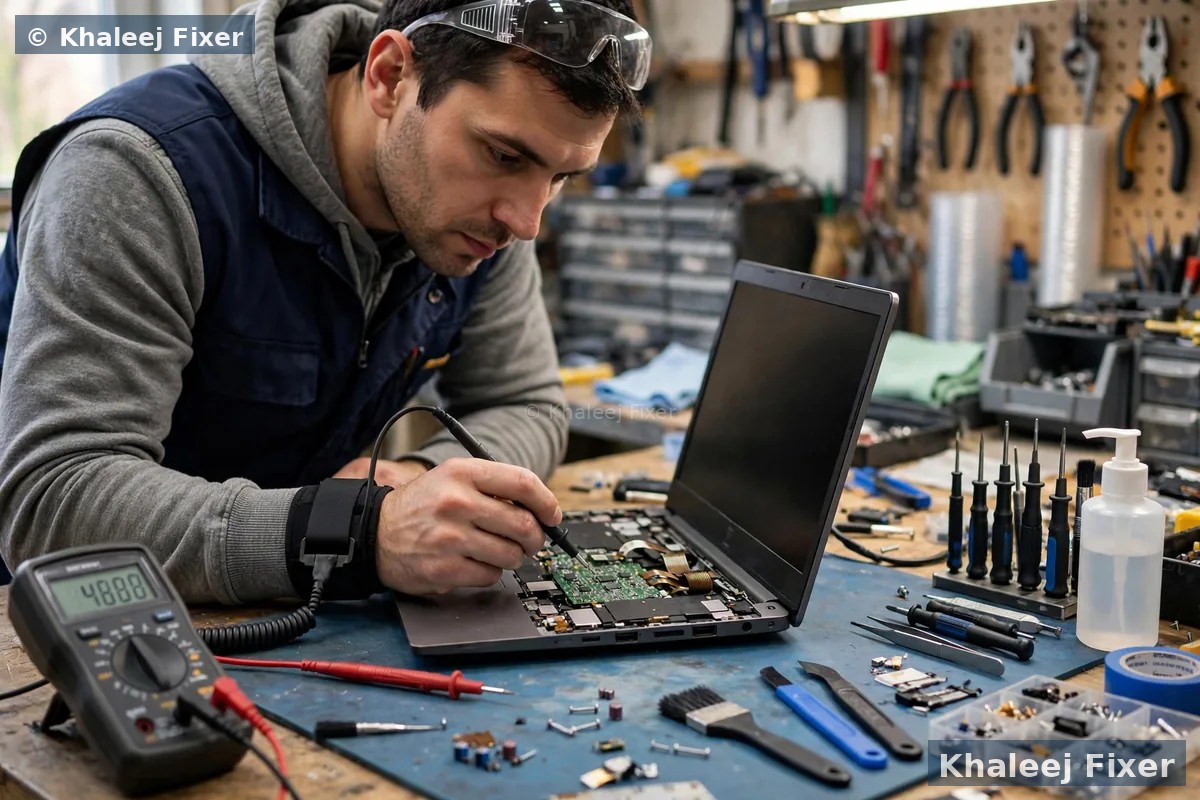
🔍 Why We Diagnose Before We Quote — Always Free
Here’s a secret most Dubai repair shops won’t tell you: not every Lenovo screen symptom is a broken panel. A flickering Yoga might be a worn 360°-hinge display cable, not a dead touchscreen. A black screen on a ThinkPad might be a backlight circuit fault or a GPU issue. A Legion “flickering at 165Hz” might just be a mismatched panel fitted by the last shop. We see misdiagnosed Lenovos every week — machines quoted for full screen replacement that needed a cable, and machines sold cheap incompatible panels that never matched the original display quality.
So our rule is simple: every Lenovo screen job starts with a free, honest diagnosis. We test whether the fault is the panel, the display cable, the backlight circuit, or the graphics chip — and we only quote a Lenovo screen replacement when the panel genuinely needs it. The quote is fixed before we start: the exact panel your model takes, explained in plain language, with no hidden charges. And because we also do full Lenovo laptop repair in Dubai, whatever the diagnosis finds, the same bench handles it.
🖥️ 8 Signs Your Lenovo Screen Needs Replacing
These symptoms almost always mean the panel itself — our free diagnosis confirms it honestly before you spend anything:
Cracked or shattered glass
A drop, a knock, or pressure on the slim lid of an IdeaPad Slim — cracks spread relentlessly across Lenovo panels. A corner crack today becomes a dead panel next week. Lenovo screen replacement is the only real fix; cracks never heal.
Vertical or horizontal lines
Coloured or black lines across the display after a bump or lid pressure — the fingerprint of a fractured LCD matrix. We see it constantly on ThinkPad T14 and IdeaPad 3 machines that travel daily between Dubai offices. Full laptop screen replacement in Dubai service details here.
Flickering or flashing display
Intermittent flicker, brightness pulsing, or the screen cutting out when the lid moves. On Legion gaming laptops, flicker at high refresh rates can also mean a previously fitted mismatched panel. We check the panel, the cable, and the refresh-rate match before quoting — free.
Black screen, machine running
Power light on, fan spinning, keyboard backlit — but nothing on the display. On ThinkPads this can be the panel, the backlight circuit, or the GPU. Free diagnosis identifies which before you spend anything; if it’s the panel, Lenovo display replacement restores it completely.
Dead pixels, blotches, ghosting
Dark or bright spots, ink-like blotches, or image ghosting — pressure damage or panel degradation. ThinkPads occasionally develop ghosting as panels age; individual pixels can’t be repaired, so the panel is replaced as a unit, matched to your exact model.
Dim screen / backlight failure
Display barely visible, readable only with a torch held to it. On modern Lenovos this is usually panel-level backlight failure rather than a settings issue. We diagnose free and quote honestly — sometimes a broader Lenovo laptop repair is the right call instead.
Half the screen works
One side perfect, the other black, distorted or flickering — a fracture along the panel’s matrix drivers. A replacement panel, matched to your exact Lenovo model, resolution and connector, fixes it fully in one visit.
Yoga touchscreen not responding
On Yoga 2-in-1s the touch layer can fail while the image looks fine — or the digitizer cracks invisibly after a drop, sometimes with ghost touches. Yoga touch assemblies are replaced as complete units; we confirm touch, pen and tent-mode function before handover.
Unsure whether it’s the screen, the display cable, or the graphics chip? That’s exactly what the free diagnosis is for — you never pay to find out.
⚠️ What Actually Breaks Lenovo Screens — And How We Stop It Happening Twice
Replacing a panel without fixing what killed it is money wasted. These are the four Lenovo-specific culprits we find again and again — and we check every one of them during the free diagnosis:
Drops, knocks & bag pressure
The everyday killers — a slip from a desk, a knock against a door frame, or an overstuffed bag pressing on a thin IdeaPad Slim lid. Slim bezels mean less structural protection, so even moderate pressure can fracture the panel. A padded sleeve and never stacking heavy items on the laptop prevent most of these.
Failing hinges — the IdeaPad classic
This one is genuinely Lenovo-specific: on many IdeaPad models the hinges stiffen over time, screws rip out of the lid mounts, and the twisting lid cracks the bezel — and the panel with it. We inspect and repair the hinges before fitting any new screen, because a new panel on broken hinges will crack again within weeks. Shops that skip this step sell you two screens.
Swollen battery pressing the panel
On thin Yogas and IdeaPads the battery sits directly behind the panel area — a swollen battery bulges the chassis and presses against the display from inside, causing blotches, pressure lines, or cracks. We check battery condition free during every screen diagnosis and will show you honestly if the battery is part of the problem (see Lenovo laptop battery replacement in Dubai).
Cable wear & heat stress
Yoga 360° hinges flex the display cable thousands of times — a worn cable mimics panel failure with flicker and dropouts, and a cable is far cheaper than a screen. Legion gaming machines run hot; heat cycles stress the panel connector over time. Our diagnosis tests the cable first, so you never pay for a panel you didn’t need.
💻 Every Lenovo Series — The Correct Panel for Your Exact Model
From boardroom ThinkPads to 240Hz Legions — the right display technology, matched to your exact Lenovo:
ThinkPad — Dubai’s business favourite. T-series WUXGA (1920×1200) matte panels, X1 Carbon’s 2.8K OLED options, P-series colour-accurate workstation displays, and PrivacyGuard models where the privacy filter is built into the panel — fit the wrong one and privacy mode disappears. IdeaPad — the volume models; HD and FHD panels, with hinge inspection included on every job given the known hinge weakness. Legion — high-refresh gaming panels (144Hz / 165Hz / 240Hz) matched by exact refresh rate and panel part number; a 60Hz panel in a 165Hz Legion causes flicker and stutter — we never make that swap. Yoga — touchscreen assemblies replaced as complete units (on several models the panel is fused to the glass, so panel-only replacement is physically impossible — we’ll tell you upfront rather than promising what can’t be done).
Under the hood, matching matters: 30-pin vs 40-pin eDP connectors, HD vs FHD vs WUXGA vs QHD vs 4K, touch vs non-touch digitizers, matte vs glossy finishes. Send your Lenovo model number on WhatsApp (underside sticker, Lenovo Vantage, or BIOS) and we confirm the exact panel — part-number matched — is in stock before you commit. Other brands: Dell screen replacement, HP screen replacement and MacBook screen replacement.
🎮 Legion Owners — Read This Before Any Repair
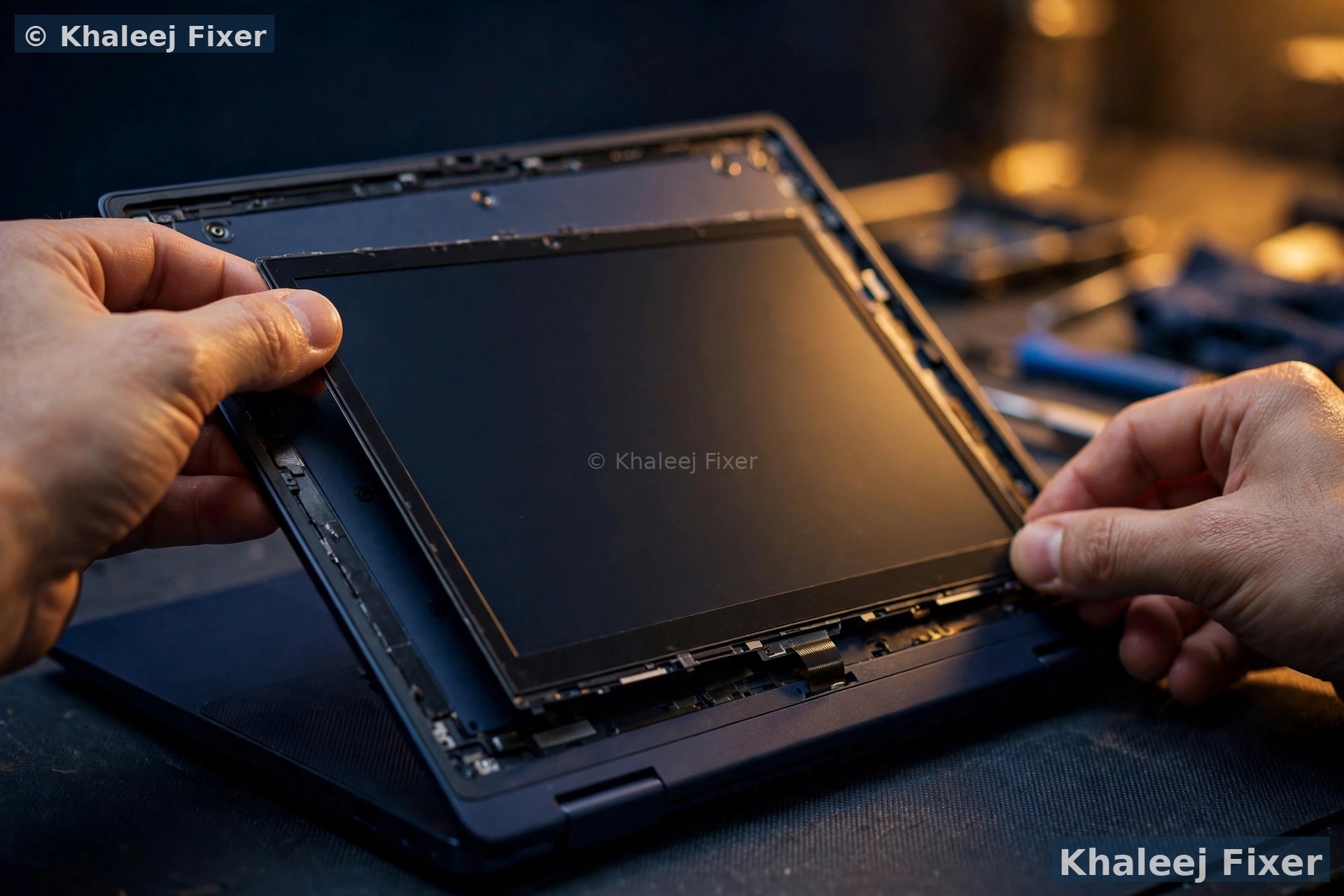
Your Legion’s panel is not a commodity screen. It’s a high-refresh gaming display — 144Hz, 165Hz or 240Hz — tuned to the machine’s GPU. A generic “fits all 15.6-inch” panel will light up, sure — and then stutter, tear, or flicker the moment a game starts, because the refresh rate and response spec don’t match. We’ve rescued Legions from exactly this botched repair more times than we can count.
When we replace a Legion display, we match the panel part number to part number — same refresh rate, same response time, same colour gamut as your original. Touch, brightness range and G-Sync/FreeSync behaviour verified before handover. Your frame rates stay yours.
🔧 Our Lenovo Screen Replacement Process — 4 Steps, Same Day
Lenovo displays need model-accurate hands — bezels, 360° hinges, touch assemblies and high-refresh panels each have their own demands:
Free diagnosis + exact panel match
We confirm the fault is the panel — testing the display cable, backlight circuit and GPU first — then identify your exact Lenovo model and panel part number: connector type, resolution, touch variant, refresh rate. Fixed quote, no charge, no obligation.
Careful removal + hinge check
The bezel is released with proper tools — no cracked plastic, no scratched lids. We inspect the hinges (critical on IdeaPads) and repair them if needed, disable power safely, and disconnect the old panel with ESD protection. On Yogas, the complete touch assembly comes out as one unit.
Correct panel fitted + fully tested
The part-number-matched panel is fitted, the display cable seated and locked properly, then we test everything: dead pixels, backlight uniformity, brightness range, exact refresh rate on Legions, touch and pen on Yogas, plus webcam and lid-sensor checks.
2-month warranty handover
Your Lenovo returns with a flawless display and our 2-month warranty on panel and labour — covering dead pixels, flicker, lines, backlight and touch faults. Free pickup and delivery across Dubai and Sharjah, 7 days, 11 AM–11 PM.
⚖️ Repair or Replace? Our Honest Guidance for Lenovo Owners
We’ll never sell you a screen you don’t need — and sometimes the honest answer is a new machine. Here is how we think about it:
General repair economics: laptop repair in Dubai →
💰 What Affects Lenovo Screen Replacement Cost
We publish transparent pricing, and your final quote is always confirmed after the free diagnosis — never a surprise at pickup. These are the factors that move the price:
⚠️ Genuine vs Cheap Lenovo Displays — The Honest Explanation
Dubai’s parts market is flooded with bargain “Lenovo-compatible” screens, and the price gap looks tempting — until you know what it hides. Genuine-quality Lenovo panels carry factory colour calibration, full brightness output, correct contrast, and — on Yogas — a properly paired touch digitizer. Cheap substitutes routinely suffer washed-out colours, lower maximum brightness, narrower viewing angles, touch layers that register ghost touches or miss taps entirely, and — on Legions — refresh rates that don’t match the original, causing visible stutter.
Our policy: we fit genuine-quality Lenovo panels matched to your exact model’s part number — correct resolution, correct connector, correct touch type, correct refresh rate — and we tell you precisely what panel you’re getting before we start. Ask us the part number; we’ll answer. If a quality compatible panel genuinely suits an older machine, we’ll say so and price it accordingly: your choice, fully informed. Related: Lenovo laptop battery replacement in Dubai — worth checking while the machine is open.
🏆 Why Lenovo Owners Choose Khaleej Fixer Over the Rest
Big repair chains do volume; we do Lenovos properly. Here’s the difference, point by point:
📍 Free Pickup — Dubai & Sharjah
Lenovo screen replacement with free pickup and delivery across both emirates — or walk in:
📍 Visit us: 41 St, Industrial Area 2, Sharjah, UAE — open 7 days, 11 AM to 11 PM. Other brands: Asus screen replacement · Full range: laptop repair in Dubai →
🔗 Related repairs: Display fixed but the battery dying too? See our Lenovo laptop battery replacement in Dubai — and for every brand, the laptop screen replacement Dubai hub covers the full service. Full Lenovo care: Lenovo laptop repair in Dubai →
❓ Lenovo Laptop Screen Replacement FAQs — Dubai
How much does Lenovo laptop screen replacement cost in Dubai?
It depends on your exact Lenovo model and panel type — an IdeaPad 3 HD panel costs less than a ThinkPad X1 Carbon 2.8K OLED or a Legion 240Hz gaming panel, and Yoga touchscreen assemblies cost more than non-touch panels. We publish transparent pricing on our price list, and your final quote is always confirmed after the free diagnosis with no hidden charges.
How long does it take to replace a Lenovo laptop screen?
Most Lenovo screen replacements are completed the same day — often within a few hours when the panel is in stock, which common ThinkPad, IdeaPad, Legion and Yoga panels are. Rare panels or complete Yoga touch assemblies are sourced quickly, with an honest timeline given upfront.
Can a cracked Lenovo laptop screen be repaired, or does it need replacing?
The panel itself must be replaced — cracked LCD glass can’t be “repaired”. On most Lenovos it’s panel-only, so your lid, hinges, webcam and cables are kept. One exception: on several Yoga models the panel is fused to the glass, so a complete touch assembly is required — we’ll tell you honestly if yours is one of them.
Will my data be safe during Lenovo screen replacement?
Completely. Screen replacement doesn’t touch your SSD or hard drive in any way — your files, apps and settings remain exactly as they were. As a shop that also performs data recovery, data safety is built into everything we do.
Should I get an original Lenovo display or a compatible one?
We fit genuine-quality Lenovo panels matched to your exact model’s part number — factory-grade colour, brightness, touch accuracy and refresh rate. Cheap compatibles can suffer washed-out colours, lower brightness, ghost touches on Yogas and stutter on Legions. We explain exactly what panel you’re getting before we start, and if a quality compatible panel genuinely suits an older machine, we’ll say so.
Is it worth replacing the screen on an old Lenovo ThinkPad?
Usually yes — ThinkPads hold their value better than almost any Windows laptop. Our honest rule of thumb: if the repair costs less than about 25% of a comparable new machine and the Lenovo is under 5 years old and otherwise healthy, repair wins. If it’s 6+ years old with multiple failing parts, we’ll tell you straight that a new machine makes more sense.
Do you replace Yoga touchscreens and Legion high-refresh gaming panels?
Yes — Yoga touchscreens are replaced as complete assemblies (panel + digitizer), with touch, pen and tent-mode tested before handover. Legion gaming panels are matched part-number to part number by exact refresh rate (144Hz / 165Hz / 240Hz) and response spec, so your frame rates stay exactly as the machine was built for.
My IdeaPad hinge is broken too — will that damage the new screen?
It absolutely can — a stiff or broken hinge twists the lid every time you open it, which is how many IdeaPad screens crack in the first place. That’s why we inspect and repair the hinges before fitting any new panel. A shop that fits a screen onto broken hinges is selling you two screens; we fix the cause, not just the symptom. Every Lenovo screen replacement carries our standard 2-month warranty on panel and labour.
Get Your Lenovo Display Back to Perfect — Today
One message is all it takes. Free diagnosis · Same-day replacement · Part-number-matched Lenovo panels · 2-month warranty.
💬 WhatsApp: +971 506 757 156 📞 Call Now
📍 41 St, Industrial Area 2, Sharjah, UAE — open 7 days, 11 AM – 11 PM