
Swollen Laptop Battery? What to Do Right Now — Safety Guide (Dubai & Sharjah)
A swollen laptop battery is not just a cosmetic problem — it is a genuine fire hazard. This guide explains what causes laptop battery swelling, the warning signs to watch for, and exactly what to do — plus how Khaleej Fixer safely replaces swollen batteries same-day in Dubai & Sharjah.
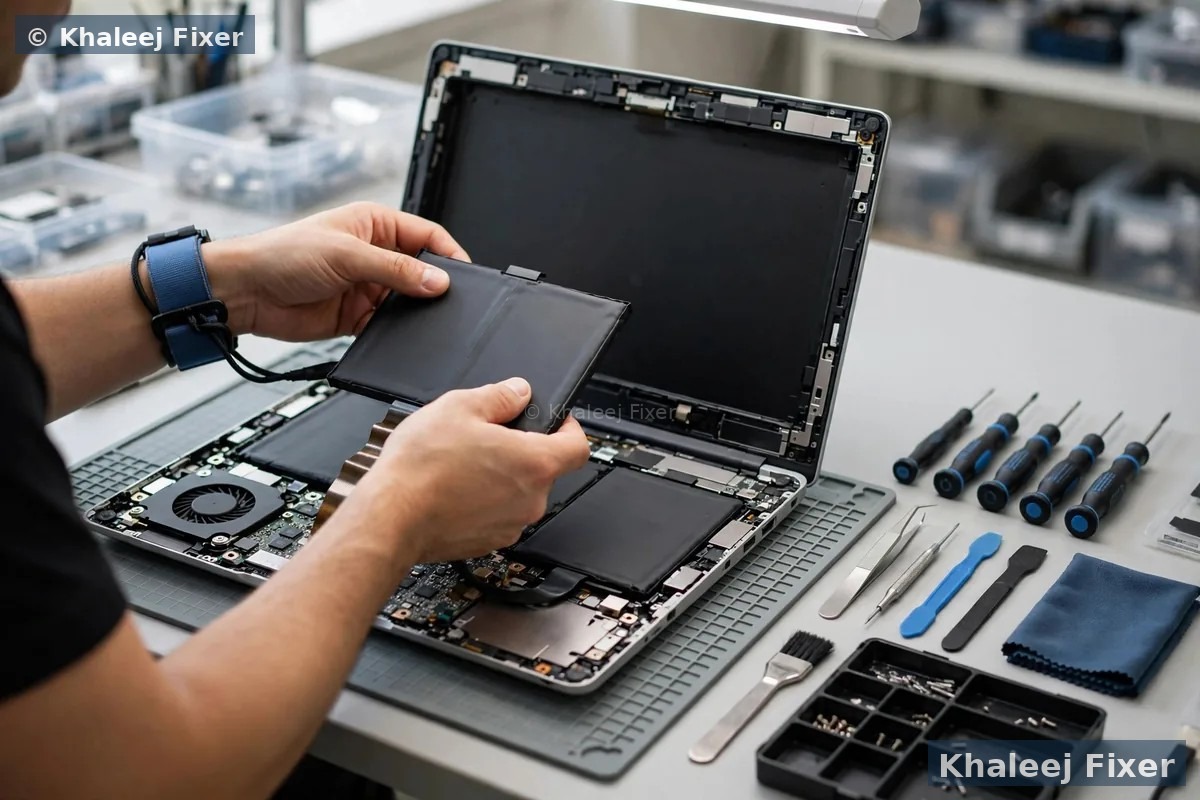 Safe, professional swollen-battery replacement — free pickup across Dubai and Sharjah
Signs Your Laptop Battery Is Swelling
A bloated laptop battery does not always announce itself loudly. Because the cells sit underneath the keyboard and trackpad, the first clues are usually physical changes to the laptop’s shape. Watch for these swollen battery warning signs:
- Trackpad lifting or popping up — the most common early sign; pressure from the swollen battery underneath pushes the trackpad upward until clicks feel stiff or stop working.
- Keyboard bulge — keys feel raised or uneven in the middle of the keyboard deck, or the deck visibly arches.
- Case won’t close flat — the lid no longer sits flush when closed because the base has bowed.
- Laptop wobbles on the desk — the bottom panel is bowing outward, so the machine rocks instead of sitting flat.
- Visible gap between the bottom cover and the chassis, or screws that look strained.
- Overheating and rapid drain — a failing cell often runs hot and loses charge far faster than it used to.
If you notice any of these, treat it as a swollen laptop battery until a professional confirms otherwise — and act today, not next week.
What to Do RIGHT NOW — 5 Steps
If your laptop battery is swelling, follow these steps in order. They take five minutes and remove the immediate danger:
What NOT to Do
- Do not keep using the laptop with a swollen battery — can you still use a laptop with a swollen battery? No. Stop immediately.
- Do not charge it “just once more” — charging a swollen cell is the fastest way to make things worse.
- Do not open the laptop to pull the battery out yourself — glued-in batteries must never be pried out with tools.
- Do not crush, drop, bend, or puncture the battery.
- Do not throw a swollen battery in household rubbish — it is hazardous e-waste and illegal to dump in many areas.
What Causes a Laptop Battery to Swell?
Laptop battery swelling happens when gas — such as oxygen and carbon dioxide — builds up inside the lithium-ion cells. The pouch or casing expands like a balloon. The main causes we see in our Dubai & Sharjah repair lab:
- Overcharging — leaving the laptop plugged in constantly at 100% for weeks keeps the cells under stress.
- Excessive heat — hot environments, blocked vents, and heavy gaming on soft surfaces. In the UAE summer, a laptop left in a parked car can easily exceed safe temperatures.
- Age and chemical degradation — all lithium-ion cells degrade; swelling risk rises noticeably after 2–3 years of daily use.
- Manufacturing defects — rare, but some cells fail early even with perfect care.
- Cheap, low-quality replacement batteries — uncertified cells swell far sooner than quality ones.
Can a Swollen Battery Be Fixed?
No. A swollen laptop battery cannot be repaired or flattened back — the cell has permanently failed. The only safe fix is professional replacement plus proper disposal of the old cell. Anyone offering to “fix” a swollen battery is putting your safety at risk.

How We Replace It at Khaleej Fixer
Swollen-battery jobs get priority in our lab because of the safety risk. Here is exactly what happens when you hand us your laptop:
🔍 Free Diagnosis First
We check whether the swelling has warped your trackpad, keyboard deck, or chassis — pressure damage is quoted separately and honestly. Diagnosis is always free; you approve the final quote before we touch anything.
🔋 Genuine-Quality Replacement
We fit a high-quality compatible battery matched to your exact model — HP, Dell, Lenovo, Asus, Acer, Apple MacBook and more. Same-day replacement for common models.
♫️ Safe Disposal Included
Your old swollen battery is disposed of as hazardous e-waste — never in normal rubbish. Safe for you, safe for the environment, and fully compliant with UAE e-waste practice.
🛡️ 2-Month Warranty
Every laptop battery replacement in Dubai & Sharjah carries our written 2-month warranty, with free pickup and delivery, 7 days a week, 11 AM – 11 PM.
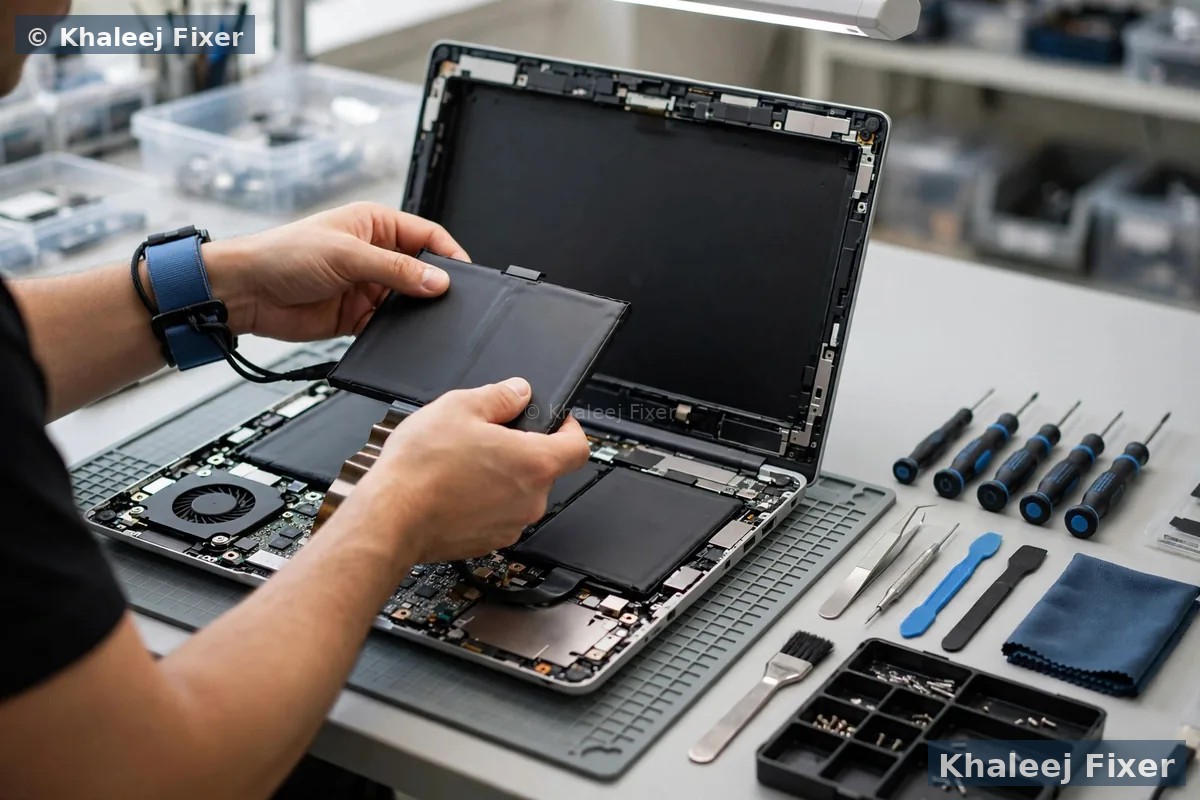
Swollen battery replacement from AED 170 — exact prices on our price list.
Prevention Tips — Stop the Next Battery From Swelling
- Avoid leaving your laptop plugged in at 100% for days — unplug once charged when possible, or use your manufacturer’s battery-charge limiter (many brands now cap charging at 80%).
- Keep vents clear and use the laptop on hard, flat surfaces so heat can escape.
- Avoid extreme heat — never leave a laptop in a parked car in the UAE summer.
- Replace ageing batteries (3+ years) before they swell — watch for the early trackpad lift described above.
- Use the original or a quality charger matched to your model; cheap chargers stress cells.
Frequently Asked Questions
Is a swollen laptop battery dangerous?
Can I still use my laptop if the battery is swollen?
What should I do first when I notice the swelling?
Can a swollen battery be fixed or flattened back?
What causes a laptop battery to swell?
Will a swollen battery damage my laptop?
How do I dispose of a swollen battery safely in Dubai & Sharjah?
How much does swollen battery replacement cost in Dubai?
Swollen Battery? Don’t Wait.
Free diagnosis · Free pickup & delivery · Same-day for common models · 2-month warranty