
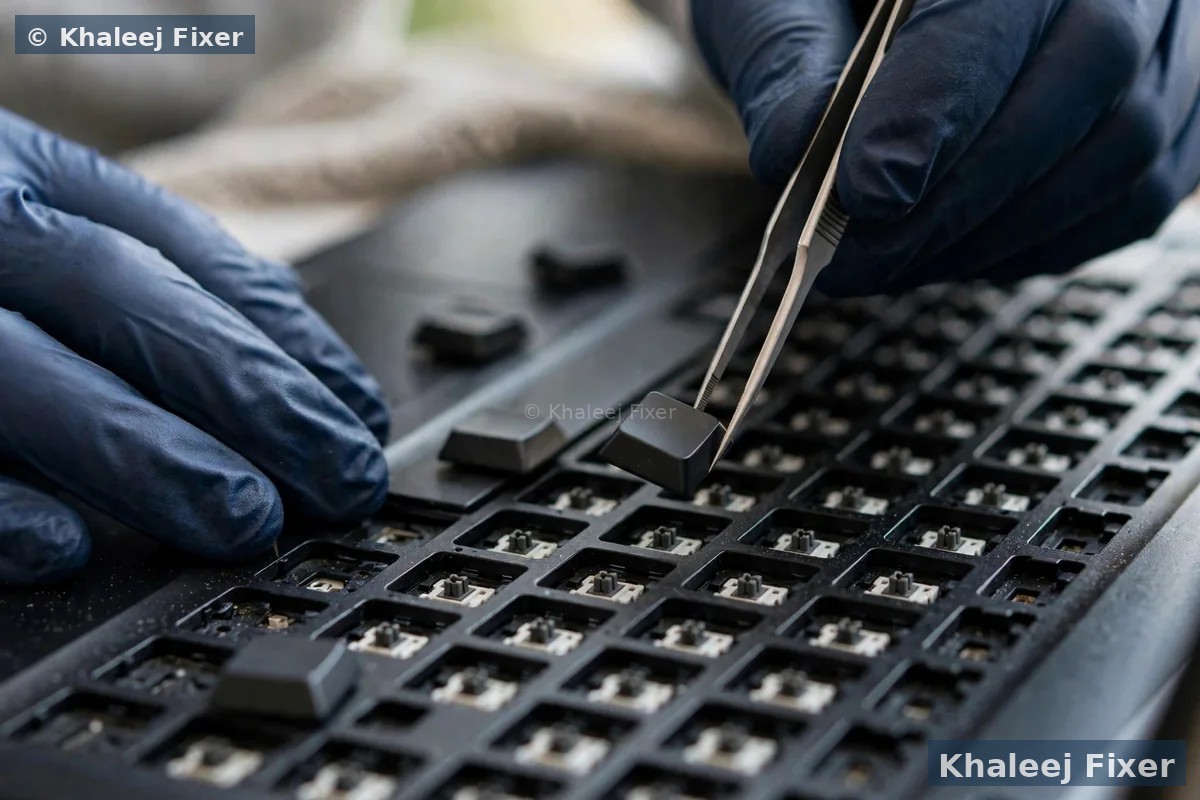
First, find out how much of the keyboard is dead
Before you change anything, work out the pattern. The pattern tells you the cause. Open a notes app and press keys across the whole keyboard, row by row.
Nothing types at all. This usually means a setting, a driver, or a connection fault, not a dead keyboard. Start with the restart and settings checks below.
Only some keys fail. One row dead, or a block of keys dead, often means dirt under the keys, a damaged key membrane, or a ribbon cable fault. A single dead key is usually that one key switch.
Keys type the wrong letters, or repeat. Wrong letters often mean the keyboard layout changed. Repeating keys often mean a stuck key or a worn switch.
Write down what you find. If you later message us on WhatsApp, that short list helps us confirm the fault before pickup, and it helps you avoid paying for a part you do not need.
The safe checks to try at home
1. Restart the laptop properly. A full restart, not just sleep and wake, clears many stuck driver faults. If the keyboard works after a restart but fails again later, note when it fails. That pattern helps a technician find the cause.
2. Try an external keyboard. Plug in a USB keyboard. If the USB keyboard types fine, Windows and your programs are fine, and the fault sits in the built in keyboard or its connection. If the USB keyboard also fails, the fault is in software or settings.
3. Check the layout and language. On Windows, look at the language bar. A layout change from US to UK, or to Arabic, moves symbols around and makes it look like keys are broken. Switch back to your normal layout and test again.
4. Turn off Filter Keys and Sticky Keys. These accessibility settings slow down or ignore fast key presses. They get turned on by accident, often by holding Shift too long. Find them in Settings, then Ease of Access, then Keyboard, and switch them off.
5. Update or reinstall the keyboard driver. Open Device Manager, find Keyboards, right click the keyboard, and choose Update driver. If that fails, choose Uninstall device, then restart. Windows installs a fresh driver on its own.
6. Clean loose dirt gently. Turn the laptop off. Hold it at an angle and use short bursts of compressed air across the keys. Never use a vacuum on the keys, and never pour liquid on the keyboard. For sticky keys, a soft dry cloth is enough at home. Deep cleaning under the keycaps is a workshop job on most modern laptops, because the key clips break easily.
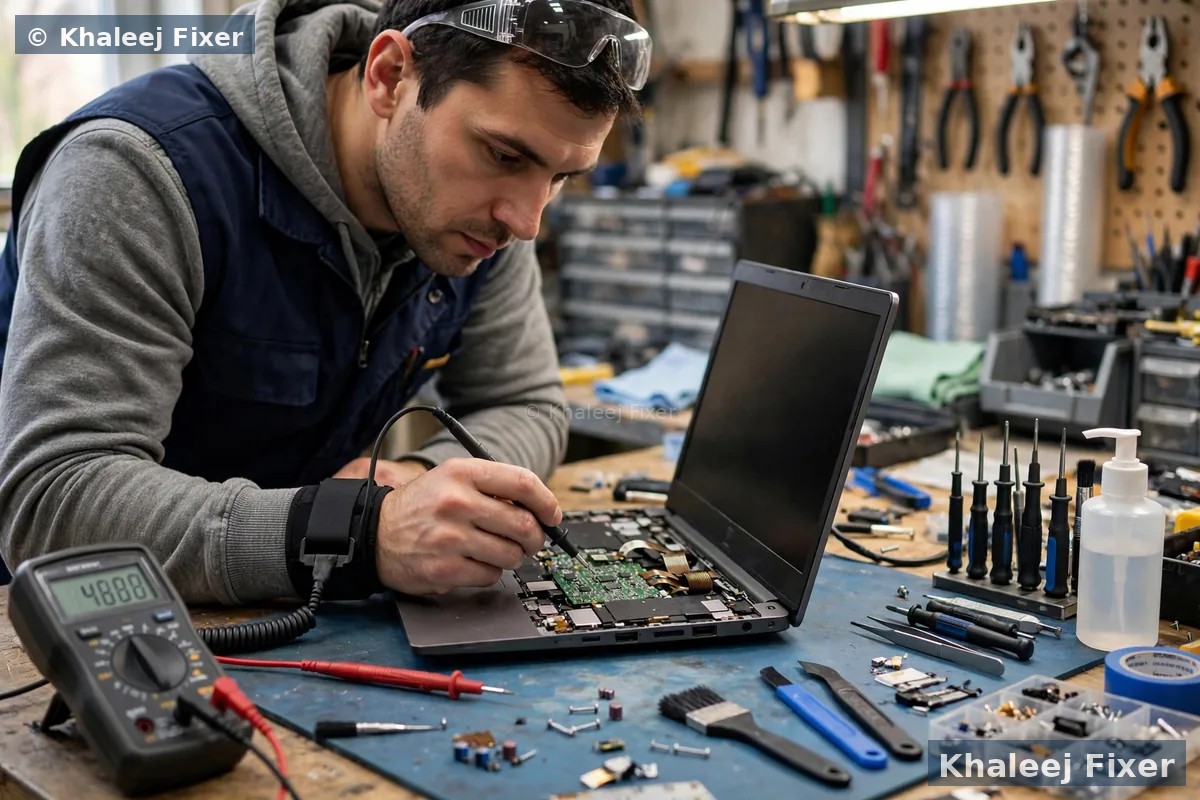
What a liquid spill changes
A spill is the one keyboard fault where speed matters more than any check. Tea, coffee, and juice leave sugar and salts behind. Even if the keyboard works after a spill, corrosion grows under the keys over days and weeks, and it can spread to the board below.
If you spill liquid, switch the laptop off at once, unplug the charger, and turn the machine upside down so liquid drains away from the board. Do not switch it back on to test it. Do not use a hair dryer on it. Heat pushes liquid deeper and warps plastic parts. Bring it in for a free diagnosis the same day if you can. The sooner it is cleaned inside, the smaller the repair usually is.
A spill that only killed the keyboard is a lucky outcome. Our laptop repair service in Dubai covers the full spill check, keyboard and board, so a small fault does not turn into a dead machine later.
When the keyboard itself needs replacing
Some faults cannot be fixed by settings or cleaning. A keyboard usually needs replacing when a whole row stays dead after a driver reinstall, when the ribbon cable or its connector is damaged, when several keys are physically broken, or when a spill has corroded the membrane. On many modern laptops the keyboard is riveted or glued into the top case, so replacing it is careful workshop work, not a five minute home job. Forcing a riveted keyboard can crack the palm rest or damage the trackpad cable next to it.
A good technician checks three things before quoting a new keyboard. The ribbon cable and its connector. The keyboard membrane. And whether the board itself still sends the key signal. If the cable is the fault, a cable fix costs far less than a keyboard. That check is part of our free diagnosis, and the final quote always comes after it. Starting prices are on our price list page.
Keep a new keyboard working longer
Keyboards fail early for the same few reasons. Dust and crumbs under the keys. Eating and drinking over the machine. Pressing keys hard when a program freezes. And heat. A laptop that runs hot for months, as our overheating guide explains, wears out every part faster, including the keyboard membrane.
Simple habits help. Keep drinks to the side, not above the keyboard. Wipe the keys with a dry cloth once a week. Use a keyboard cover if you work in a dusty place. And if a key starts to feel stiff or sticky, get it looked at early. A stiff key today is often a dead row next month, and early cleaning is cheaper than a full keyboard.

Free pickup for keyboard repair in Dubai and Sharjah
You do not need to work around a dead keyboard for days. We collect free from homes and offices across Dubai and Sharjah, including Al Nahda, Al Majaz, Muwaileh, Al Qasimia, Rolla, University City, Al Taawun, and Al Khan. Our workshop in Industrial Area 2, Sharjah, is open 7 days, 11 AM to 11 PM. Most keyboard jobs finish the same day or the next day, depending on the part stock for your exact model.
If the keyboard fault came with another problem, such as a screen crack or a weak battery, tell us on WhatsApp and we check the whole machine in one visit. Our screen replacement and battery replacement pages explain those checks in full.
Frequently Asked Questions
Why did my laptop keyboard suddenly stop working?
The most common causes are a driver fault, a changed keyboard layout, Filter Keys turned on by accident, dirt under the keys, or a loose ribbon cable. Restart first, then try an external keyboard to narrow it down.
Can a single dead key be fixed without replacing the whole keyboard?
Sometimes. If only the keycap or one switch is broken, that key can be fixed on its own. If the membrane under the keys is damaged, the full keyboard usually needs replacing.
What should I do right after spilling liquid on my keyboard?
Switch the laptop off, unplug it, and turn it upside down so liquid drains out. Do not switch it back on to test it and do not use heat to dry it. Get a free diagnosis the same day.
How long does laptop keyboard replacement take?
Most keyboard jobs finish the same day or the next day, depending on the part stock for your exact model. We confirm the timing with your quote, and free pickup and delivery are included.
Do you offer free pickup for keyboard repair in Sharjah?
Yes. Free pickup and delivery cover Sharjah, including Al Nahda, Al Majaz, Muwaileh, Al Qasimia, Rolla, University City, Al Taawun, and Al Khan, and Dubai too. We are open 7 days, 11 AM to 11 PM.
Keyboard not typing? Get a free diagnosis today.
Message us on WhatsApp or call. Free pickup, free diagnosis, final quote before any work, 2-month warranty.
Free Diagnosis • Free Pickup & Delivery • 2-Month Warranty • Open 7 Days 11AM to 11PM