
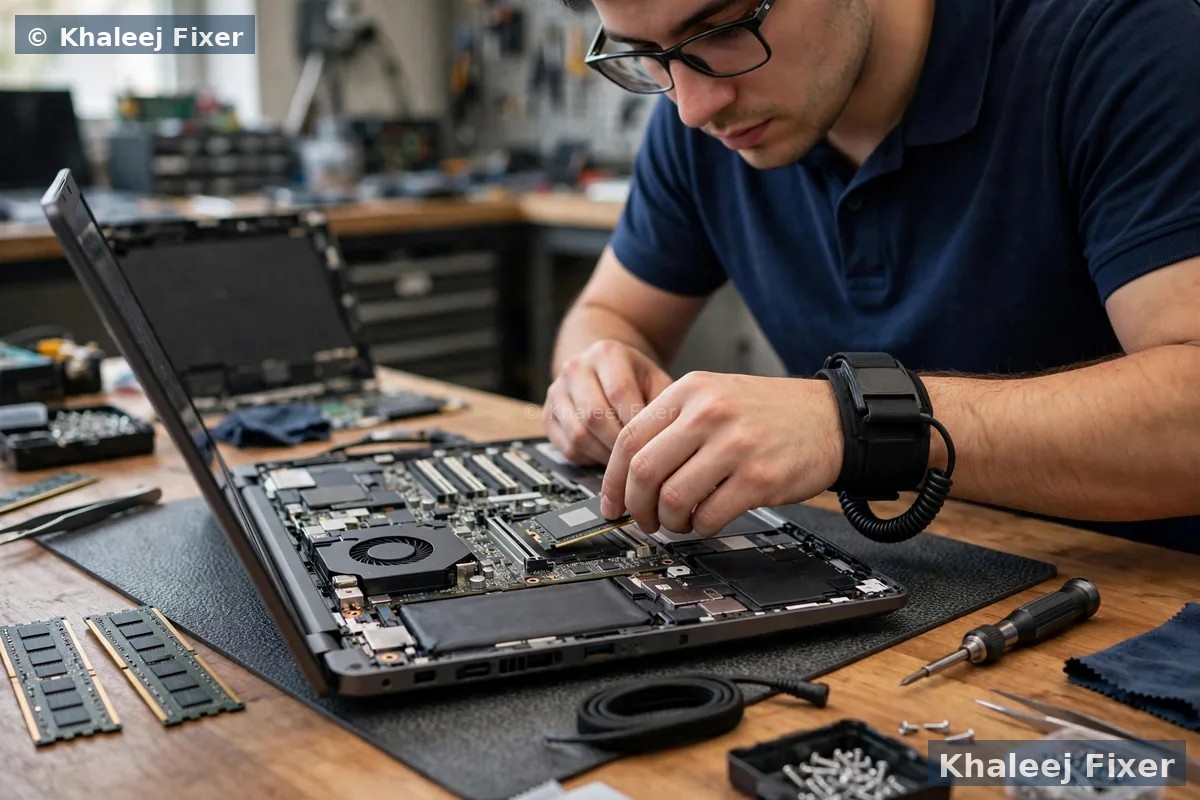
What Do SSD and RAM Actually Do? (In Plain Words)
Think of your laptop like a desk. RAM is the size of the desk top. A bigger desk lets you spread out more papers (programs) at once without stacking and shuffling. Storage is the filing cabinet. An old hard drive (HDD) is a slow cabinet where finding a file takes a while. An SSD is a fast cabinet where every file is found in seconds.
When your desk is too small, you keep putting papers away and pulling them back out. That feels like lag when you switch between programs. When your cabinet is slow, every program takes ages to open, and the laptop takes minutes to start. Both feel like “a slow laptop”, but the fix is different. That is why guessing wastes money. A quick check tells you which one is holding you back.
One more plain fact. An SSD upgrade also makes the laptop quieter and cooler in many cases, because there are no spinning disks inside it. A RAM upgrade does not change startup speed much on its own. Keep that in mind as you read the signs below.
Signs You Need an SSD Upgrade
Your laptop takes more than a minute to reach the desktop. Windows or programs show a spinning circle for a long time. Opening a browser or Word feels slow even when only one program is open. The hard drive light stays on, or you hear a faint spinning and clicking sound. These are classic hard drive signs.
An SSD changes this completely. Startup often drops from minutes to seconds. Programs open fast. Files copy fast. The laptop feels new again, even if it is five or six years old. For most older laptops in Dubai homes and offices, the SSD is the single biggest speed upgrade available. It is also the upgrade we recommend first when a laptop still has a hard drive.
Not sure what storage your laptop has? Our free diagnosis checks it in minutes, and we tell you honestly if an SSD will help. See our laptop repair in Dubai service for the full check.
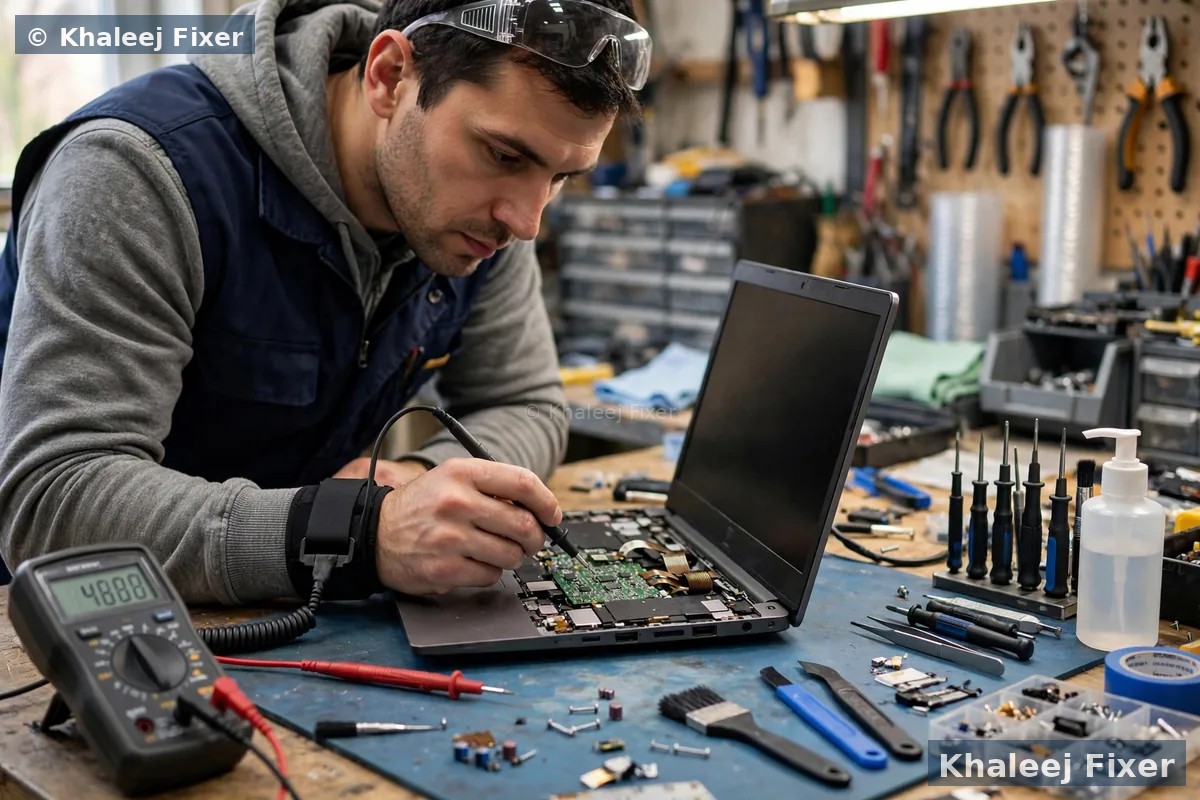
Signs You Need More RAM
Your laptop starts fine, but slows down the moment you open a few things at once. Ten browser tabs, Zoom, and Word together make everything crawl. Switching between programs takes seconds, and the laptop sometimes freezes for a moment. You see “low memory” warnings, or programs close on their own. These are classic low RAM signs.
Most laptops sold a few years ago came with only 4GB of RAM. That was fine then. Today, a browser alone can use that much. For normal office work, study, and browsing, 8GB is the practical minimum now, and 16GB is comfortable. If your laptop has 4GB and you multitask, a RAM upgrade will feel like a different machine.
How do you check? On Windows, open Task Manager (press Ctrl, Shift, and Esc together) and look at Performance, then Memory. If memory sits above 85 percent while you work normally, you need more RAM. If it sits low but the laptop is still slow to start, you need an SSD instead. That one check answers the whole question.
SSD vs RAM: Quick Comparison

Which Upgrade Should You Do First?
If your laptop still has a hard drive, do the SSD first. It is the upgrade that changes how the laptop feels every single day, from the moment you press power. You can add RAM later if you still multitask heavily.
If your laptop already has an SSD but only 4GB of RAM, do RAM first. The SSD is already doing its job. The bottleneck is memory, and more RAM will unlock the speed the SSD is already offering.
If your laptop has a hard drive and only 4GB of RAM, and you use it heavily, do both together if your budget allows. The combination feels like a new laptop. If you must choose one now, choose the SSD, then save for RAM. A slow laptop with an SSD and 4GB of RAM still beats a fast-starting laptop idea that never arrives.
One warning. Some thin laptops have RAM soldered to the board, which means it cannot be upgraded later. SSDs can usually still be upgraded. Before you buy any part, check what your model allows. Our free diagnosis checks exactly this, so you never buy the wrong part. Related help: laptop repair in Dubai →
Will an Upgrade Delete My Files?
No, not when it is done properly, but the two upgrades work differently. A RAM upgrade never touches your files at all. It is a simple part swap, and your data stays exactly where it was.
An SSD upgrade needs care. Your files live on the old hard drive, so they must be moved (cloned) to the new SSD, or backed up first and restored after. We clone your drive as part of the upgrade, so your Windows, programs, and files come across intact. You get your old drive back as well, as a backup. Never let a shop fit a new SSD without asking how your data moves across. That question alone tells you if they know what they are doing.
How Long Does an SSD or RAM Upgrade Take?
RAM alone is usually a same-day job, often under an hour. An SSD upgrade with data cloning usually takes a few hours, depending on how much data you have. A full drive with hundreds of gigabytes takes longer to clone than a nearly empty one. We confirm the time at the free diagnosis, before any work starts, and we offer free pickup and delivery across Dubai and Sharjah so you do not need to wait at the shop.
When Is an Upgrade Not Worth It?
Honest answer: if the laptop is more than 9 or 10 years old, has a very weak processor, and needs an SSD plus RAM plus a battery, the total cost can come close to a basic new laptop. In that case we will tell you so at the diagnosis. We would rather keep you as a customer than sell you upgrades on a machine that cannot use them well. Most laptops between 3 and 7 years old, though, are excellent upgrade candidates. They have good processors held back by slow storage or low memory, and that is exactly what upgrades fix.
❓ SSD or RAM Upgrade FAQs
Should I upgrade SSD or RAM first for a slow laptop?
SSD first if your laptop still uses a hard drive, because it fixes slow startup and slow program opening. RAM first if your laptop already has an SSD but only 4GB of RAM and slows down with many programs open. If both are weak and you use the laptop heavily, do both together for the best result.
Will an SSD upgrade make my laptop faster?
Yes, in most cases it is the biggest single speed upgrade for an older laptop. Startup time, program opening, and file copying all improve a lot. An SSD does not fix a laptop that is slow only because it runs out of RAM with many programs open. That needs more RAM.
How much RAM do I need in 2026?
For normal browsing, office work, and study, 8GB is the practical minimum and 16GB is comfortable. With only 4GB, modern browsers and programs will slow the laptop down as soon as you multitask. Check Task Manager: if memory sits above 85 percent during normal work, you need more RAM.
Will upgrading SSD or RAM delete my files?
A RAM upgrade never touches your files. An SSD upgrade needs your data moved to the new drive by cloning or backup. Khaleej Fixer clones your drive as part of the upgrade, so Windows, programs, and files come across intact, and you keep your old drive as a backup.
Can every laptop be upgraded?
Most can, but not all. Some thin laptops have RAM soldered to the board and cannot take more RAM, though the SSD can usually still be upgraded. Before buying any part, check what your model allows. Khaleej Fixer checks this free at diagnosis, so you never buy the wrong part.
🔗 Related: laptop running hot too? Overheating also slows a laptop down. See our laptop repair in Dubai service for a full health check, and our screen replacement hub if the display is also failing. Screen pages in this series: Toshiba screen replacement Dubai → and Huawei screen replacement Dubai →
Make Your Slow Laptop Fast Again
One message is all it takes. Free diagnosis · SSD and RAM checked · Data cloned safely · 2-month warranty.
💬 WhatsApp: +971 506 757 156 📞 Call Now
📍 41 St, Industrial Area 2, Sharjah, UAE, open 7 days, 11 AM to 11 PM