
🖥️ The 2-Minute External Monitor Test — Your Definitive Home Diagnosis
This is the exact test professional technicians run first, and it’s the single most reliable way to answer how to tell if your laptop screen or graphics card is broken. Here’s how to do it:
Grab any external display
A desktop monitor, a TV, even a hotel TV — anything with an HDMI port works. Connect it to your laptop with an HDMI cable. Almost every laptop has an HDMI output; on newer ultrabooks you may need a USB-C to HDMI adapter.
Power it on and switch the display
Turn on the external display, then press Windows + P and choose “Duplicate” (mirrors the same image to both screens). If you get no picture, try “Second screen only” — some laptops need you to activate the external output with a function key (often Fn + F4 / F5 / F8, look for the monitor icon).
Compare the two screens
Open a photo or document and look at both screens side by side. This is the moment of truth — and it only has two possible outcomes:
The fault appears only on your laptop’s built-in screen. Your graphics chip is fine — the problem is the LCD panel itself, the display cable, or the backlight. These are all fixable, and none of them require motherboard work. See our laptop screen replacement in Dubai for how each is repaired.
Lines, distortion or crashes appear on both displays. The panel is innocent — this points at the graphics driver, the GPU, or the motherboard. Before worrying: try the driver reset in the FAQ below. If it persists, it’s hardware — see our laptop motherboard repair in Dubai.
One caveat: if you get no picture at all on the external display, don’t panic — first double-check the cable, the TV’s input source, and the Windows + P toggle. Many “dead” laptops just need the right key press. If it still won’t output anything, the fault is deeper than the screen, and a free diagnosis is the next step. Full laptop repair in Dubai →
🧩 Symptom Decoder: What Each Fault Actually Looks Like
Run through these — most customers recognise their exact problem in seconds. Each card tells you what the symptom usually means and which repair direction it points to:
Cracked, ink-blot or shattered display
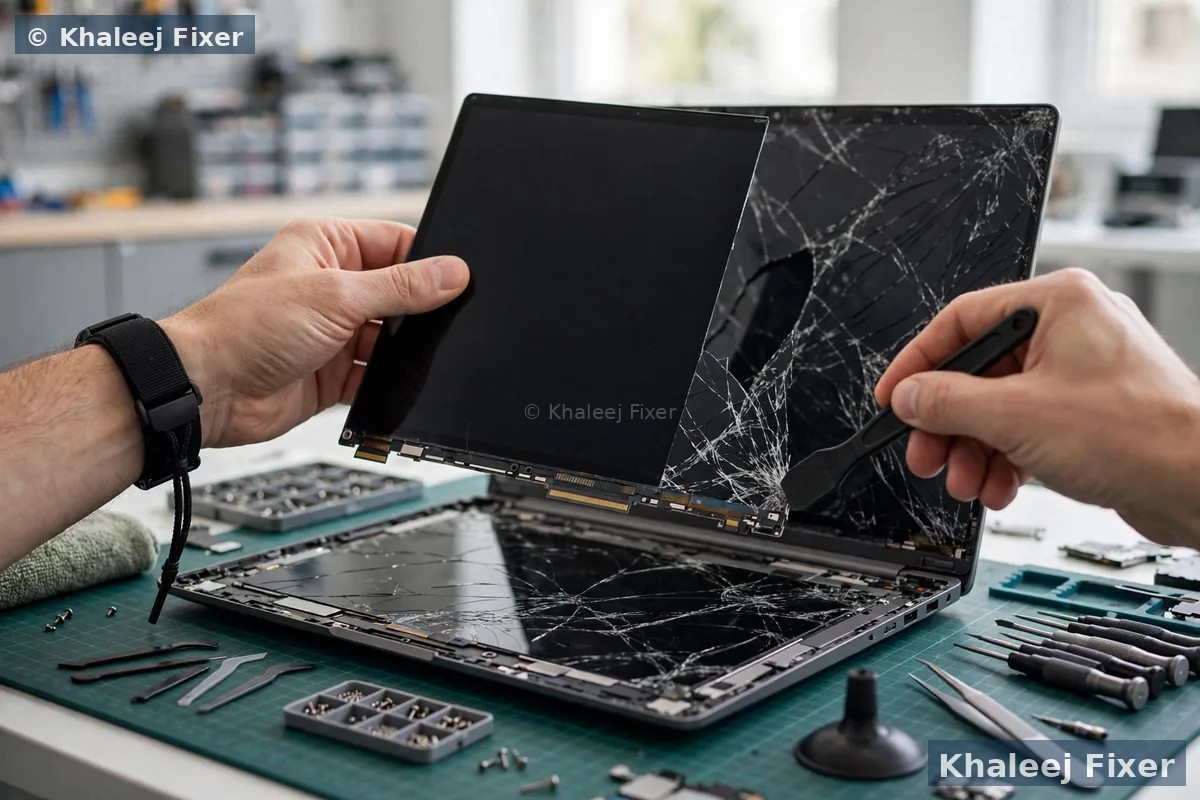
You can see the damage — spiderweb cracks, black “ink” spreading under the glass, or bright spots where it was hit. This is physical panel damage, full stop. No software, driver or setting can fix a cracked LCD layer — the panel needs replacement. This is one of our most common jobs: laptop screen replacement Dubai →
Flickering or lines that CHANGE when you tilt the lid
This is the classic display cable (LVDS/eDP ribbon) symptom. The cable runs through the hinge and gets pinched or worn over thousands of open-close cycles — so the picture changes as the lid moves. Replacing the screen alone will not fix this; the hinge area and cable need inspection and replacement. Cheaper than a panel, when caught early.
Vertical/horizontal lines that never move
Permanent lines stuck in place, present only on the built-in screen, unaffected by lid angle — this is usually the panel itself (the panel’s internal driver connections have failed). Confirm with the external monitor test: clean external = panel. Exception: if the lines also appear in screenshots or on the external monitor, it’s graphics-side — see the GPU card below.
Black screen, but the laptop is still running
Fans spin, keyboard lights up, but the screen is dark. First, rule out the silly stuff: brightness turned down, or the laptop asleep and not waking. Then the torch test: shine a phone flashlight at the screen at an angle — if you can see a faint image, the panel works and the backlight has failed (backlight circuit or LED strip). If there’s genuinely nothing, it could be the panel, cable, GPU or even that the machine isn’t truly booting. The external monitor test separates these cleanly.
Weird colours, checkerboard blocks, random crashes
Colour distortion, blocky artefacts, textures tearing in games, or the machine freezing/crashing when graphics load up — and crucially, the same artefacts appear on the external monitor. That’s a GPU or motherboard-level fault, not a screen issue. On most laptops the graphics chip is soldered to the motherboard, so this is board-level repair: motherboard repair Dubai →
White or grey blank screen
The screen lights up but shows only white/grey — no logo, no text. This usually means the panel has power but isn’t receiving image data: a loose or damaged display cable, a connector issue, or a panel communication fault. It’s rarely the graphics chip. The fix is typically a cable re-seat or replacement, not a new screen — another reason a proper diagnosis beats guessing.
The screenshot trick: take a screenshot (Windows + Print Screen) and view it on your phone. If the lines or artefacts appear in the screenshot, the fault is graphics-side (the GPU rendered them). If the screenshot looks clean but your laptop screen shows the fault, it’s the panel or cable. Customers love this one — it costs nothing and narrows things down instantly.
⚠️ When It’s the Hinge or Display Cable — Not the Screen
Here’s a mistake we see weekly: a customer pays for a full screen replacement elsewhere, and the flickering comes straight back. Why? Because the fault was never the panel — it was the display cable running through the hinge. Laptops that get opened and closed hundreds of times a year (student laptops, office machines carried in bags) wear this ribbon cable down until it frays, pinches or works loose.
The tell-tale signs are unmistakable once you know them: the picture changes when you move the lid (flickers at certain angles, clears at others), colours shift when you tap near the hinge, or the screen cuts out entirely for a second when the laptop is moved. A cable fault is generally a smaller, cheaper repair than a panel replacement — but only if it’s diagnosed as a cable fault. That’s exactly what our free diagnosis is designed to catch before you commit to anything.
MacBook owners take note: on many MacBook models the display cable is bonded into the display assembly (the infamous “flexgate”-style failures), which changes the repair path entirely. We handle those specifically — see MacBook screen replacement in Dubai →
💰 What Each Result Means for Your Repair (and Budget)
No scare tactics — just the honest repair direction each diagnosis points to, so you walk into any shop (including ours) informed. For exact numbers, see our View Price List:
🚨 When NOT to Guess — Stop and Call a Technician
Most display faults are safe to investigate at home, but these are hard red lines — stop immediately and get professional help:
Swollen battery + screen issues together: if the trackpad feels raised or the laptop rocks on the table, a swollen lithium battery may be pressing against the display assembly from inside. This is a genuine fire risk — don’t keep using or charging the laptop. Read our swollen battery safety guide and contact us the same day.
Burning smell, smoke, or scorching heat: unplug the charger, power off, and don’t turn it back on. That’s a board-level emergency, not a DIY moment.
Liquid damage: if the display fault appeared after a spill, don’t test it repeatedly “to see if it got better” — every power-on can spread corrosion. Power off, keep it off, and let a technician open and clean it.
Cracked screen with sharp glass: tape over the crack with clear packing tape before handling it further, and keep fingers away from the damaged area. We’ll take it from there — with our free pickup, you don’t even need to travel.
📝 What to Tell Your Repair Shop (So You Get the Right Fix)
Whether you come to us or anyone else, this checklist gets you an accurate quote fast — and protects you from the “just replace the screen” shortcut. Tell them: (1) your exact model number (underside sticker, e.g. HP Pavilion 15-ec2xxx or MacBook Pro A2338), (2) what the external monitor test showed — clean external or same fault, (3) whether the fault changes when you move the lid, (4) when it started and whether there was a drop, spill or overheating event, and (5) a photo of the screen fault — five seconds of your time, and any honest technician will thank you.
And the single most important question to ask any shop: “Is the diagnosis free, and will you confirm it’s the panel before ordering the part?” If the answer is vague, walk away. Our answer is yes to both — free diagnosis, part confirmed before we order, 2-month warranty on the repair.
❓ Screen or Graphics Card — FAQs
If the fault shows on an external monitor too, is it always the graphics card?
Almost always, yes — a fault appearing on both displays means the panel is innocent and the problem is upstream: the graphics driver, the GPU, or the motherboard. One exception: corrupt drivers can perfectly mimic hardware failure. Try the driver reset first — press Windows + Ctrl + Shift + B (you’ll hear a beep as the graphics driver restarts), or reinstall the driver from the manufacturer’s site. If the fault survives a clean driver, it’s hardware — and laptop GPUs are usually soldered, so this becomes board-level work: motherboard repair in Dubai →
My laptop has vertical lines but the external monitor is clean — screen or cable?
It’s the panel or the display cable — definitively not the graphics card, since the external image is perfect. Now do the lid test: tilt the screen slowly. If the lines change, flicker or vanish at certain angles, it’s the cable. If they stay rock-solid no matter what, it’s the panel. Either way, bring it in for a free diagnosis and we’ll confirm which part you actually need.
Can a bad driver fake a broken laptop screen?
Yes — and it happens more often than people think. A corrupt or outdated graphics driver can cause flickering, black screens, wrong resolutions, colour shifts and even crashes that look exactly like hardware failure. Before paying for any repair: update your graphics driver from the laptop manufacturer’s support page (not just Windows Update), or do a clean reinstall. If the symptoms vanish, you’ve saved yourself a repair bill. If they persist on both the built-in screen and an external monitor, it’s hardware.
Is it worth replacing the laptop screen, or should I buy a new laptop?
It depends on the machine’s age and overall health. If your laptop is under 4–5 years old and runs your software well, a screen replacement costs a fraction of a new machine — and your data, programs and settings stay untouched. If it’s 6+ years old with multiple failing parts (screen + battery + sluggish performance), combined repairs can approach the machine’s value. Our free diagnosis includes this honest assessment — we’ll tell you straight when a repair isn’t worth it. View price list →
Can you repair a broken laptop graphics card, or does the whole motherboard need replacing?
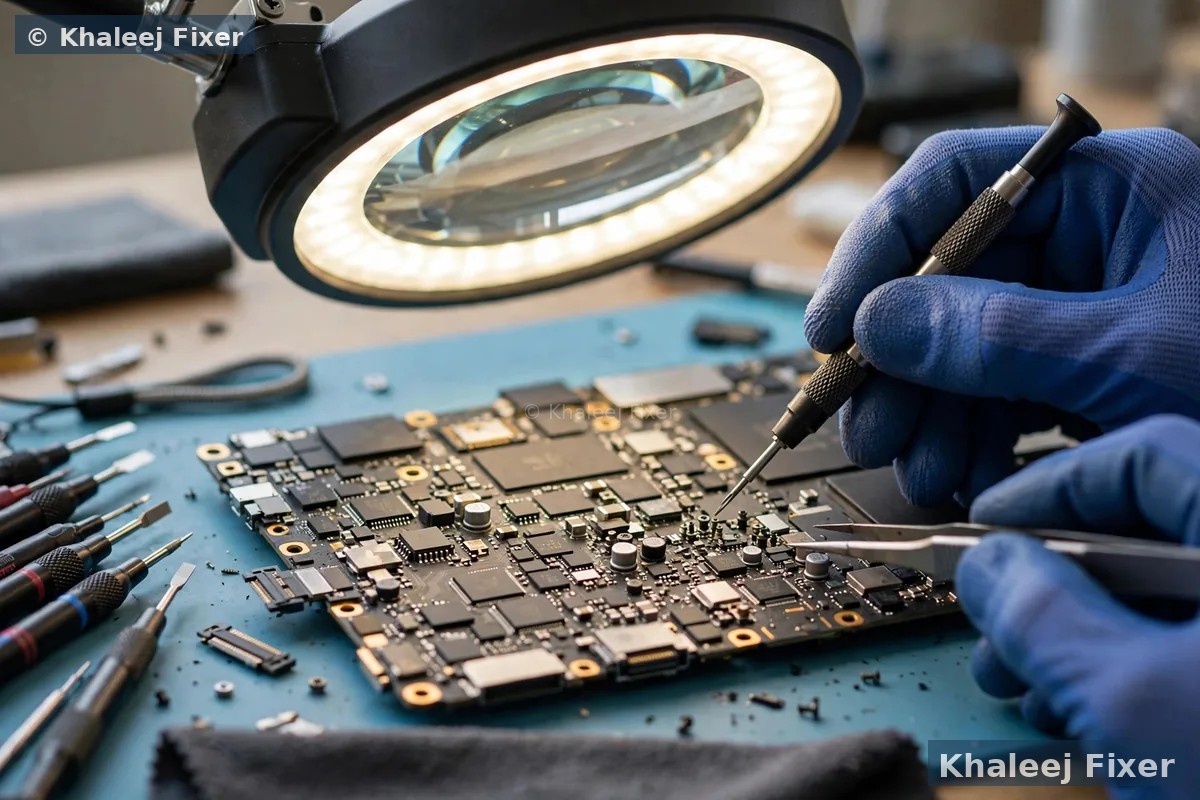
On the vast majority of laptops, the graphics chip is soldered directly to the motherboard — there’s no removable “graphics card” like on a desktop PC. So a GPU fault is repaired at the board level: component-level diagnosis and repair of the graphics circuit, which is a specialist job but very often cheaper than a full motherboard replacement or a new laptop. That’s exactly what our motherboard repair service covers — with free diagnosis first, so you know before you commit.
🔗 Related repairs: fault confirmed as the panel? See our laptop screen replacement in Dubai — MacBook with display trouble? MacBook screen replacement Dubai — and for the full service, our laptop repair in Dubai hub covers every brand.
Still Not Sure? Get a Free Diagnosis — Today
Send us your model number and a photo of the fault. Free diagnosis · Free pickup across Dubai & Sharjah · 2-month warranty · Open 7 days 11AM–11PM.
💬 WhatsApp: +971 506 757 156 📞 Call Now
📍 41 St, Industrial Area 2, Sharjah, UAE — open 7 days, 11 AM – 11 PM