
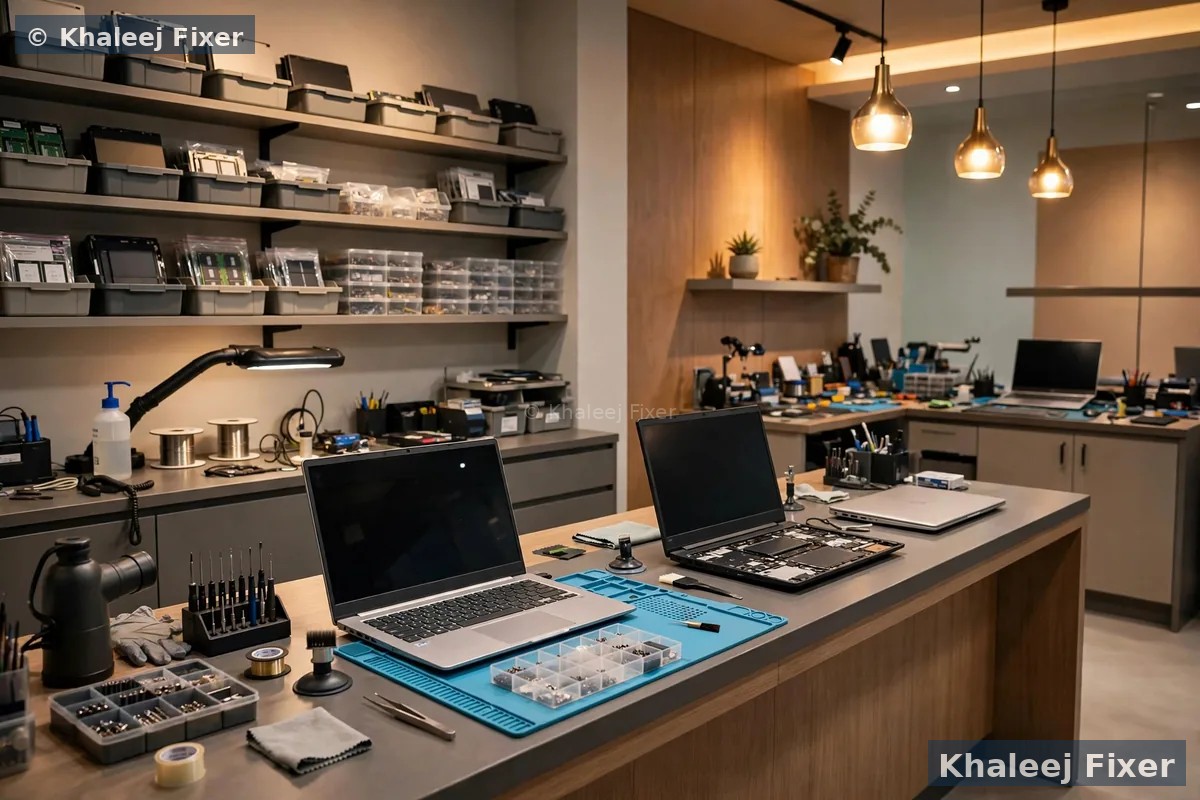
A Dell service center that actually sits in Sharjah
Sharjah runs on Dell laptops. Students in University City write assignments on an Inspiron. Offices in Al Majaz run whole teams on Latitude machines. Families in Al Nahda share one Dell between school work, office work, and video calls with relatives. Gamers in Al Khan push an Alienware or a G Series hard every night. When one of these laptops fails, life in the house stops. That is the problem our Dell laptop service center in Sharjah exists to solve.
Most Dell owners in Sharjah face the same hard choice today. The official Dell route in Sharjah is only a drop-off point. You leave the laptop at a mall counter. It travels away to another city. You wait days. You pay a premium rate. You never meet the technician who opens your laptop. That route suits a laptop that is still under warranty and has a manufacturing fault. It does not suit a cracked screen, a spill, a dead battery, or an out-of-warranty board fault. Those jobs need a real workshop nearby, with a technician you can talk to.
Our workshop gives you that nearby option. We are in Industrial Area 2, Sharjah. You can walk in with your Dell any day from 11 AM to 11 PM. You can also book a free pickup from your home or office. The same technician who diagnoses your Dell is the one who repairs it. You get the fault explained in plain words. You get a final quote before any work starts. You get the laptop back tested, with a 2-month warranty.
If you are based in Dubai, the same Dell service runs from our Dell laptop repair in Dubai page, with free pickup across Dubai. For general laptop faults on any brand in Dubai, see our laptop repair in Dubai page.
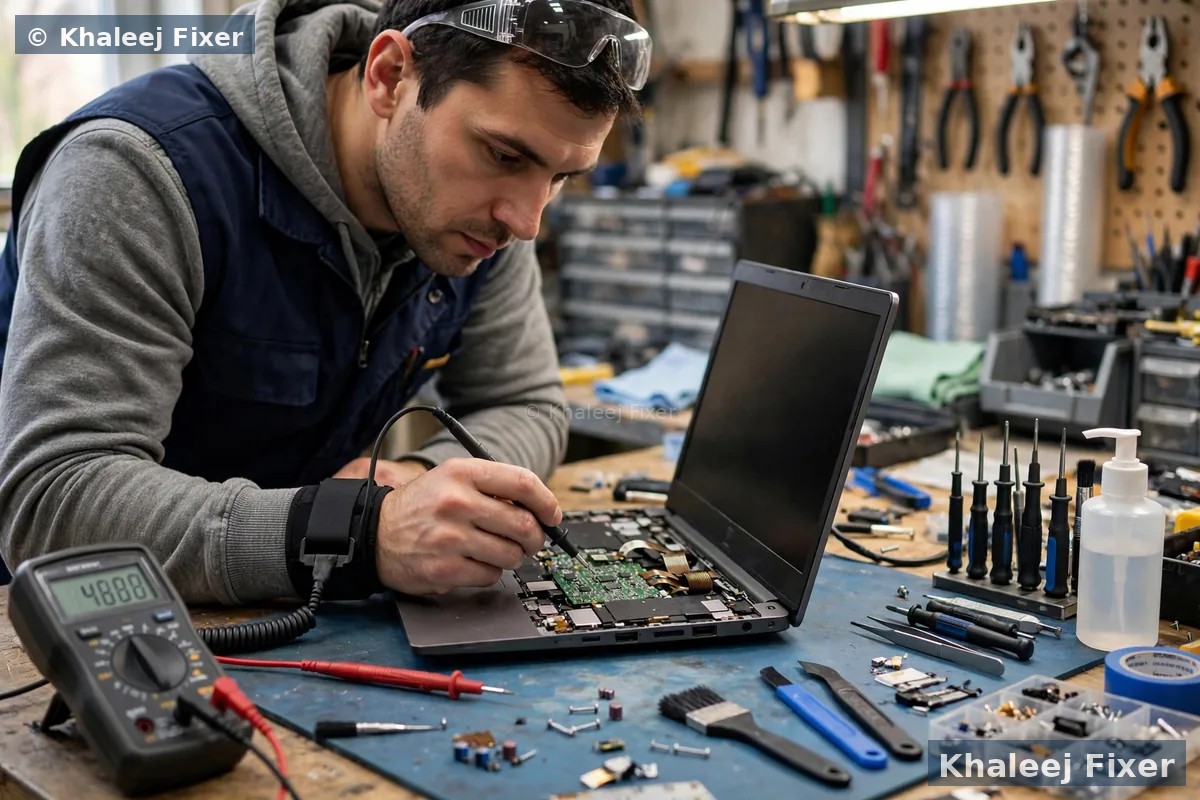
What a real Dell service center does, from first call to handover
A service center is not a counter. It is a workshop with a clear process. You should know exactly what happens to your Dell from the moment you contact us to the moment it comes back to you. Here is our process, step by step.
Step 1. You tell us what happened. Message us on WhatsApp or call. Tell us the Dell model, the fault you saw, and when it started. If the Dell had a spill or a fall, say so. An honest history helps us pick the right checks. Your Dell Service Tag sits on a sticker on the base. Send it to us and we can confirm the exact model before you travel.
Step 2. Free pickup or walk in. We collect the Dell from your home or office anywhere in Sharjah, free of charge. Or you walk into our workshop in Industrial Area 2, any day from 11 AM to 11 PM. Bring the charger if you have it. The charger helps us test the Dell, but the diagnosis can start without it.
Step 3. Full bench check. We open the Dell and test it on the bench. We check the screen, the battery, the charger, the keyboard, the board, the drive, the fan, and the ports. We run Dell SupportAssist and a battery report where they help. We check the drive first when your files matter.
Step 4. Plain words, no jargon. We tell you what we found in simple words. What failed, why it failed, and what it will take to fix it. If more than one thing is wrong, we list them all, so you can choose what to fix now and what to leave.
Step 5. Final quote, then tested handover. You get a clear quote after diagnosis, with the repair and any part swaps named. Starting prices are on our price list page. No work starts without your yes. If you say no, the diagnosis still costs you nothing. When the work is done, we test the Dell fully before we hand it back, with a 2-month warranty on the repair and the parts we fitted.
A free diagnosis is not a sales trick. You deserve to know what is wrong before you spend anything. That is why the diagnosis is free on every Dell, every time.
Inspiron, XPS, Latitude, Vostro, Alienware and G Series: what each Dell line needs
Dell makes many laptop lines. Each line has its own layout, its own parts, and its own weak spots. A shop that treats every Dell the same will fit the wrong screen or miss the real fault. We check your exact model first, then we match the part to that model. Precision workstations are covered too, with the same part-number care.
Dell Inspiron. The family favourite in Sharjah. Used for school, office work, and home use. Inspiron screens and batteries are common jobs for us. An Inspiron that runs slow often needs a new SSD, not a new laptop. The Inspiron range uses widely available parts, so most repairs are fast and fair.
Dell XPS. The premium thin Dell. Beautiful screen, tight build. XPS screens need exact panel matching by part number, because the near-borderless InfinityEdge display has no room for error. A wrong panel will not fit flat. XPS batteries are also known to swell as they age. If the trackpad feels stiff or the base rocks on a table, stop using the XPS and bring it in.
Dell Latitude. The business workhorse of Al Majaz offices. Slim, strong, and built for long days. Latitude faults often sit in the charging port, the battery, or the board. We test all three before we quote. Latitude machines carry office files, VPN setups, and licensed tools, so we handle them with data-safe care from the first minute.
Dell Vostro. The small business laptop. Vostro machines take daily knocks in bags and cars. Keyboards, batteries, and hinges take the most damage. A Vostro that only works while plugged in usually has a tired battery, not a dead board. We test the battery first, so you never pay for a board you did not need.
Dell Alienware. The gaming beast. Alienware machines run hot by design. Fans wear out. Paste dries out. An Alienware that shuts down mid-game usually needs cooling service, not a new board. We clean, service, and test under load, so the fix holds when the game gets heavy.
Dell G Series. The G15 and G16 gaming laptops. Strong performance at a fair price, but the same heat story as Alienware. A G Series that drains its battery fast while gaming is often fighting heat as well as a tired battery. We check cooling and battery together, because fixing only one half leaves the fault in place.
Not sure which Dell you own? The label on the base gives the model, usually starting with Inspiron, XPS, Latitude, or Vostro, plus a number. Send a photo on WhatsApp and we confirm it free. If your Dell needs urgent help, our emergency laptop repair in Sharjah page covers urgent jobs.
The Dell faults Sharjah owners bring us every week
Dell faults follow patterns. The same faults walk through our door every week, from the same Dell lines, with the same causes. Here are the faults we see most in Sharjah, grouped by what you actually see on the laptop.
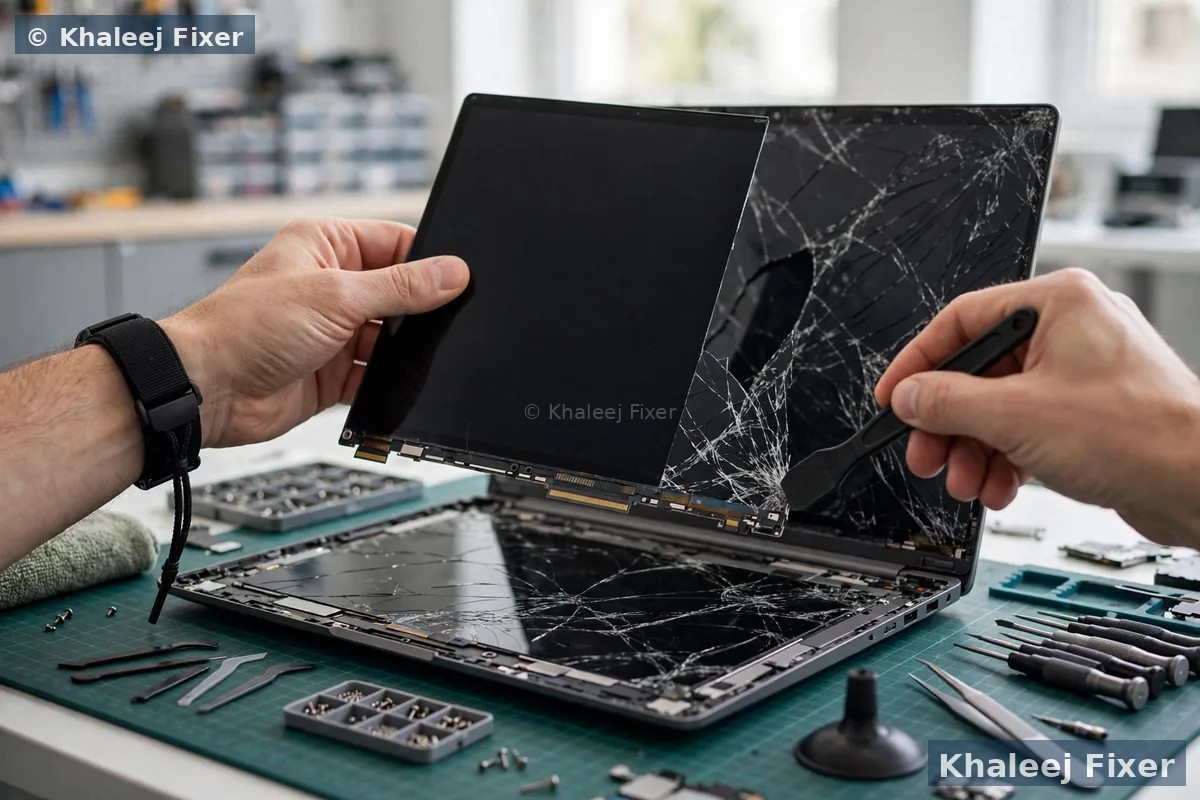
Cracked screen, lines, or a black patch. A child knocks the Dell off the sofa. A bag drops on the stairs. The screen shows lines, or a black patch, or nothing at all. The files inside are usually fine. We match a new panel to your exact model and fit it the same day in most cases. Our Dell laptop screen replacement page covers screen faults in full.
Battery will not hold a charge. An Inspiron or XPS that dies in an hour cannot survive a day at University City or in an Al Majaz office. The battery may be tired. The charger may be weak. The charging port may be loose. We test all three on the bench, so the fix targets the real cause. Our Dell laptop battery replacement page covers battery signs in full.
Plugged in, not charging. The famous Dell message. Sometimes it is the battery. Sometimes it is the charger. Sometimes it is the charging circuit on the board. A cheap charger can cause this message too. We test the charger, the port, and the circuit free, before we quote anything.
Dell will not turn on at all. No lights, no fan, no sound. This can be the charger, the charging port, the battery, or the board. Do not keep pressing the power button. Each press can stress a weak board more. Bring it in for a free diagnosis. A dead Dell often holds a healthy drive, so your files may still be safe inside.
Overheating and a loud fan. An XPS or G Series that gets hot, fans loud, and slows down is asking for a clean. Dust blocks the vents. Old paste dries out. The fan works harder and harder. A cooling service often restores full speed in one visit. Gaming Dells need this service more often than office Dells, because heat is part of how they work.
Slow Dell that takes minutes to start. Windows takes forever to load. Programs freeze. Files take ages to open. An old hard drive is the usual cause. A new SSD and more memory can make the same Dell feel fast again. We check what your model supports before we quote, so the upgrade fits first time.
Liquid damage from tea, coffee, or water. A spill on a Dell keyboard is a race against corrosion. Switch it off at once. Unplug the charger. Do not try to dry it with heat. We strip the Dell down, clean the board by hand, and test every part. Fast action matters most, so message us the moment it happens.
Files trapped inside a dead Dell. A thesis, accounts, or family photos sit on a Dell that will not boot. The drive is often fine even when the board is not. We take the drive out first and check it on its own. Our data recovery service copies your files to a safe drive, and your files stay private at all times.
If you are not sure what is wrong, that is fine. That is what the free diagnosis is for. Message us on WhatsApp, describe the fault in your own words, and we will tell you the next step.
Genuine Dell parts, matched by part number
A Dell part is not just a Dell part. The same size screen can have a different connector. The same shape battery can have a different voltage. A part that is almost right is wrong, and a wrong part fails early or damages the laptop. That is why we match every part by part number before we order anything.
Screens must match size, resolution, connector, and touch type. An Inspiron 15 HD panel is not the same as an XPS 15 4K touch assembly, even when both are 15.6 inches. Dell uses different connectors, different resolutions, and touch or non-touch digitizers across its ranges. A wrong panel will not fit flat, will lose touch function, or will simply not light up.
Batteries must match model, voltage, watt-hours, and connector. A 42Wh pack where your Latitude needs 76Wh gives you half the runtime you expect. A generic pack made for Dell laptops in general can be a millimetre off. On a thin XPS 13, a pack that presses against the board can cause the swelling you were trying to fix.
Cheap copies cost more in the end. Cheap screens show washed-out colours and low brightness. Cheap touch panels register ghost touches. Cheap batteries hold less charge and, in the worst cases, carry a real fire risk. We fit genuine-grade Dell parts, matched to your exact model, and we tell you exactly what part you are getting before we start.
Some Dell parts take time to source. A rare screen or a rare board part may need a few days. We tell you that during the free diagnosis, before you commit to anything. We never promise a part we cannot get.
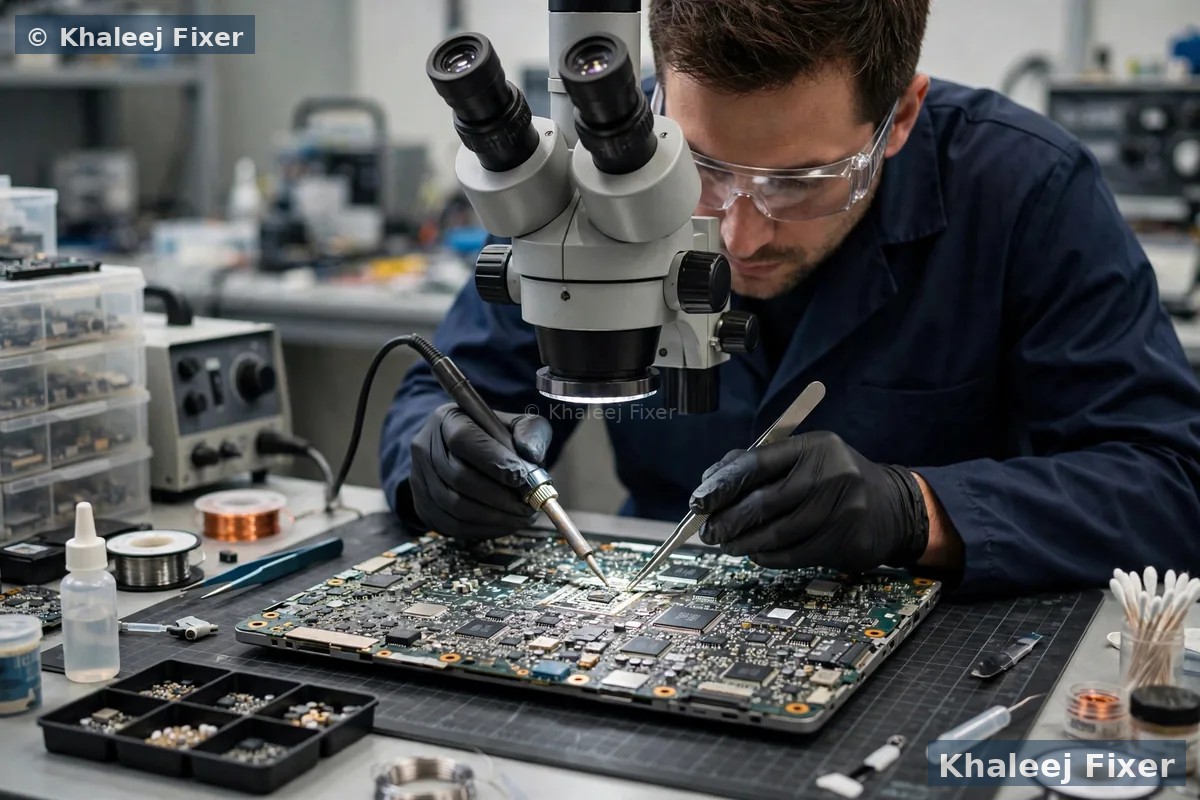
Independent workshop or official Dell center: which one fits your Dell?
Let us be plain. Khaleej Fixer is an independent repair center. We are not an official Dell service center, and we never claim to be. The official Dell route in the UAE runs through DG Help by Sharaf DG. In Sharjah, that route is only a drop-off point at a mall. You leave the Dell at a counter in City Centre Sharjah, Mega Mall, or Al Zahia. The laptop travels to a service center in another city. That route fits a laptop that is still under warranty with a manufacturing fault. For most other faults, it is slow and costly.
What we offer instead is authorized-quality workmanship in Sharjah itself. That means genuine-grade parts, matched by model and part number. It means careful bench work by technicians who repair Dell laptops every day. It means a free diagnosis, a final quote before any work, and a 2-month warranty on our work and on the parts we fitted. It also means honest advice, even when the honest advice is that a repair is not worth it.
One point matters if your Dell is still under warranty. If the fault is a manufacturing defect and Dell covers it, use the official Dell channel first, so the repair is free. Dell’s own support can point you to the right official location. Tell us on WhatsApp and we will say so honestly. If the fault is accidental damage, like a cracked screen or a spill, or if the warranty has ended, the official route will charge you anyway. Then a trusted independent workshop in Sharjah is the faster and simpler choice. We will never push you to repair with us when the official route would serve you better.
The choice is yours, and it should rest on facts, not pressure. Ask us anything on WhatsApp. If the official route fits your Dell better, we will tell you that. If our workshop fits better, we will tell you that too.
Free pickup in every Sharjah area, and a walk-in workshop in Industrial Area 2
You should not carry a broken Dell across Sharjah. A cracked screen can spread. A loose hinge can break the screen. A wet Dell can spread liquid further with one wrong bump in the car. We collect your Dell from your home or office anywhere in Sharjah, free of charge. The pickup runs seven days a week, from 11 AM to 11 PM. Message us on WhatsApp with your area and your Dell model.
Al Nahda, Al Qasimia, Al Majaz, and Al Khan. Busy home areas and offices where one Dell often serves the whole family. Muwaileh, University City, Rolla, and Al Taawun. Students who need their Dell back fast for classes and exams, and old Sharjah shops where Dells have served for years. Evening pickup is available, so you do not lose a work day.
We also pick up in Al Buhaira, Samnan, Al Ramla, Maysaloon, Al Ghaz, Al Falaj, Al Mansoura, Al Shahba, Abu Shagara, and the rest of Sharjah. If you prefer to walk in, our workshop is in Industrial Area 2, Sharjah, close to Al Nahda, Al Majaz, and Muwaileh. Call first so we can plan the bench time for your model before you travel. When you walk in, we log the job in front of you and give you a job note with your name and the Dell details. The free diagnosis starts the same day in most cases. Simple checks can finish while you wait.

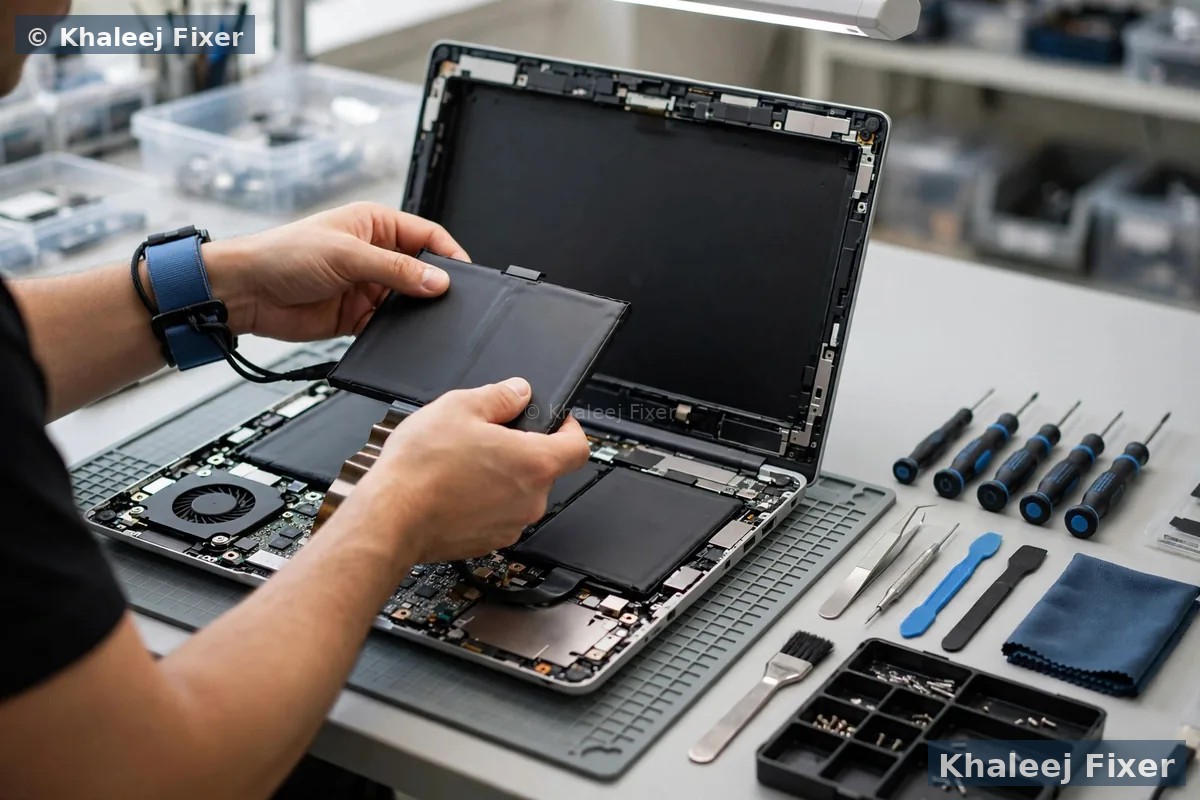
Should you fix your Dell or replace it?
Customers often ask if a Dell is worth fixing, or if they should just buy a new laptop. The honest answer depends on the fault, the model, and what the Dell holds.
Repair is the right call when the fault is limited. A cracked screen, a tired battery, a dead keyboard, or a slow drive can all be fixed. The Dell comes back with new parts and a 2-month warranty, at a cost well below a new machine. This is the most common result we see in Sharjah.
Repair plus an upgrade is often the best value. A Dell with a new SSD and more memory can feel like a new machine. It boots fast and opens files fast. If the board and the screen are healthy, an upgrade can give your Dell years more life at a small cost.
Repair is a bad call when the board is badly burnt. Heavy corrosion under the main chips, or a board that shorted while the charger was plugged in, can mean the board is gone. If the fix would cost more than the Dell is worth, or if the fix would not last, we tell you straight. We never charge for a repair that will not last.
Your files can still be saved even when the Dell cannot. A dead board does not always mean dead files. We take the drive out and check it on its own. In many cases the drive is fine, and we copy your files to a safe place. That alone is worth the free diagnosis.
We never push a repair you do not need, and we never push a new laptop on you. Our job is to give you the facts, then let you decide.
How long will it take, and what does the warranty cover?
A simple repair often finishes the same day or the next day. Screen swaps, battery swaps, and simple cleans are quick jobs when the part is in stock. Students with an exam the next day should tell us at once, so we can plan the bench time around the deadline. Board work takes longer. A rare Dell part may need a few days to source. Data recovery takes longer still, because a weak drive must be cloned slowly. We confirm the timing with your quote, before any work starts.
Every repair at our service center carries a 2-month warranty on our work and on the parts we fitted. The warranty covers the repair and the parts. It does not cover a new spill or a new drop. Keep your job note and message us if you see a problem. We will help you fast.
Wondering what moves the cost of a Dell repair? Read our laptop repair cost guide for Sharjah. If your Dell needs help today, our emergency laptop repair in Sharjah page covers urgent jobs with same-day slots.
Keep your Dell healthy after the repair
A service visit should be a fresh start for your Dell. A few small habits will keep it running well for years. These habits matter most in Sharjah, where dust and heat wear laptops down fast.
Keep the vents clear. Dust is the slow killer of Dell laptops in Sharjah. It blocks the vents, the fan works harder, and the Dell runs hot. Wipe the vents once a week. Do not use the Dell on a bed or a sofa, where cloth blocks the air.
Keep drinks away from the Dell. Put your cup on the far side of the desk, away from the Dell. A cup with a lid helps too. A keyboard cover stops small spills from reaching the board.
Charge the battery with care. Use the charger that came with your Dell, or a good charger matched to your model. A cheap charger can hurt the battery and the board over time. Let the battery run down now and then, instead of keeping the Dell plugged in all day, every day.
Set the charge limit in Dell Power Manager. If your Dell lives on a desk, open Dell Power Manager and set a charge limit near 80 percent. Sitting at full charge all day is the fastest way to age lithium cells. We set this for you after every battery replacement.
Keep a backup of your files. A small backup drive or a cloud copy means a dead drive can never take your files. Back up your photos and documents once a week. Students should back up assignments the same day they finish them.
If your Dell ever acts strange again, message us early. A small sign today is a small fix. A small sign left for a month can become a dead board.
Frequently Asked Questions
Is there a Dell laptop service center in Sharjah?
Yes. Khaleej Fixer runs a dedicated Dell laptop service center in Sharjah, from our workshop in Industrial Area 2. We handle every Dell repair under one roof. You get a free diagnosis, free pickup across Sharjah, and a 2-month warranty.
Are you an official Dell service center?
No. We are an independent repair center, not an official Dell service center. What we offer is authorized-quality workmanship. That means genuine-grade parts, expert Dell technicians, and a 2-month warranty on our work.
How much does Dell laptop repair cost in Sharjah?
The cost depends on your Dell model, the fault, and the parts needed. See our price list page for starting prices. The final quote always comes after the free diagnosis.
Which Dell laptop models do you service in Sharjah?
We service all Dell lines used in Sharjah, including Inspiron, XPS, Latitude, Vostro, Alienware, and G Series models. Not sure which Dell you own? The label on the base gives the model, or send us the Service Tag. Send a photo on WhatsApp and we confirm it free.
Do you pick up Dell laptops from all Sharjah areas?
Yes. Free pickup covers Al Nahda, Al Majaz, Muwaileh, Al Qasimia, Rolla, University City, Al Taawun, Al Khan, and the rest of Sharjah. You can also walk into our workshop in Industrial Area 2, open 7 days from 11 AM to 11 PM.
How long does Dell laptop repair take in Sharjah?
Easy and common repairs finish the same day in most cases. Board work, rare parts, and data recovery take longer. We confirm the timing with your quote.
Can you save my files if my Dell laptop will not turn on?
Often yes. A Dell laptop that will not turn on usually has a board or power fault, not a drive fault. We take the drive out, read it on our bench, and copy your files to a safe drive.
Should I repair my Dell laptop or buy a new one?
It depends on the fault and the model. A screen, battery, keyboard, or drive fault is usually worth fixing, and an SSD upgrade can give an old Dell years more life. If the board is badly burnt, we tell you straight. The free diagnosis gives you the facts, then you decide.
Your Dell needs a service center? Get a free diagnosis today.
Message us on WhatsApp or call. Free pickup across Sharjah, free diagnosis, final quote before any work, 2-month warranty.
Free Diagnosis • Free Pickup & Delivery • 2-Month Warranty • Open 7 Days 11AM to 11PM