
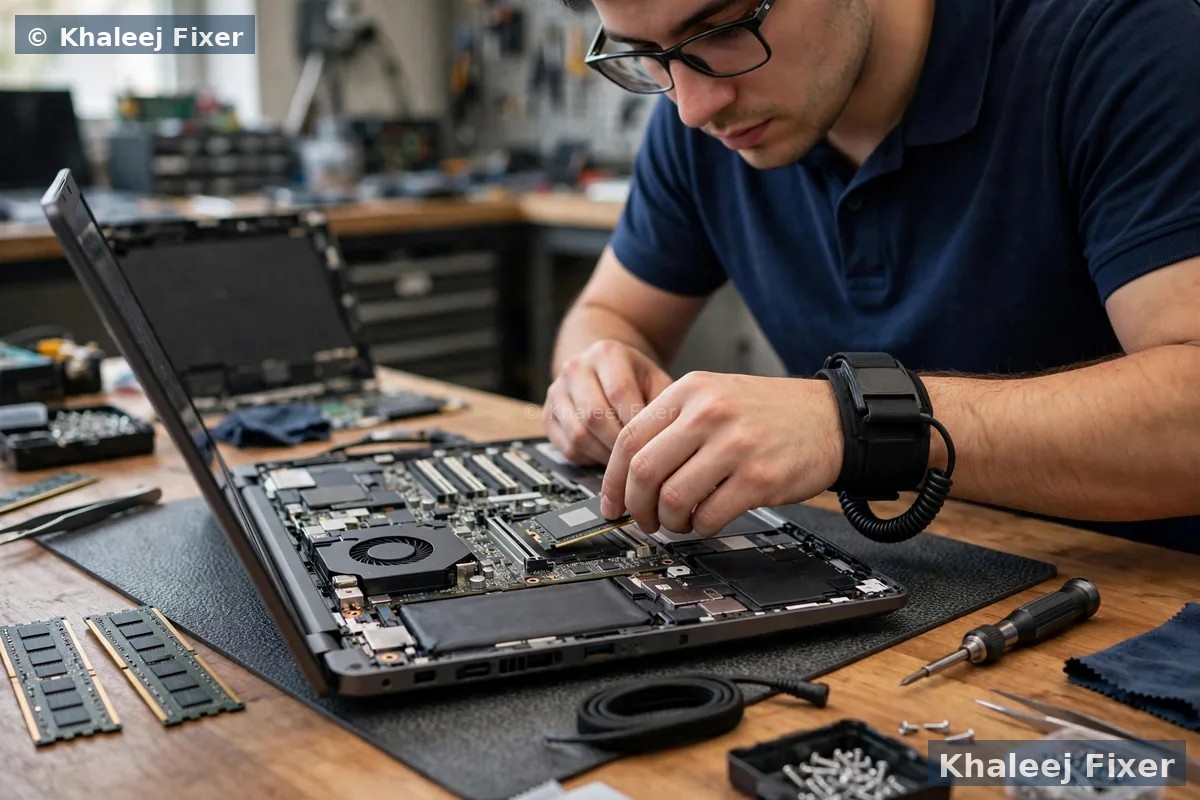
Why an SSD upgrade is the best money you can spend on an old Vaio
Most Vaios in Dubai today are five to ten years old. They still work. The processor still handles office work, study, and browsing. But they feel slow. The slow part is almost always the old hard drive. A hard drive spins a metal disk and moves a tiny arm to find data. That takes time. An SSD has no moving parts. It finds data at once. The same Vaio, with the same processor and the same memory, feels like a different machine after an SSD upgrade.
An SSD also fixes the small daily waits that add up. The Vaio starts faster in the morning. Word and Excel open at once. Photos load without the wait. Copying a file takes seconds, not minutes. And the Vaio runs cooler and quieter, because the SSD makes no heat and no noise like a spinning drive. Battery life often improves too, because the SSD draws less power than a spinning disk.
Buying a new laptop costs far more than an SSD upgrade. And a new laptop means moving all your files, learning a new machine, and losing the keyboard you know. An SSD upgrade keeps your Vaio, your files, and your setup. It just makes them fast again. If you are torn between an SSD and more memory, our guide on SSD or RAM upgrade for a slow laptop explains which one to do first. For the full range of Vaio work in Dubai, visit our Sony Vaio laptop repair in Dubai hub.
Signs your Vaio is begging for an SSD
A slow Vaio does not always need a new laptop. Watch for these signs:
Slow start. The Vaio takes minutes to reach the login screen. Then it takes more minutes before you can open anything. The drive light stays on the whole time. This is the classic sign of a tired hard drive.
Apps open slowly. Word, Chrome, or Excel take half a minute to open. Clicking an icon gives you a spinning circle. The apps themselves are fine. The drive is too slow to load them.
Drive always at 100 percent. Task Manager shows the disk at 100 percent even when you do nothing. Windows is waiting on the drive. An SSD ends this wait.
Files copy slowly. Moving a folder of photos takes ages. A backup that should take minutes takes an hour. The drive reads and writes slowly.
Clicking or grinding from the drive. A healthy drive is quiet. Clicks mean the drive is wearing out. This is urgent. Back up your files now, or bring the Vaio in before the drive fails. Our Sony Vaio data recovery in Dubai page covers what to do when a drive starts to fail.
Vaio freezes for a few seconds. The mouse moves, but nothing responds. Then it catches up. A weak drive stalls the whole machine while it finds data.
If the Vaio is slow AND the battery dies fast, the battery may need attention too. Our Sony Vaio battery replacement in Dubai page covers battery signs in full.
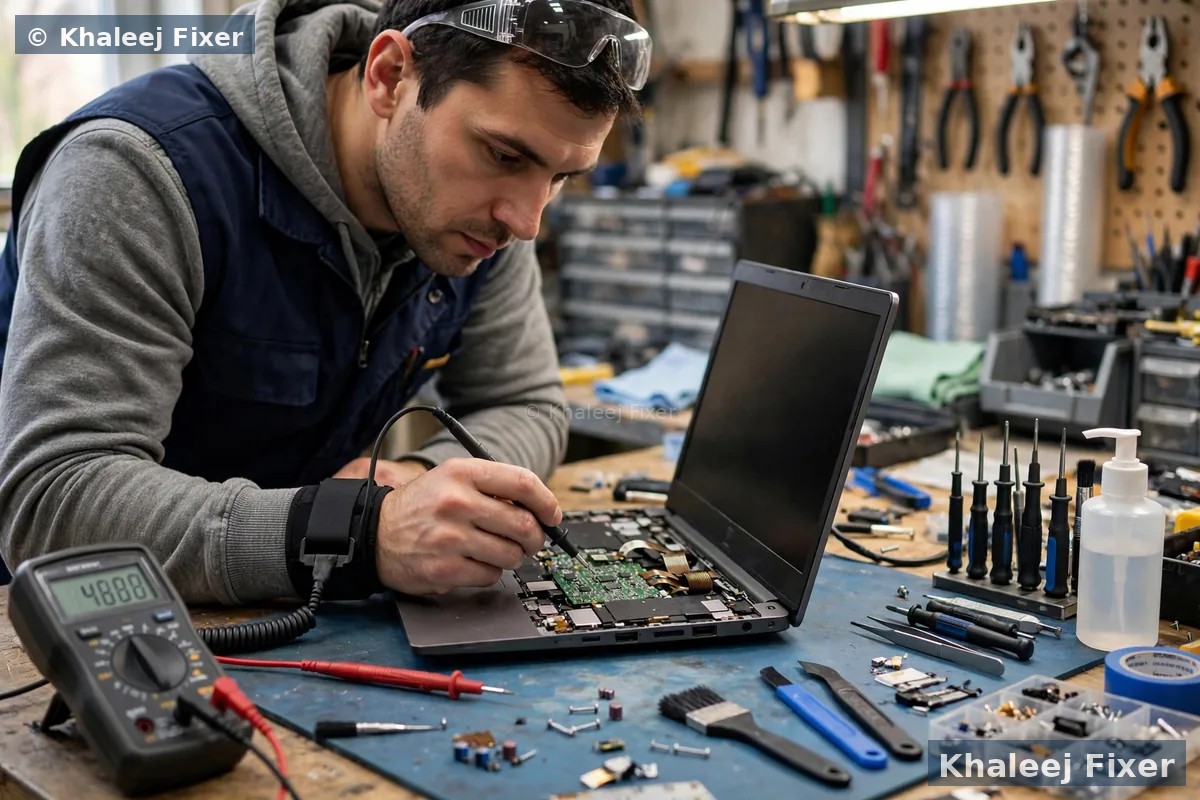
Which SSD fits your Vaio
Not every SSD fits every Vaio. The wrong SSD simply will not fit, or the Vaio will not see it. We match the SSD to your exact Vaio model before we order anything. These are the types Vaios use:
2.5 inch SATA SSD. The most common type. It fits where the old hard drive sat, in Vaio E, Fit, and S series machines. Any good SATA SSD works. This is the upgrade most Vaios get.
mSATA SSD. A small card SSD used in some Vaio Fit and Vaio S models, often next to a hard drive. We check if your Vaio has an mSATA slot. If it does, we can add an SSD without removing the old drive.
M.2 SATA SSD. A slim stick SSD used in later Vaio models. It looks like the faster NVMe type, but it is not the same. Fitting an NVMe SSD in an M.2 SATA slot will not work. We check the slot type first.
One honest note. Some Vaio Pro 11 and Pro 13 models hold storage soldered onto the board. Soldered storage cannot be swapped like a normal drive. If your Pro has soldered storage, we tell you straight. The fix may be board work, or a fast external drive, not a standard SSD swap. We never sell you an upgrade that cannot fit.
What size SSD should you pick
The right size depends on what your Vaio holds today. We check your current drive use first, then suggest a size. These are the common choices:
256 GB. Enough for Windows, office programs, and a normal set of documents. Good for a Vaio used for study, browsing, and light office work. Pick this only if your current drive use is well under 200 GB.
512 GB. The sweet spot for most Vaio owners. Room for Windows, programs, photos, and a good set of files, with space left over. An SSD that is nearly full slows down, so the extra room matters.
1 TB. The right pick for a Vaio that holds years of photos, videos, or business files. Also the right pick if you never want to think about space again. The price per GB is best at this size.
One rule we never break. We never fit an SSD smaller than the data it must hold. If your current drive holds 400 GB of files, a 256 GB SSD will not do. We check the numbers first and quote the size that fits.
Cloning or fresh install: your files stay either way
Most Vaio owners ask the same question. Will I lose my files? The answer is no, when the upgrade is done right. We clone your old drive to the new SSD. Cloning copies everything. Windows, your programs, your settings, your files, and your desktop. You log in after the upgrade and everything is where you left it. Only faster.
A fresh install is the other option. We install a clean Windows on the new SSD, then copy your files across. A fresh install can feel cleaner, because years of junk files and old programs are gone. But it takes longer, and you must reinstall your programs and set everything up again. We suggest cloning for most owners. It is faster, and nothing gets left behind.
If your old drive is already failing, cloning needs care. We clone a weak drive slowly, sector by sector, so the weak drive is read only once. If the drive is too weak to clone, we recover your files first, then fit the SSD. Our Sony Vaio data recovery in Dubai page explains that recovery step in full.
What happens to your old drive
Your old hard drive comes back to you. Always. We never keep it. Most owners keep it as a backup drive in a cheap USB case. It holds a full copy of your Vaio as it was. That copy is useful for a month or two, until you are sure the new SSD holds everything.
If the old drive is failing, we tell you so. A failing drive makes a poor backup. In that case we suggest a fresh backup on a new external drive instead. And if the old drive holds private files you want gone, we wipe it for you on request, so nothing can be read from it later.
Free pickup across Dubai for your SSD upgrade
You do not need to drive across Dubai for an SSD upgrade. We collect your Vaio from your home or office anywhere in Dubai, free of charge. The pickup runs seven days a week, from 11 AM to 11 PM. Message us on WhatsApp with your area and your Vaio model. We confirm a pickup time the same day in most cases.
Deira and Bur Dubai. Small offices and shops that run Vaio S series machines for accounts and billing. One pickup can cover several office machines. One invoice covers the whole batch.
Al Barsha, Dubai Marina, and JLT. Homes and offices along Sheikh Zayed Road. Evening pickup is available, so you do not lose a work day.
Business Bay and Downtown. Startups and freelancers who cannot wait days for a faster laptop. Most SSD upgrades finish the same day or the next day.
We also pick up in Al Qusais, Mirdif, International City, Silicon Oasis, Jumeirah, Al Nahda Dubai, and the rest of Dubai. If you prefer to walk in, our Sharjah workshop is in Industrial Area 2. Call first so we can check SSD stock for your model before you travel.

The upgrade process, step by step
1. Free pickup and free diagnosis. We collect the Vaio from your home or office in Dubai, or you can bring it to our Sharjah workshop. We check your Vaio model, your drive type, and how much data your drive holds.
2. Final quote before work. You get a clear quote after diagnosis, with the SSD size and type named. No work starts without your yes. Starting prices are on our price list page. Our laptop repair cost guide in Dubai explains how upgrade costs are worked out.
3. Cloning. We copy your old drive to the new SSD, sector by sector. We check that the clone boots and that your files are all there.
4. Fitting and testing. We fit the SSD into your Vaio. We boot it. We test the ports, the keyboard, and the screen. We check the start time and open your main programs to confirm they load fast.
5. Delivery and 2-month warranty. Free delivery back to you anywhere in Dubai, with a 2-month warranty on the upgrade work. Your old drive comes back with you. If anything feels wrong in that time, bring it back and we look at it free.
Turnaround time and warranty
Most Vaio SSD upgrades finish the same day or the next day. Cloning takes time, and a large drive takes longer to clone than a small one. A drive with a lot of files can take a few hours to copy. We confirm the timing with your quote. We never promise a time we cannot keep.
Every upgrade carries a 2-month warranty on our work. The warranty covers the fitting and the cloning. The SSD itself carries its own maker warranty, which we note on your job sheet. Keep your job note and message us if you see a problem. We will help you fast. If the Vaio also has a board fault underneath the slow drive, our Sony Vaio motherboard repair in Dubai page covers board faults in full.
Frequently Asked Questions
Is it worth upgrading an old Sony Vaio with an SSD?
Yes, in most cases. The processor and memory in an old Vaio are often still fine for office work, study, and browsing. The slow part is the old hard drive. An SSD makes starts faster, files open faster, and the whole Vaio feels new, for far less than a new laptop.
How much does a Sony Vaio SSD upgrade cost in Dubai?
The cost depends on your Vaio model and the SSD size you pick. See our price list page for starting prices. The final quote always comes after the free diagnosis, and no work starts without your yes.
Which SSD fits my Sony Vaio?
It depends on your exact Vaio model. Most Vaio E, Fit, and S series machines take a standard 2.5 inch SATA SSD. Some take a small mSATA or M.2 SATA SSD. We check your model and slot type before we order anything, so the SSD always fits.
Will I lose my files when upgrading to an SSD?
No. We clone your old drive to the new SSD. Windows, your programs, your settings, and your files move across exactly as they were. You log in after the upgrade and everything is where you left it. Your old drive comes back to you as well.
How long does a Sony Vaio SSD upgrade take?
Most upgrades finish the same day or the next day. Cloning takes time, and a drive with a lot of files takes longer to copy. We confirm the timing with your quote and never promise a time we cannot keep.
Can a Vaio Pro take an NVMe SSD?
It depends on the slot. Some Vaio Pro models hold storage soldered onto the board, which cannot be swapped like a normal drive. Others take an M.2 SATA SSD, which looks like NVMe but is not the same. We check your exact model and slot type first, and we tell you straight if a standard swap will not work.
Should I upgrade the SSD or the RAM first?
For most slow Vaios, the SSD first. The hard drive is the slow part in most cases. Our guide on SSD or RAM upgrade for a slow laptop explains the choice in full. If your Vaio also runs out of memory with many tabs open, we can add RAM in the same visit.
Do you pick up Sony Vaio laptops from all Dubai areas?
Yes. Free pickup covers Deira, Bur Dubai, Al Barsha, Dubai Marina, JLT, Business Bay, Al Qusais, Mirdif, International City, Silicon Oasis, Jumeirah, Al Nahda, and the rest of Dubai. You can also walk into our Sharjah workshop in Industrial Area 2, open 7 days from 11 AM to 11 PM.
Slow Vaio? Get a free diagnosis and an SSD quote today.
Message us on WhatsApp or call. Free pickup, free diagnosis, final quote before any work, 2-month warranty.
Free Diagnosis • Free Pickup & Delivery • 2-Month Warranty • Open 7 Days 11AM to 11PM