
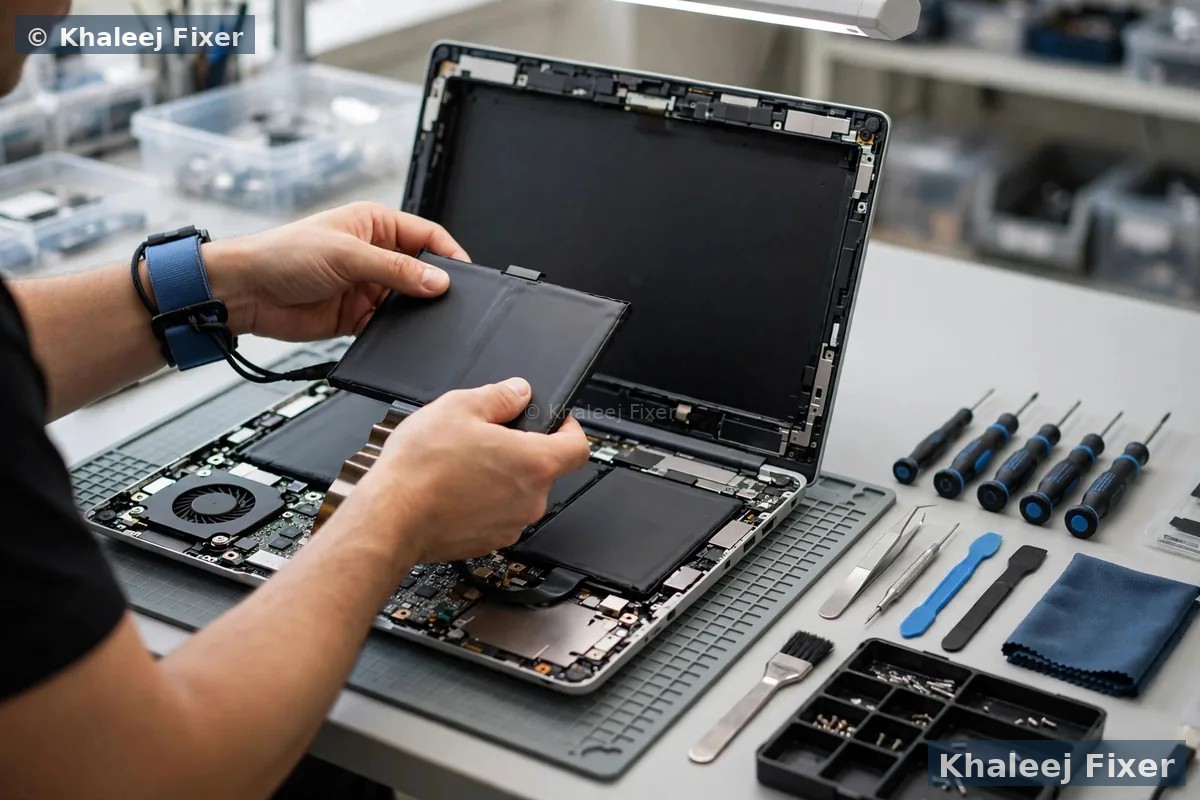
Why LifeBook batteries are different from ordinary laptop batteries
A LifeBook is built for long workdays. It runs office programs, video calls, and spreadsheets for hours. Its battery must feed all of that at once. Over years of daily charging, the cells inside the pack lose strength. They hold less charge. They drop voltage under load. That is when a LifeBook starts to die early or shut off without warning. This wear is normal. It does not mean you used the laptop wrong. It means the pack has done its job and now needs a fresh one.
Part matching matters a lot with Fujitsu. LifeBook U, E and A series use different packs. Even the same model name can hide a new part number in a new year. A pack that looks right can still have the wrong connector. It can have the wrong shape. It can sit too high and push the base out. We check the model, the year, and the part number before we order or fit a pack.
Heat is the other enemy of a LifeBook battery. Dubai heat ages cells faster. A laptop left in a hot car or used on a soft bed with blocked vents runs hotter. Over months and years, heat shortens pack life. A new matched pack brings back steady power. It brings back honest battery readings. It stops the sudden shutdowns that ruin meetings and work. For the full range of Fujitsu work, visit our Fujitsu laptop repair hub. For general battery signs on any brand, see our laptop battery replacement in Dubai page.
Signs your Fujitsu battery needs replacing
You do not need a tool to spot most battery problems. Watch for these signs in daily use. One sign alone may be enough to book a free diagnosis. Two or more signs together point clearly to a worn pack.
It drains fast. A LifeBook that once lasted a full workday now dies in a couple of hours on light work. That is the classic sign of worn cells. The pack still charges to full. It just cannot hold the charge.
It shuts off at 30 percent. The meter says 30 percent left. Then the screen goes black with no warning. This happens when weak cells drop voltage under load. The system thinks the pack is empty. You lose unsaved work. A new pack fixes the false reading.
The trackpad is rising. The trackpad feels stiff. It clicks badly. It sits higher on one side. A swollen battery pushes up from below. The trackpad is often the first part to show it. Do not force the trackpad down. Bring it in for a check.
The base is bulging. The laptop rocks on a flat table. The base does not sit flat. Swelling can push the whole chassis out of shape. This is a safety issue, not just a comfort issue. Stop charging the laptop and read the safety section below.
It is not charging. The charger is plugged in. The light is on. The percentage never moves. Or it charges to 60 percent and stops. Sometimes the fault is the charger or the port. Sometimes it is the pack. Our free diagnosis finds which part is at fault before you pay for a new battery.
If you are unsure, a free diagnosis settles it. We check battery health in software. We check the cell readings. We check the charger output. We check the port for looseness or damage. Then we tell you plainly what is wrong. If the pack is still healthy, we say so. You do not pay for a battery you do not need. If the screen is also damaged, our Fujitsu screen replacement in Dubai page covers LifeBook display work.
Swollen LifeBook battery safety: what to do right now
A swollen battery needs care. It is not a fault you should ignore. Swelling means gas has built up inside the pack. The pack is under pressure. Gentle handling keeps you safe until the pack is removed.
Stop using the laptop. Do not work on it. Do not charge it. Do not leave it plugged in overnight. Power it off if you can do so safely.
Do not puncture it. Do not press the bulge. Do not try to open the pack. Do not poke it with a tool. A punctured lithium pack can smoke or catch fire.
Do not charge it. Charging a swollen pack adds heat and pressure. That makes swelling worse. Unplug the charger and leave the laptop unplugged.
Keep the laptop in a cool dry place. Do not stack heavy things on it. Message us on WhatsApp and we will arrange free pickup. You do not need to carry a swollen laptop across town yourself. If you need urgent advice, our emergency laptop repair in Sharjah team can advise you fast.
Fujitsu models we fit batteries for
LifeBook batteries are not one size. Each series has its own pack. Each year can bring a new part number. We source packs by model and part number, not by looks alone.
LifeBook U series. The slim corporate ultrabook. U7410, U7411, U9310 and U9311 use compact packs in tight chassis. Careful fitting matters here, so the base closes flush.
LifeBook E series. The most common LifeBook in Dubai offices. E5410, E5510 and E5511 use different packs in some years. We check the exact model line before we fit anything.
LifeBook A series. The entry level business and education laptop. A3510, A3511 and A5510 packs are straightforward, but the part number still matters. A wrong pack can sit too high.
Celsius workstations. The large mobile workstation. A high capacity pack feeds a bigger screen and a stronger graphics card. We test it under load, because a big workstation draws a lot of power at full speed.
Not sure which LifeBook you own? Check the label on the base. Or send us a photo of it on WhatsApp. We will match the pack for you. You can also compare your model with the screen page on Fujitsu screen replacement in Dubai, which lists the same LifeBook lines.
Charger and charging port tested first, every time
Many LifeBook owners arrive sure the battery is dead. Sometimes it is. Sometimes it is not. A weak charger can look exactly like a dead battery. A loose charging port can do the same. A damaged cable can cut power in the middle of a charge. Replacing the battery first would waste your time and money if the real fault sits outside the pack.
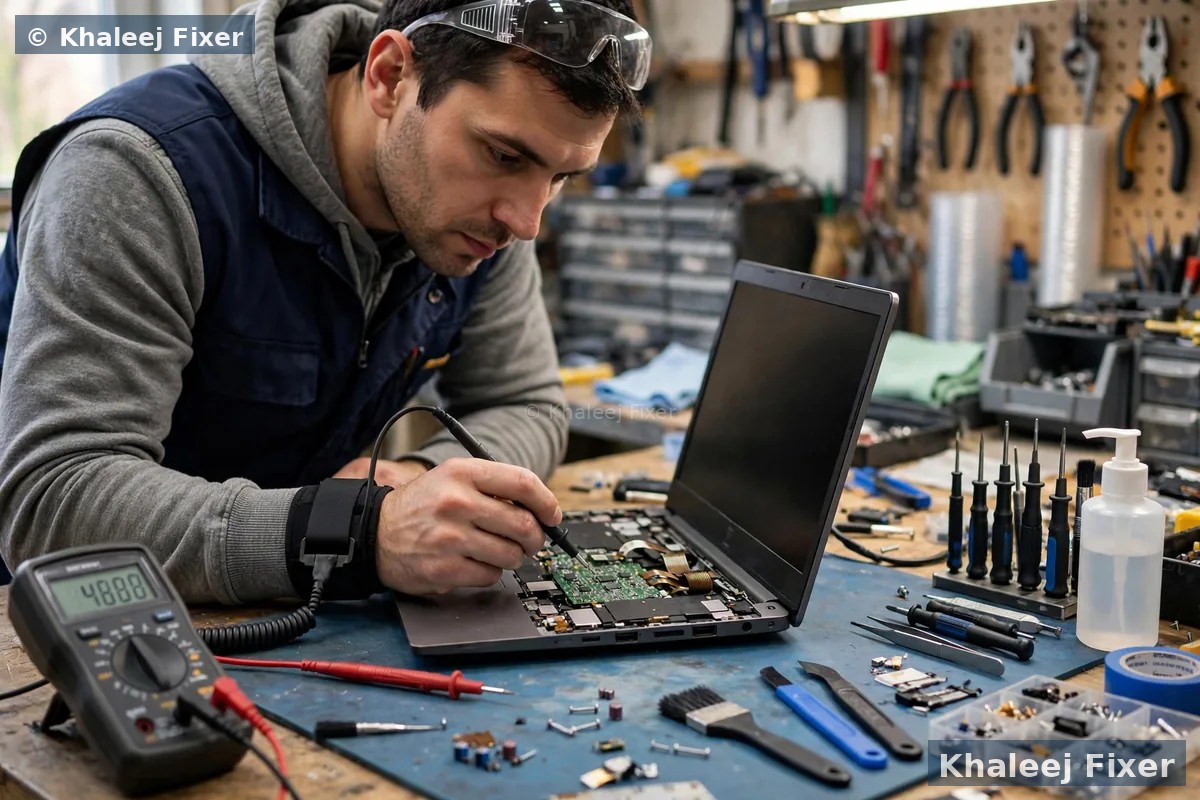
Our free diagnosis tests all three parts. We test the charger output with a meter. We test the charging port for looseness, bent pins, and broken solder. We test the battery health in software. We look at the full picture before we name the fault. If the charger is weak, we tell you. If the port is loose, we tell you. If the pack is worn, we tell you. You get one clear answer, not a guess. This check also protects the new battery. A faulty charger can damage a fresh pack. That is why we never skip the test.
Calibration and health checks after fitting
A new LifeBook battery needs a proper first charge. We charge it fully before delivery. We then check what the system reports. The health reading should show a fresh pack. The full charge capacity should match the new pack. The charge rate should look steady, not jumpy.
We also test under load. A LifeBook battery can look fine at idle and fail during a video call. We run a load test that draws real power. We watch for sudden drops. We watch for shutdowns. We watch the temperature. Only a pack that passes under load goes back to you.
At home, a few habits help the new pack last. Keep the laptop cool and out of direct sun. Do not leave it plugged in for days on a hot surface. Use the original charger or a matched charger. Small habits add months to the life of a LifeBook pack.

Free pickup means a swollen or dead LifeBook never needs a trip across town.
What happens during your Fujitsu battery repair, step by step
1. Free pickup and free diagnosis. We collect the LifeBook from your home or office in Dubai or Sharjah, or you can bring it to the workshop. We record the model and the fault. We run the battery, charger, and port tests.
2. Final quote before work. You get a clear quote after diagnosis. No work starts without your yes. See our price list page for starting prices. The final quote reflects your exact LifeBook model and pack.
3. Safe removal of the old pack. The base comes off with the right tools. Swollen packs get extra care and a slower lift. The seating area is cleaned before the new pack goes in.
4. Genuine grade pack fitted. The new pack is matched on model, part number, connector, and shape. It is seated flat so the base closes flush. The trackpad is checked for level.
5. Calibration and health checks. We charge the new pack fully. We test it under load. We check the health reading. We check the trackpad click. We check that the base sits flat on a table.
6. Delivery and 2-month warranty. Free delivery back to you, with a 2-month warranty on the battery work. If anything feels wrong in that time, message us. We will check it and put it right.
Turnaround time, warranty and file safety
Most Fujitsu battery jobs finish the same day or the next day, depending on part stock. Common E series packs are often in stock. Less common packs may need a short wait. We confirm the timing with you before work starts. We never promise a time we cannot meet.
Your battery work carries a 2-month warranty. If the new pack drains fast, or the laptop shuts off early, or the base lifts again in that time, bring it back. We will check it and put it right. The warranty covers the battery work we did. It does not cover a new fault, like a spill or a drop after delivery.
Your files stay safe during battery work. Battery replacement does not touch your storage drive. We do not open your files. We do not change your system. Still, we always suggest a backup before any repair, just as a good habit.
Frequently Asked Questions
How much does Fujitsu battery replacement cost in Dubai?
The cost depends on your exact LifeBook model and pack. See our price list page for starting prices. The final quote always comes after the free diagnosis, and no work starts without your yes.
Can a Fujitsu battery be repaired, or must it be replaced?
A worn pack cannot be repaired. The cells inside are sealed. The pack must be replaced with a matched pack. If the charger or the port is the real fault, we fix that instead, which costs far less.
How do I know my LifeBook battery is swollen?
Watch for a rising trackpad, a base that rocks on a flat table, or a lid edge that lifts. Stop charging the laptop at once and message us. We arrange free pickup and handle swollen packs as a priority job.
How long does Fujitsu battery replacement take?
Most jobs finish the same day or the next day, depending on part stock. Common E series packs are often in stock. Less common packs may need a short wait, and we tell you the wait up front.
Do you test the charger before fitting a new battery?
Yes, every time. We test the charger output and the charging port before we name the fault. A faulty charger can damage a fresh pack, so we never skip this test.
Will my files be safe during battery replacement?
Yes. Battery work does not touch your storage drive. We do not open your files or change your system. We still suggest a backup before any repair, as a good habit.
Do you fit batteries for older LifeBook models?
Yes. We work on current and older LifeBooks, including U729, U749, S752 and E752 models. Older packs may take a day or two to source. We confirm stock before we quote.
Do you pick up Fujitsu laptops from Dubai and Sharjah?
Yes. Free pickup and delivery cover Dubai and Sharjah. Our shop is in Sharjah, open 7 days from 11 AM to 11 PM, if you prefer to walk in.
LifeBook battery dying fast? Get a free diagnosis today.
Message us on WhatsApp or call. Free pickup, free diagnosis, final quote before any work, 2-month warranty.
Free Diagnosis • Free Pickup & Delivery • 2-Month Warranty • Open 7 Days 11AM to 11PM