
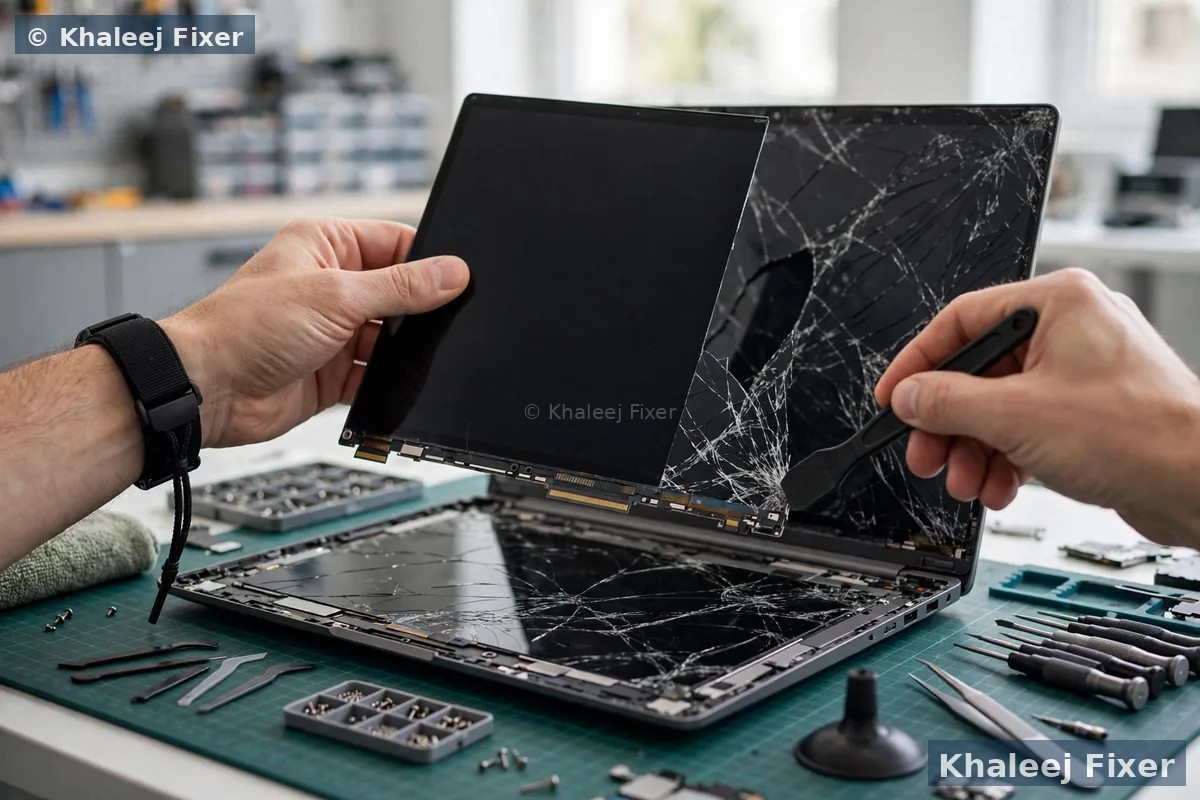
Warning signs your laptop hinge is failing
A broken laptop hinge rarely fails all at once. It gives warnings first. If you catch one early, you can often save the screen. Watch for these five signs.
1. A stiff lid. The lid feels hard to open or hard to close. You need more force than before. Stiffness often means the hinge is tight or bent. It also means force is building up inside the lid frame.
2. A clicking or cracking sound. A click when you open the lid is a warning. It can mean a hinge screw has come loose. It can also mean plastic inside the lid is starting to crack. Do not ignore a new sound.
3. The lid does not close flat. One corner sits higher than the other. Or the lid rocks a little when the laptop is closed. This often means one hinge is weaker than the other. The screen is then held unevenly.
4. The screen wobbles. The screen shakes when you type. It falls back on its own. It will not stay at the angle you set. A wobbly screen means the hinge no longer holds the lid steady.
5. A gap at the corner. Look at the bottom corners of the lid. A small gap or a lifted edge is a serious sign. It often means the hinge mount inside the lid has broken away from the frame. The screen glass sits very close to that area.
If you see any of these signs, treat the laptop gently from that moment on. The advice in the next section can help you avoid turning a hinge job into a screen job.
Why laptop hinges break
A laptop hinge is a small metal part that carries a heavy job. It holds the full weight of the screen. It also takes the force of every open and close. Over time, that daily force adds up.
One common cause is opening the lid from one corner. When you lift only the left corner or only the right corner, all the force goes through one hinge. The other hinge takes almost none of it. Done once, this does no harm. Done every day for years, it wears one side out faster.
A drop or a knock is another cause. Even a small fall can bend a hinge or crack its mount. The damage may not show right away. Weeks later the lid starts to feel stiff or loose. Heat can also play a part. A laptop that runs hot for a long time can dry out and weaken the plastic around the hinge mounts. Our guide to laptop overheating explains how heat wears parts down over time.
On some models the hinge screws sit in plastic mounts rather than metal. Those mounts can snap under normal use after a few years. When a mount snaps, the hinge itself may still be fine. But it has nothing solid left to hold on to. That is why a hinge check must look at the mounts and the frame, not just the hinge.
What to do right now
If your hinge already feels stiff or loose, your goal is simple. Stop the damage from getting worse before a technician sees it.
Stop forcing the lid. Do not push a stiff lid open. Do not pull a stuck lid hard. Forcing it is the fastest way to crack the screen or snap the mount fully.
Keep it in one position. Open the lid once, gently, from the centre. Then leave it open at a comfortable angle. Use the laptop like a desktop for now. Avoid opening and closing it again and again.
Back up your files. A hinge fault will not erase your files by itself. But if the screen cracks or the lid breaks further, the repair takes longer. Copy your important files to a drive or to cloud storage while the laptop still works.
Book a free diagnosis. A hinge check is quick. A technician can tell you whether the hinge, the mount, or the screen cable is at fault. You then get a final quote before any work starts. Starting prices are on our price list page.
What not to do with a broken hinge
Good intentions cause a lot of hinge damage. People try quick fixes at home and the screen pays for it.
Do not tape it as a fix. Tape on the outside does not hold the hinge inside. It hides the gap so you cannot see it getting worse. It can also pull at the screen bezel when you peel it off.
Do not glue the hinge. Glue can run into the screen cable or the hinge joint. It can lock the hinge in a bad angle. It can also make a proper repair harder, because the glued parts must be cleaned or replaced.
Do not tighten screws blind. The screws near a laptop hinge are small and easy to strip. A stripped screw holds nothing. Worse, a long screw in the wrong hole can press against the screen or the board below.
Do not carry it by the screen. Never pick the laptop up by the lid or by one corner of the screen. That puts the full weight of the machine through the weak hinge. Carry it closed, with both hands, from the base.
Do not keep using a laptop that will not close flat in a tight bag either. Pressure from a bag can bend the lid further. If you must move it, keep it open in a flat padded sleeve, or leave it at home until pickup.
How a technician checks the hinge
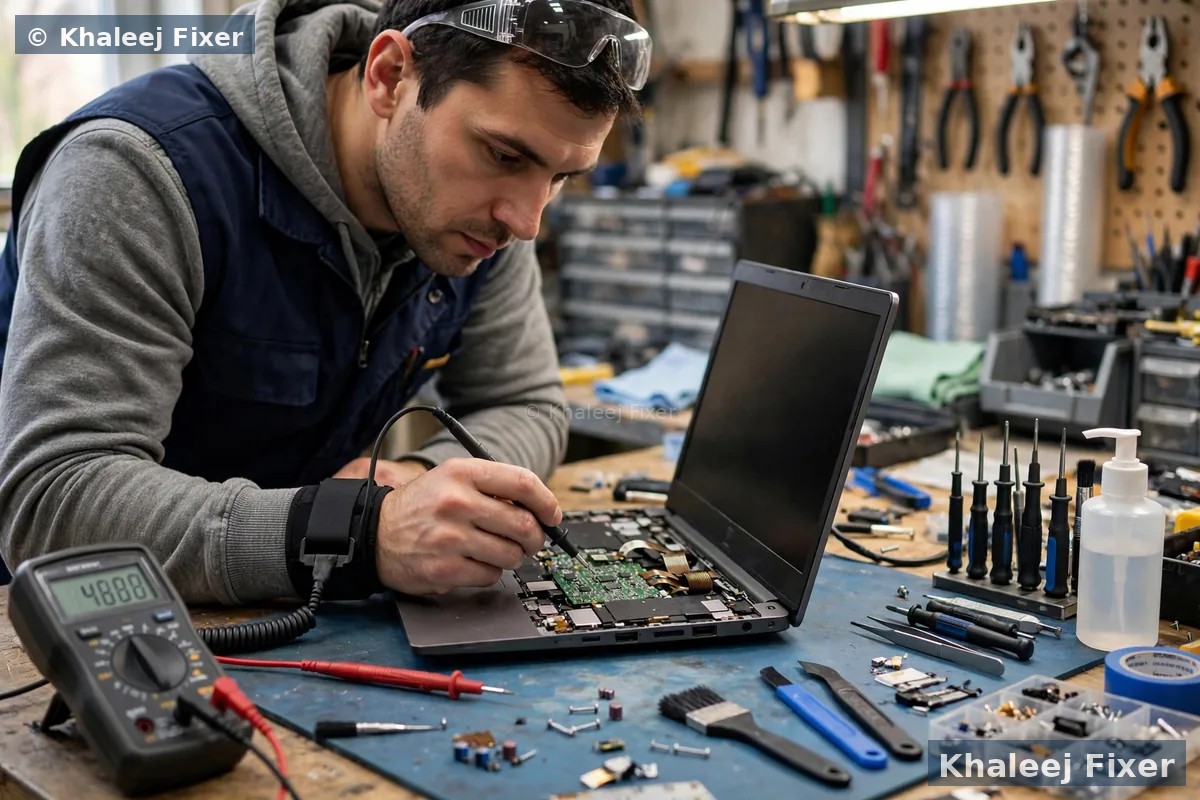
A proper laptop hinge repair starts with finding the exact failed part. Three parts can cause the same symptoms. The fix for each one is different. That is why a free diagnosis matters before any quote.
First, the hinge itself. The technician opens the lid slowly and feels how each hinge moves. A bent or seized hinge feels rough or stiff. A worn hinge feels loose and will not hold the screen angle.
Second, the hinge mounts. The mounts are the points where the hinge screws into the lid and the base. The technician checks whether the mounts are cracked, snapped, or pulled out of the frame. A broken mount is very common. It needs frame work, not just a new hinge.
Third, the screen cable. The screen cable runs through the hinge area from the base to the screen. A damaged hinge can pinch or rub this cable. The technician checks for flicker, lines on the screen, or a screen that goes dark at certain angles. Those signs point to cable damage.
Only after these three checks can a technician say what the repair needs. Replacing a hinge when the mount is broken will not hold. Fixing a mount when the cable is damaged will not fix a flickering screen. A full check avoids a second repair later.

When screen damage follows a bad hinge
A bad hinge and a cracked screen often arrive together. The link between them is force. When one hinge holds and the other gives way, the lid twists a little every time it moves. The screen glass does not bend. It takes that twist as stress. Over days or weeks, a crack can start at the corner near the weak hinge.
Watch for early signs of screen stress. A bright spot near a corner. A thin line that grows when you move the lid. A screen that flickers only at one angle. A bezel that lifts away from the glass. Any of these means the hinge fault is already reaching the screen. Stop moving the lid and get the machine checked the same day if you can.
If the screen has already cracked, both jobs are usually done in one visit. The hinge is fixed first so the new screen is not put under the same twisting force. Our screen replacement page explains the screen check in full. It also covers models like the Razer laptop screen replacement service, where hinge and screen work often go together. Fixing the hinge alone after the screen cracks will not heal the glass. Fixing the screen alone while the hinge is still bad risks cracking the new screen too.
Repair or replace: how the decision is made
Most hinge faults can be repaired. The question is which part needs work. A loose hinge screw can be refitted. A bent hinge can be replaced with the right part for your exact model. A cracked mount can often be rebuilt in the workshop. The lid frame itself only needs replacing when it is badly cracked or warped.
A technician weighs three things. How bad is the mount damage. Is the correct hinge part in stock for your model. And has the screen or cable already been affected. If the mount damage is small and the part is in stock, the job is usually quick. If the frame is badly broken, the technician will explain the options honestly before any work starts. You approve the final quote first. No work starts without your go ahead.
A hinge fault is also a good time for a full machine check. A laptop that has been dropped may have other hidden damage. A weak battery can swell and push against the base near the hinges. Our battery replacement page explains the signs of a swollen battery. Checking the whole machine in one visit saves a second pickup later.
How to prevent hinge damage
Hinges last longer with a few small habits. None of them take extra time once they become routine.
Open from the centre. Lift the lid from the middle of the top edge, not from one corner. This spreads the force evenly across both hinges.
Open it fully before you move it. Do not carry a half open laptop by the screen. Close it fully, or open it fully, before you pick it up.
Keep the base clear. Do not rest heavy books or bags on a closed laptop. Pressure on the lid pushes the hinges out of shape over time.
Use a good sleeve. A padded sleeve protects the lid corners in a bag. It also stops other items in the bag from pressing on the screen.
If a hinge ever starts to feel different, get it checked early. A small adjustment early is a much simpler job than a cracked frame later. Early checks are free, and they take only a few minutes.
Free pickup for hinge repair in Dubai and Sharjah
You do not need to carry a fragile laptop across town. We collect free from homes and offices across Dubai and Sharjah. In Sharjah we cover Al Nahda and Al Majaz. We also cover Muwaileh and Al Qasimia. We also cover Rolla and University City. And we cover Al Taawun and Al Khan. Our workshop in Industrial Area 2, Sharjah, is open 7 days, 11 AM to 11 PM.
If your laptop needs urgent help, our emergency laptop repair in Sharjah service covers fast cases. Tell us on WhatsApp that the hinge is broken and the screen is at risk. We will advise whether to keep the lid open and still, or to leave the machine untouched until pickup.
Frequently Asked Questions
Can I keep using a laptop with a broken hinge?
You can use it for a short time if you are gentle with it. Open the lid once from the centre and leave it open. Do not keep opening and closing it. Every extra movement adds strain and can crack the screen.
Can a broken laptop hinge crack the screen?
Yes. When one hinge fails, the lid twists a little with every movement. The screen glass cannot bend, so it takes that twist as stress. Over time a crack can start at the corner near the weak hinge.
Should I tape a broken laptop hinge?
No. Tape does not hold the hinge inside the lid. It hides the gap so you cannot see the damage getting worse. It can also pull at the screen bezel when you remove it. Keep the lid still and book a free diagnosis instead.
How long does laptop hinge repair take?
Most hinge jobs finish the same day or the next day, depending on the part stock for your exact model. Frame and mount work can take longer. We confirm the timing with your quote, and free pickup and delivery are included.
Do you offer free pickup for hinge repair in Sharjah?
Yes. Free pickup and delivery cover Sharjah, including Al Nahda and Al Majaz and Muwaileh and Al Qasimia and Rolla and University City and Al Taawun and Al Khan, and Dubai too. We are open 7 days, 11 AM to 11 PM.
Hinge feeling stiff or loose? Get a free diagnosis today.
Message us on WhatsApp or call. Free pickup, free diagnosis, final quote before any work, 2-month warranty.
Free Diagnosis • Free Pickup & Delivery • 2-Month Warranty • Open 7 Days 11AM to 11PM