
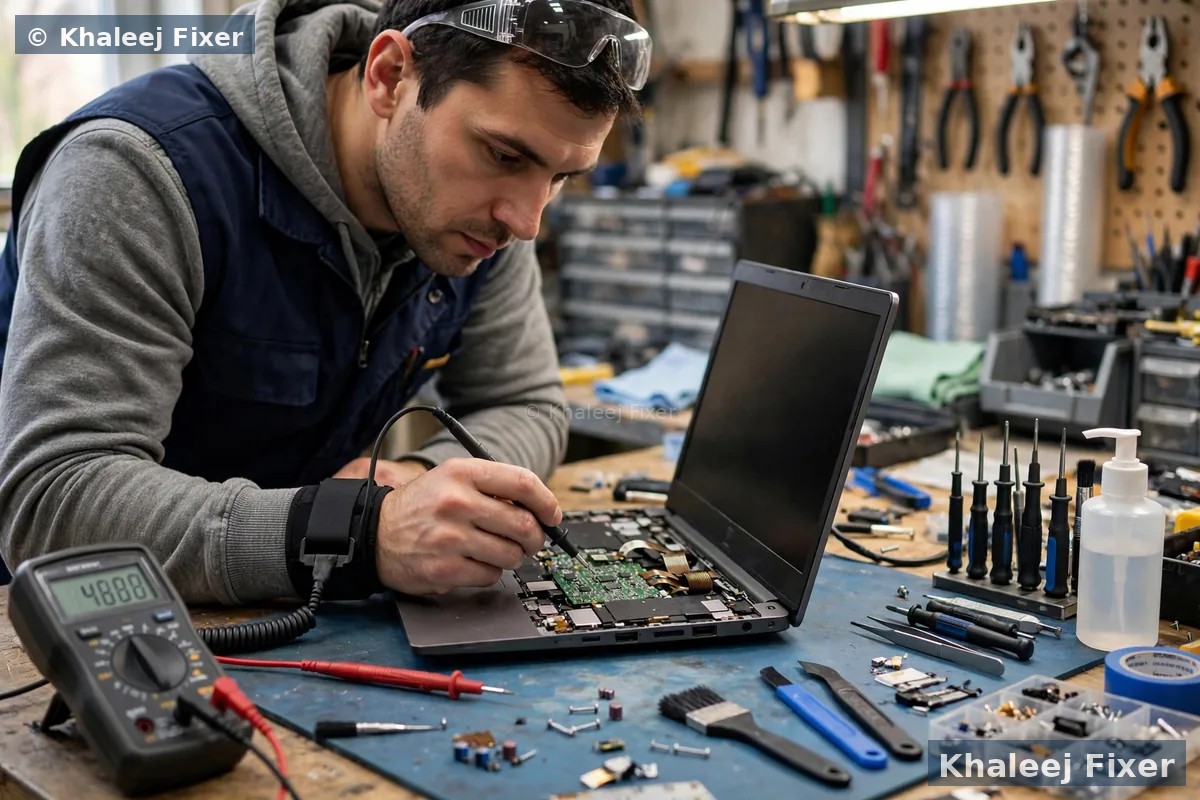
First, why laptops get hot at all
Every laptop makes heat when it works. The processor and the graphics chip turn electricity into heat, and the fan pushes that heat out through vents. When the system works well, you hear the fan for a while and then it settles. When something blocks that path, heat stays inside. The machine slows itself down to survive, which is why a hot laptop also feels slow. If it gets hot enough, it shuts down to protect itself. That shutdown is a safety feature, not a random fault.
Dubai adds three extra pressures. Summer room temperatures are higher, so the cooling system starts warmer. Dust builds up faster, and dust in a vent works like a blanket. And many of us run heavy work for long hours, video calls, editing, and games, with no break for the machine. None of this means your laptop is broken. It means the cooling needs attention.
The 6 most common causes, and what to do about each
1. Dust blocking the vents and fan
This is the top cause we see. Dust collects on the fan blades and in the vent fins over months, and airflow drops a little at a time until the machine cannot cool itself. You can help by keeping the laptop off soft surfaces. A bed or a sofa cushion blocks the vents from below. A hard table or a stand lets air move. Short bursts of compressed air through the vent can clear loose dust, but never spin the fan with a strong air blast, and never open the machine to reach the fan unless you know the model. On glued or thin machines, opening it at home can crack the screen or the base.
2. Dried out thermal paste
Thermal paste sits between the processor and the cooling plate and moves heat from one to the other. After two to three years it dries out and stops working well. The classic sign is a laptop that gets hot fast even with light work, and a fan that runs loud all the time. New paste is a workshop job, not a home job, because the machine must come apart and go back together cleanly. It is one of the best value fixes for an older laptop, and we do it daily as part of our laptop repair service in Dubai.
3. Too many heavy programs at once
Video calls, a browser with thirty tabs, editing software, and a game running together will heat any laptop. Check the Task Manager (Ctrl, Shift, and Esc on Windows) and look for one program using most of the processor. Close what you do not need, and update the programs you do use. Old versions of browsers and video apps waste far more power than new ones.
4. A failing fan
Fans wear out. A fan that rattles, grinds, or stops and starts is telling you it is on the way out. A laptop with a dead fan will overheat in minutes. Do not keep using it and hoping. A fan replacement is a quick workshop job, and it is far cheaper than a processor damaged by heat.
5. A weak or swollen battery
A battery at the end of its life runs hot and makes the whole machine run hot. If the base feels warm near the battery, or the trackpad feels stiff, the battery may be swelling. Stop charging it and get it checked the same day. Our laptop battery replacement in Dubai page explains the signs and the safe steps in full.
6. Dubai heat and sunlight
Never leave a laptop in a parked car, and never work with it in direct sun on a balcony. A machine that starts at 45 degrees has almost no room left before it throttles. Keep it in the shade, keep the room cool when you can, and give it a break during the hottest part of the day if you work long hours.
Quick fixes you can try today
- Move the laptop to a hard, flat surface and lift the back slightly so air flows under it.
- Close heavy programs and extra browser tabs, then restart the machine.
- Update Windows and your browser, and check for a runaway program in Task Manager.
- Switch the power plan to Balanced instead of High Performance for everyday work.
- Clean loose dust from the vents with short, gentle bursts of compressed air.
- Keep the charger genuine. A weak charger makes the machine work harder and run hotter.
If the fan is still loud after all of this, or the machine still shuts down, the cause is inside the machine. That is the point to stop trying home fixes and get a free diagnosis. Guessing further usually costs more than the check.
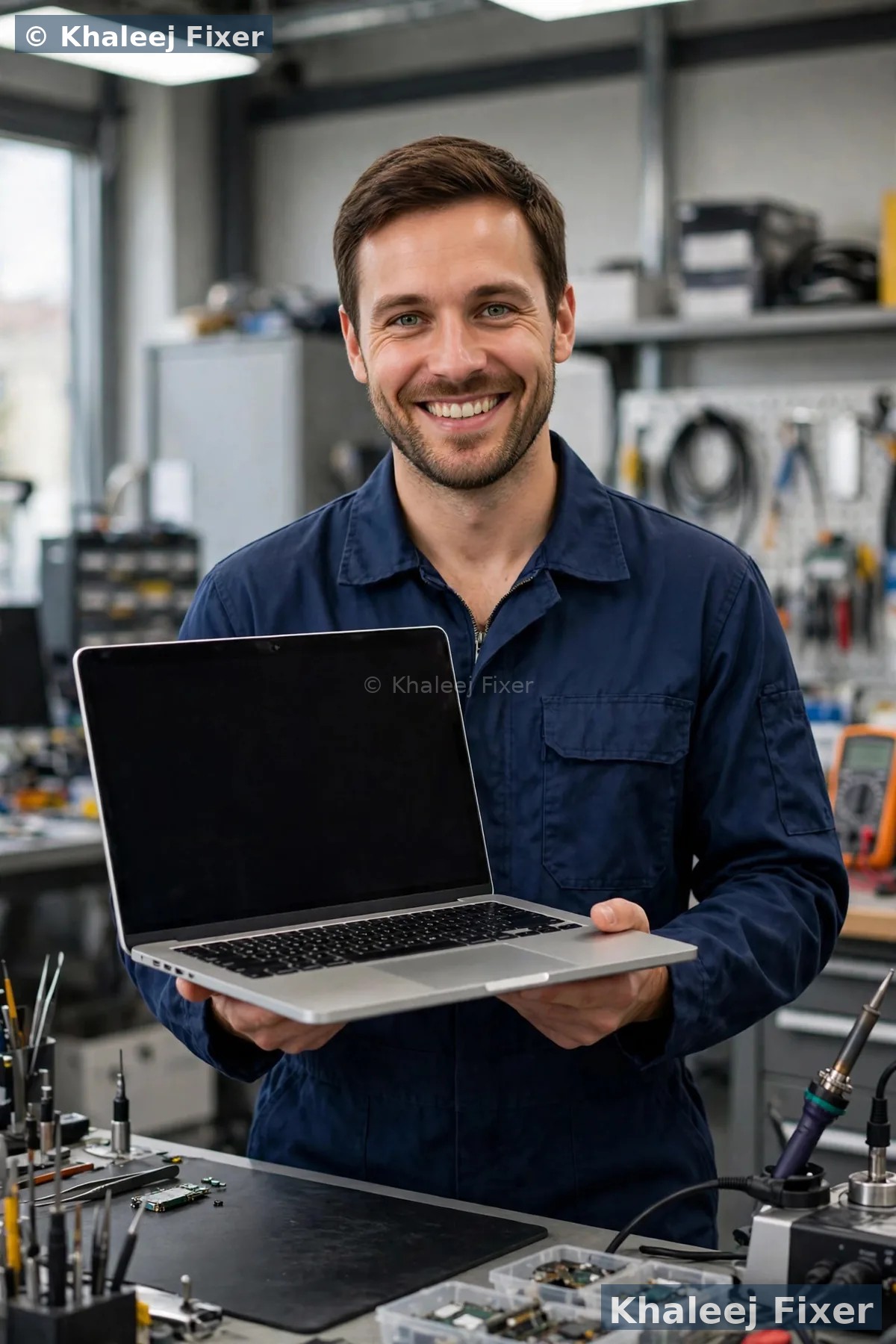
Fan cleaning and fresh thermal paste fix most overheating cases in one visit.
When to bring it to a technician
Bring the laptop in if it shuts down on its own, if the fan rattles or never stops, if the base is too hot to touch, if the battery area feels swollen, or if the quick fixes above change nothing after a day. These are all signs of a hardware cause, and hardware causes do not fix themselves. Our free diagnosis tests the fan, the paste, the battery, and the vents, and we confirm the final quote before any work. You can see starting prices on our price list page.
We collect free from homes and offices across Dubai and Sharjah, including Al Nahda, Al Majaz, Muwaileh, Al Qasimia, Rolla, University City, Al Taawun, and Al Khan, and we are open 7 days, 11 AM to 11 PM. Most overheating jobs finish the same day or the next day.
Frequently Asked Questions
Is it normal for a laptop to get warm?
Warm is normal. Too hot to touch, loud all the time, or shutting down on its own is not. Warm means the cooling is working. Hot and loud means it is struggling.
Can overheating damage my laptop permanently?
Yes, over time. Constant heat wears out the battery first, then stresses the processor and the board. That is why a machine that overheats for months often comes in with two problems instead of one.
How often should thermal paste be replaced?
Every two to three years for most laptops, sooner if you run heavy work daily or work in a dusty place. If your laptop is older than that and runs hot, paste is the first thing we check.
Does a cooling pad help?
A cooling pad helps a little, mostly by lifting the laptop and adding airflow. It will not fix dust inside the machine or dried paste. Think of it as support, not a cure.
Can you fix laptop overheating with free pickup in Dubai?
Yes. We collect free across Dubai and Sharjah, diagnose free, and confirm the quote before work. Most overheating jobs finish the same day or the next day.
Laptop running hot? Get a free diagnosis today.
Message us on WhatsApp or call. Free pickup, free diagnosis, final quote before any work, 2-month warranty.