
🔋 8 Signs Your Huawei Laptop Battery Needs Replacing
MateBook batteries wear out slowly, then fail all at once. If you see any of these, our free battery diagnosis will confirm it in minutes:
Battery lasts under an hour
A MateBook that once ran all day now dies before lunch. That is normal wear. MateBook batteries are rated for around 1,000 charge cycles. After that, capacity drops fast. We check your cycle count free, so you know if it is wear or something else. Full battery service: laptop battery replacement Dubai.
Percentage jumps or drops suddenly
Your MateBook shows 60 percent, then 15 percent a minute later, then shuts down. That jump means the battery cells can no longer hold a steady charge. Calibration will not fix worn cells. The battery needs replacing. Full Huawei servicing: Huawei laptop repair in Dubai →
Laptop only works while plugged in
Unplug the charger and the MateBook dies at once. The battery has stopped delivering power, even if Windows still shows a charge icon. This is the most common end stage for a MateBook battery. We replace it the same day for most D series models.
Trackpad lifting or case bulging
Stop using the laptop and call us. A swollen battery pushes the trackpad up and bends the bottom case. Swollen batteries are a safety risk and can damage the screen and keyboard if left alone. We remove swollen MateBook batteries safely every week. Read our safety guide: swollen laptop battery safety →
Laptop runs hot and fans never stop
A worn battery works harder and runs hotter, which makes the fans run all the time. Heat also ages the battery faster, so the problem feeds itself. If your MateBook is hot and loud on light work, the battery is one of the first things we check, free. Overheating help: laptop repair in Dubai →
Windows says “plugged in, not charging”
Sometimes this is a charger or port fault, not the battery. We test with a known good Huawei USB-C charger first, because a charger fix costs far less than a battery. If the charger is fine and the battery still will not charge, the battery is the fault.
Battery drains while the laptop sleeps
You close the lid at 80 percent and open it at 20 percent. A healthy MateBook loses very little charge in sleep. A battery with worn cells leaks charge fast, even with the lid closed. We measure sleep drain during the free diagnosis.
PC Manager shows poor battery health
Huawei PC Manager shows battery health as a percentage. Below 80 percent of design capacity, you will feel the loss every day. Below 60 percent, sudden shutdowns start. Send us a screenshot of your PC Manager battery page on WhatsApp and we will tell you honestly if it is time.
Not sure if it is the battery, the charger, or the charging port? That is exactly what the free diagnosis is for. You never pay just to find out. Huawei laptop repair in Dubai →
✨ Why MateBook Batteries Need Exact Part Matching
Every MateBook model uses a different battery. The MateBook X Pro uses a high capacity pack for its 3K screen. The MateBook 14 uses a mid size pack. The MateBook D 14, D 15, and D 16 each use their own pack, even though the laptops look alike from the outside. A battery sold as “Huawei laptop battery” without a model check is a gamble. The wrong pack may not fit the case, may not connect to the board, or may report the wrong capacity to Windows.
Huawei batteries carry part numbers starting with HB, printed on the battery itself and tied to your model. We match by your MateBook model and by that part number. That one check is the difference between a battery that lasts two years and a battery that swells in six months. Cheap unbranded cells are the main reason MateBook batteries swell early, and we never fit them.
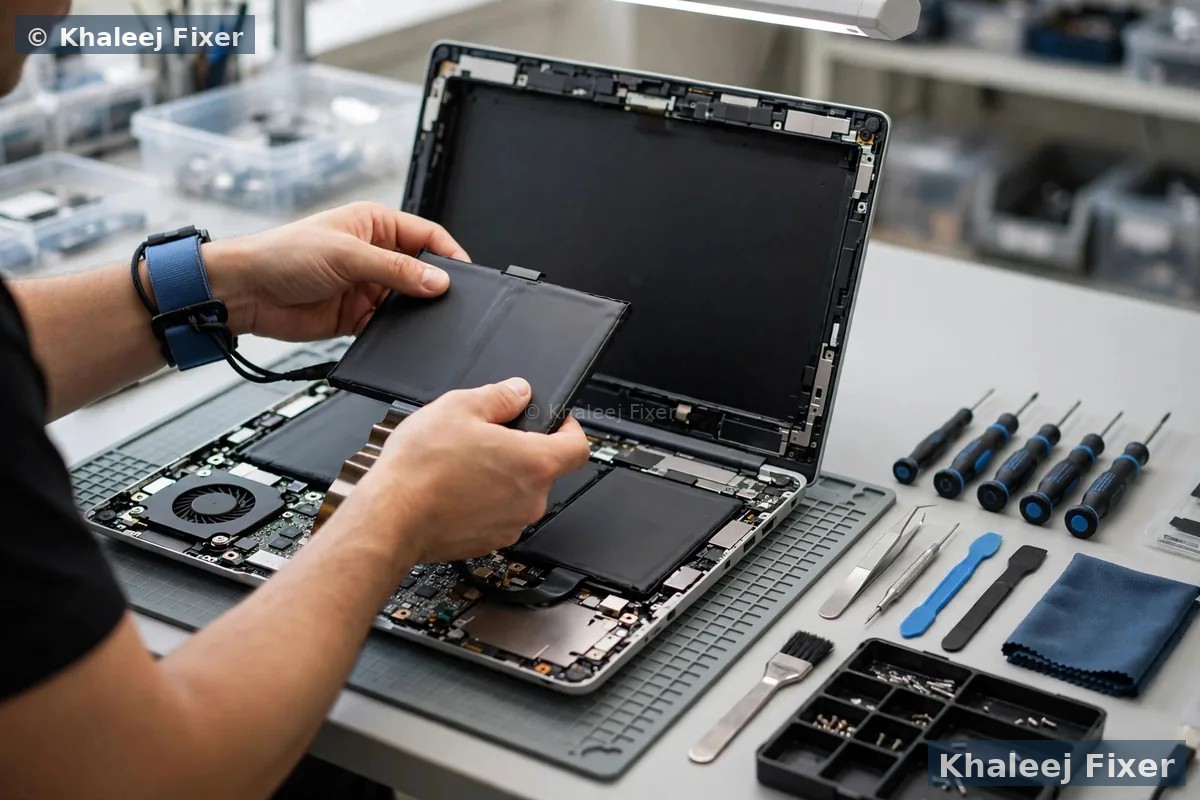
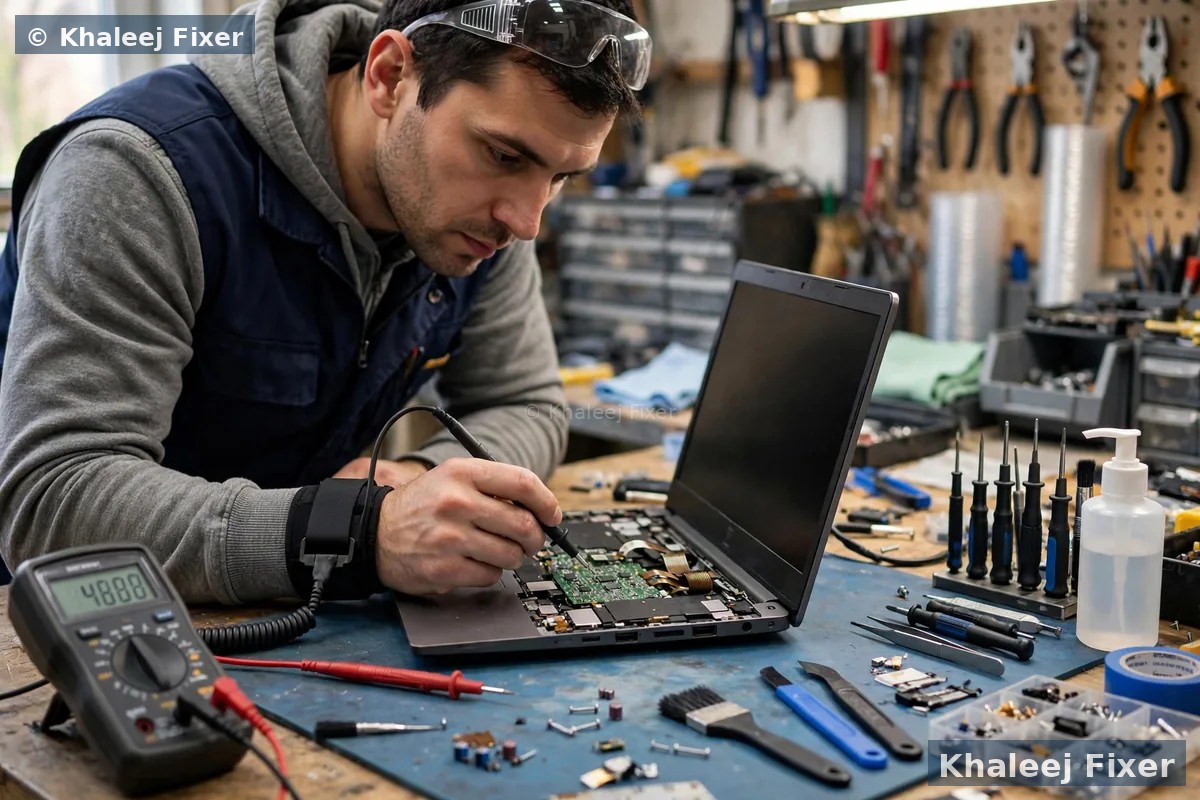
MateBook batteries are also glued into the case. Removing a glued battery takes heat, patience, and the right tools. Rushed removal bends the battery, and a bent lithium battery is dangerous. Our technicians remove glued MateBook batteries the safe way, clean the case, and fit the new pack with fresh adhesive. The laptop leaves flat, cool, and safe. Screen cracked too? See our Huawei laptop screen replacement in Dubai →
🎯 Exact Battery Matching – Model, Part Number, Capacity, Charger
Four details decide whether a MateBook battery job lasts. We check all four on every job:
💻 Every Huawei MateBook Family We Cover
Model numbers (printed on the underside sticker, for example MateBook D 15 Boh-WAQ9R) tell us your exact battery in seconds. Send yours on WhatsApp and we will confirm the correct pack before you come in. Battery fine but screen broken? See our Huawei screen replacement in Dubai → for the same machine.
⚠️ Swollen MateBook Battery? Stop Using It Today
A swollen battery is the one MateBook fault you should never wait on. Signs: trackpad lifted or hard to click, bottom case bulging, laptop rocking on a flat table, or a gap opening along the case edge. What to do: stop charging it, do not press the swollen area, do not try to open the laptop yourself, and keep it away from heat. What we do: we collect it safely with free pickup, remove the swollen pack in a controlled way, fit the correct new battery, and test charging and heat before handover. If your MateBook shows any swelling, message us on WhatsApp today. Full safety steps: what to do with a swollen laptop battery →
🔧 Our Huawei Battery Replacement Process – 4 Steps
Common MateBook D batteries: often same day. X Pro packs: typically 24 to 48 hours for exact sourcing.
Free health check
Battery health, cycle count, and full charge capacity read from your MateBook, plus a charger and port test. You get an honest answer, including “it is just the charger”, before any money is discussed.
Exact battery sourcing
Matched by MateBook model and HB part number: full design capacity, genuine-grade cells. No cheap unbranded cells, ever.
Safe glued battery removal
Heat and proper tools, never force. The old pack comes out flat and safe, the case is cleaned, and the new pack is fitted with fresh adhesive.
Charging and heat test
Full charge cycle, sleep drain check, and heat check before handover. Then handover with our 2-month warranty.
💰 What Affects Huawei Battery Replacement Cost
Clear pricing. Your final quote is confirmed after the free diagnosis, never a surprise at pickup. These are the factors that move the price:
See our clear price list → and remember: diagnosis is free, pickup is free, and the final quote comes before any work starts.
🔋 Make Your New MateBook Battery Last Longer
Your new battery will last longest if you treat it kindly. Keep charge between 20 and 80 percent most days, instead of running it to zero or leaving it at 100 percent on charge all week. Turn on Huawei Smart Charge in PC Manager, which caps charging to protect the cells. Keep the MateBook cool: heat is the biggest battery killer in the UAE, so avoid using it on a bed or sofa that blocks the vents, and never leave it in a hot car. Use the original or a good quality USB-C charger: weak chargers strain the battery and the charging circuit. Update PC Manager and drivers: Huawei power updates often improve battery behaviour. Follow these five habits and a good MateBook battery should serve you for years. More tips in our blog: how to extend laptop battery life →
⭐ Why MateBook Owners Choose Khaleej Fixer
📍 Free Pickup – Dubai & Sharjah
Huawei battery replacement with free pickup and delivery, or walk in:
📍 Visit us: 41 St, Industrial Area 2, Sharjah, UAE, open 7 days, 11 AM to 11 PM. Full Huawei servicing: Huawei laptop repair Dubai → · Also see our Huawei screen replacement in Dubai →
❓ Huawei Laptop Battery Replacement FAQs – Dubai
How much does Huawei laptop battery replacement cost in Dubai?
It depends on your MateBook model and battery capacity. An X Pro high capacity pack costs more than a D series pack. Our price list is clear, and your final quote is confirmed after the free diagnosis with no hidden charges.
How do I know if my MateBook battery is worn out?
Check Huawei PC Manager for battery health. Below 80 percent of design capacity, you will feel the loss every day. Sudden shutdowns, percentage jumps, and a laptop that only works plugged in are all signs the battery needs replacing. Our free diagnosis confirms it in minutes.
Is my MateBook battery glued in? Can it still be replaced?
Yes. Most MateBook batteries are glued into the case, which is why the job needs heat, patience, and proper tools. We remove glued batteries safely every week and fit the new pack with fresh adhesive. The laptop leaves flat, cool, and safe.
My MateBook trackpad is lifting. Is that the battery?
Almost certainly yes. A lifting trackpad is the classic sign of a swollen battery. Stop using and charging the laptop, and contact us the same day. We collect swollen MateBook batteries safely with free pickup and remove them in a controlled way.
How long does Huawei laptop battery replacement take in Dubai?
Same day for common MateBook D batteries we stock. 24 to 48 hours for X Pro packs that need exact sourcing. We offer free pickup and delivery across Dubai and Sharjah, 11 AM to 11 PM, 7 days a week.
Will battery replacement delete my files?
No. Battery replacement never touches your storage. Your files, Windows, and programs stay exactly as they were.
Can you replace a MateBook D 15 battery?
Yes. MateBook D 14, D 15, and D 16 are all covered, with exact HB part number matching for each. Send your model number on WhatsApp and we will confirm the battery before you come in.
Do you repair Huawei batteries in Sharjah too?
Yes. Our shop sits in Industrial Area 2, Sharjah, with free pickup across Sharjah areas including Al Nahda, Muwaileh, Al Majaz, and Rolla, and the same free pickup in Dubai. See also our Microsoft Surface screen replacement in Dubai →
🔗 Related repairs: for the complete service, our laptop battery replacement Dubai hub covers every brand. Need board level help? Laptop motherboard repair in Dubai → · Also see Huawei screen replacement Dubai →
Get Your MateBook Battery Back – Full Day Power
One message is all it takes. Free battery diagnosis · Exact HB part match · Safe glued battery removal · 2-month warranty.
💬 WhatsApp: +971 506 757 156 📞 Call Now
📍 41 St, Industrial Area 2, Sharjah, UAE, open 7 days, 11 AM to 11 PM