
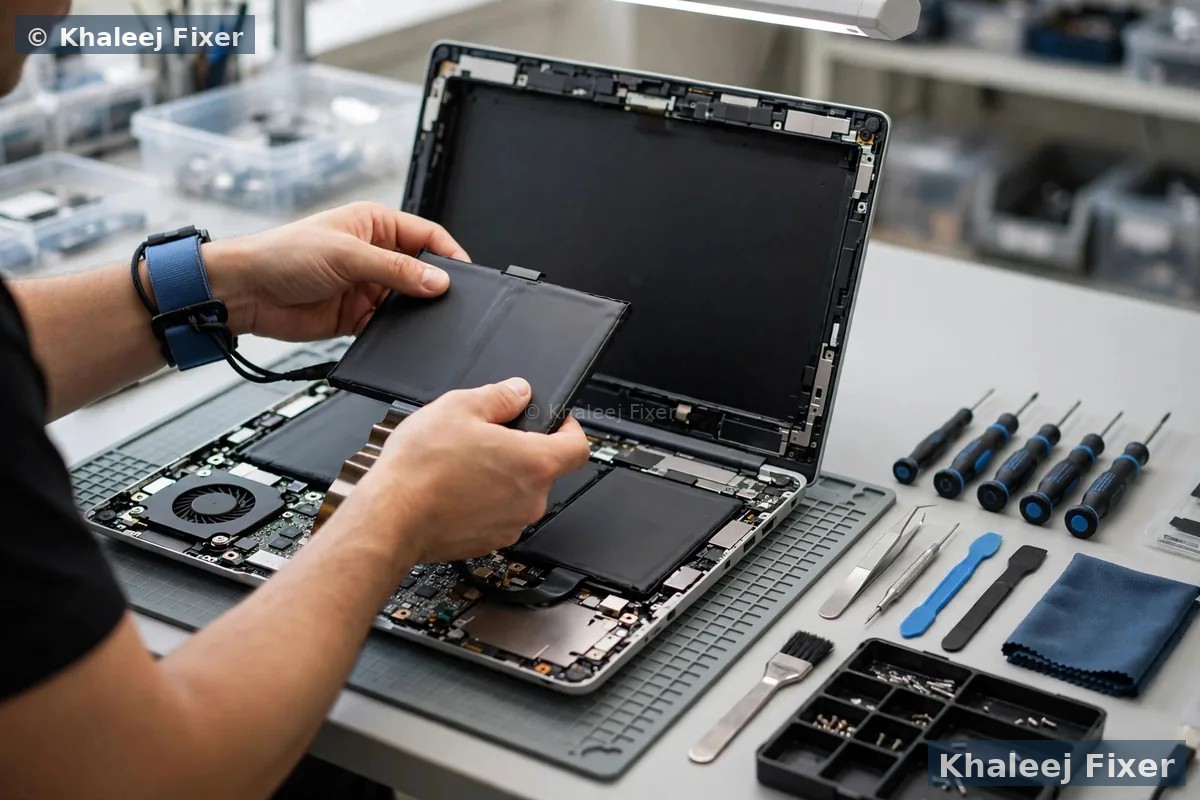
🔋 8 Signs Your Toshiba Battery Needs Replacing
Toshiba batteries — especially the removable external packs — fail in recognisable ways. If you recognise any of these, our free battery diagnosis confirms it in minutes:
Plugged in, not charging
Toshiba’s own manuals document this exact fault — and the fix order: power off, remove the battery, wipe the contacts with a soft dry cloth, and reseat it firmly. If the battery was deeply discharged, it can take ~20 minutes on the charger before the charging light wakes up. A battery that is very hot or very cold also refuses to charge — Dubai heat causes this. If none of that brings it back, the pack is done. See our laptop battery replacement Dubai hub for the full service.
Full charge dies in 30 minutes
The classic aged-battery sign: Windows says 100%, and half an hour later the machine is dead. Toshiba batteries typically hold 300–500 full charge cycles — after that the chemistry degrades and capacity falls off a cliff. Offices across Dubai still run Satellite C50 and Tecra fleets bought years ago; those packs are simply at the end of their natural life. Replacement restores the original runtime.
Only works on the charger
Unplug and it dies instantly. On a Toshiba this can be the battery, the charger, or the charging circuit — a weak adapter that can’t feed both the machine and the pack mimics a dead battery perfectly. Our free diagnosis tests all three, so you replace the right part. Related service: Toshiba laptop repair in Dubai →
Swollen battery or bulging keyboard
On removable-battery Toshibas the pack itself visibly puffs; on slim Portégé models the swelling pushes up the keyboard or trackpad from inside. Stop using and charging it immediately — a swollen lithium battery is a fire risk, and Dubai heat accelerates it. We treat this as a same-day urgent job. Full guide: swollen battery — what to do →
Refuses to charge when hot
Toshiba documents that batteries only charge properly around room temperature (roughly 5–35°C). A Toshiba left in a parked car or on a sunny desk in Dubai can simply refuse to charge until it cools — and repeated heat-charging quietly kills cells. If yours charges fine in the morning but not after a hot afternoon commute, bring it in: heat damage is usually already done.
“No battery detected” / stuck at 0%
Windows shows no battery at all, or the icon sits at 0% with “plugged in, not charging”. On removable-pack Toshibas this is often a dirty or misaligned contact — the reseat-and-clean trick above fixes it. If the laptop doesn’t see a known-good battery either, the charging circuit or battery connector may be at fault — board-level diagnosis, which we do free.
Battery drains fast on a still-perfect office machine
This is the Toshiba story across the UAE: a 5–8 year old Satellite or Tecra that still runs office software perfectly, let down only by a battery that won’t hold charge. Offices keep these machines for years — a fresh battery is far cheaper than replacing a fleet. Removable-pack swaps take minutes, so downtime is near zero.
Dies the moment the charger is touched
Wiggle the DC jack and the machine cuts out — on many Toshibas the charging port has loosened rather than the battery failing, and the battery simply never gets a proper charge cycle. We check the DC jack during every battery diagnosis, because replacing a battery when the real fault is the jack wastes your money.
Not sure whether it’s the battery, the charger, the contacts or the charging circuit? That’s exactly what the free diagnosis is for — you never pay just to find out. Toshiba laptop repair in Dubai →
🏢 Toshiba Is Now Dynabook — What That Means for Your Battery
Here’s what most Dubai repair shops won’t tell you: Toshiba doesn’t make laptops anymore. Toshiba sold its PC business to Sharp in 2018, and in 2019 the company was renamed Dynabook Inc. — the Toshiba laptop brand was retired entirely. New machines are badged Dynabook (Satellite Pro, Tecra, Portégé, Portégé X30L continue under that name).
For your battery, this is actually good news: Dynabook kept Toshiba’s battery part-numbering system, so the parts are cross-compatible. A battery listed as PA5185U-1BRS, PA5136U-1BRS or PABAS232 fits the machine it was designed for whether the lid says Toshiba or Dynabook. The rule is simple: match the part number, not the badge. You’ll find yours on a white sticker on the battery itself (PA-series like PA3356U, PA3384U, PA3593U, PA3634U/35U/38U, or PABAS-series like PABAS117, PABAS232) — or on the model plate under the laptop.
Can’t remove the battery to read the number? Don’t force anything — just send us your model number (Satellite C55, Tecra A40, Portégé X30 — it’s on the underside sticker) on WhatsApp and we’ll identify the correct part before you come in. And beware online sellers who sell a “universal Toshiba battery”: Toshiba batteries are not universal, and a wrong-pack fit is how swollen, misfitting batteries happen.

🎈 Swollen Toshiba Battery — Act Today, Not Tomorrow
On Toshibas with removable external packs, swelling shows on the pack itself — it bulges, the latches won’t close, or the laptop rocks on the desk. On slim Portégé and Qosmio models with internal batteries, the first sign is a raised keyboard or trackpad. Either way, the response is the same: stop using and charging the laptop immediately, don’t press on the swelling, don’t try to flatten it, and don’t carry it in a bag where pressure builds up. Then contact us — swollen-battery removal is an urgent, same-day job, handled with proper lithium-pack safety procedures.
Cheap no-name replacement batteries are one of the biggest causes of swelling: sloppy cells expand months after fitting. That’s why we fit part-number-matched Toshiba/Dynabook batteries with proper safety circuitry and back them with our 2-month warranty. The full safety walkthrough: swollen laptop battery — what to do →
💻 Every Toshiba Family — Satellite, Tecra, Portégé, Qosmio & Dynabook
The correct battery for your exact model — matched by PA/PABAS part number, never by guesswork:
Removable vs internal — the Toshiba advantage: most Satellite, Tecra and Portégé machines use removable external batteries — slide two latches, lift the pack out, drop the new one in. That’s a 15–20 minute walk-in swap, the fastest battery job in our shop. Slim Portégé X-series, newer Dynabook models and Qosmio machines use internal batteries — 8–12 screws and a careful opening — typically 45–60 minutes. Either way, the replacement must match your exact part number — capacity (Wh), voltage and connector. A near-match pack can misfit, misreport charge, or quietly create the swelling problem you wanted fixed. Send your model number on WhatsApp and we confirm the right battery before you arrive. Complete Toshiba servicing: Toshiba laptop repair Dubai →
⚠️ Genuine vs Cheap Toshiba Batteries — The Price of a Bargain
Scroll any marketplace and you’ll find “Toshiba battery” listings at suspiciously low prices. Here’s what those packs usually are: recycled cells in a lookalike shell, the wrong Wh rating (half the runtime), a connector that’s a millimetre off (intermittent charging, or it never seats), and — worst of all — no proper safety circuitry. On Toshibas these bargain packs are a known swelling risk: sloppy cells expand months after fitting, and in the worst cases cheap lithium packs are a genuine fire risk.
Our rule: we fit genuine-quality batteries matched to your exact Toshiba/Dynabook part number — correct Wh rating, correct voltage, correct connector, proper safety circuitry — and we back every one with our 2-month warranty. It costs a little more than the cheapest listing and lasts dramatically longer. If someone offers you a Toshiba battery replacement at a price that seems too good to be true, ask which PA/PABAS part number they’re fitting — then ask us.
🔧 Our Toshiba Battery Replacement Process — 4 Steps
Removable packs: done while you wait in 15–20 minutes. Internal batteries: typically 45–60 minutes.
Free battery diagnosis
Real capacity vs design capacity, charge behaviour, cell health — plus a check that separates battery faults from charger, DC-jack and charging-circuit faults. We also try Toshiba’s documented reseat-and-clean steps first where appropriate — if it’s just dirty contacts, you walk out with no bill. Fixed quote, zero charge for diagnosis.
Correct battery, part number confirmed
The replacement is matched to your exact Toshiba or Dynabook — PA/PABAS part number, capacity (Wh), voltage and connector. Common Satellite and Tecra packs are stocked for same-day replacement; rarer Portégé, Qosmio and older Tecra packs are sourced fast, with an honest timeline given upfront.
Safe removal + fitting
Removable pack: latches released, contacts cleaned, new pack seated and verified. Internal battery: safe disconnection procedure with full ESD precautions — no stripped screws, no cracked plastic. Swollen packs: specialist safe-extraction handling, never pried, never punctured. Safe disposal of the old lithium pack included.
Calibration + power-plan setup
New battery installed and connections verified, then calibrated with a full charge cycle so Windows reports charge honestly from day one. We then configure Windows power plans for your usage — the single biggest life-extender for a new pack, set up free. You leave with a fresh battery, honest runtime, and our 2-month warranty.
🤔 Replace the Battery or Buy a New Laptop?
The question every Toshiba owner with a dying battery asks. Our honest answer — as a shop that could happily charge you either way:
Still undecided? The free diagnosis includes our honest assessment — including “don’t repair this one”. Ask us on WhatsApp →
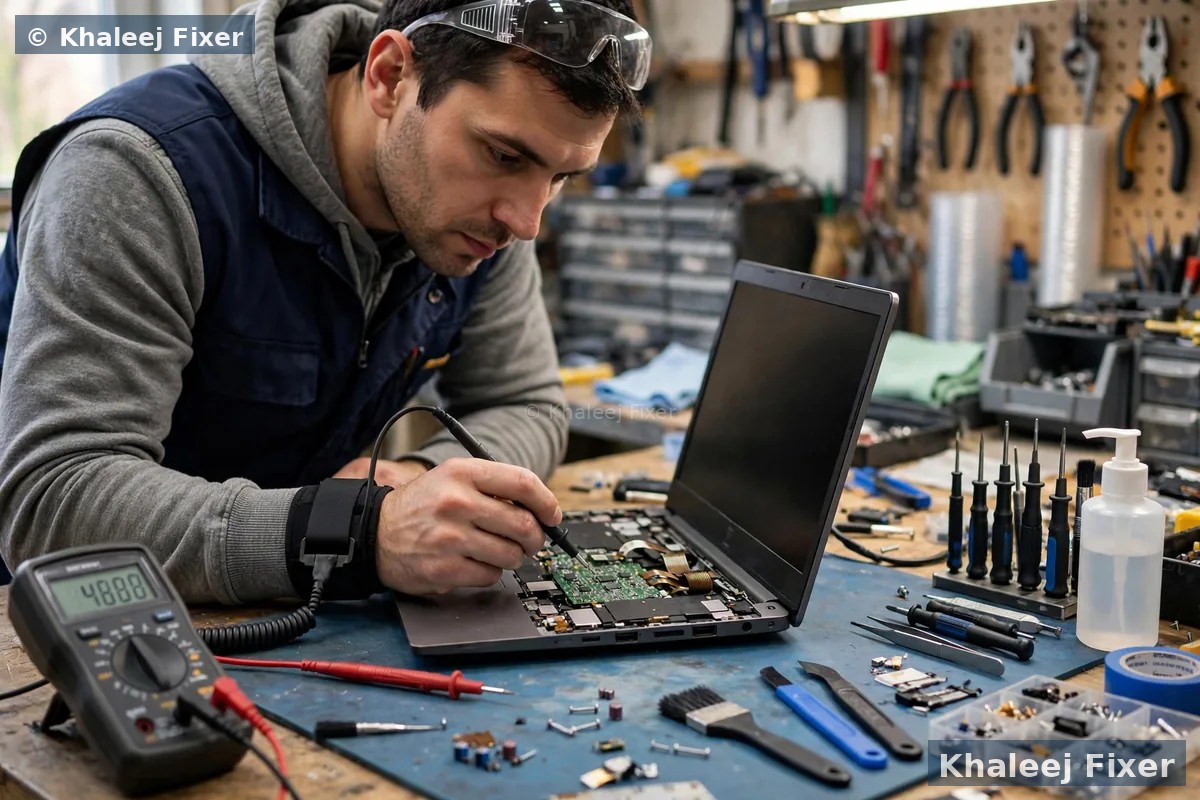
🔋 Make Your New Toshiba Battery Last — Calibration + Power Plans
Two things decide how long a new Toshiba battery lives, and both are in your hands. First: heat. Toshiba’s own guidance says batteries charge and live best around room temperature (5–35°C) — so don’t leave the laptop in a parked car or on a sunlit desk, keep the vents clear, and elevate the rear for airflow. Second: open Windows Power Options and use a balanced or power-saver plan for desk work, reserving high performance for when you actually need it. Sitting at 100% charge with a high-performance plan, day after day, is the fastest way to age lithium cells.
Beyond that: always use the genuine Toshiba/Dynabook charger with the correct wattage — an underpowered adapter starves the battery through every cycle; avoid deep-discharging to 0% regularly; and on removable-pack models, pop the battery out for a contact clean every few months with a soft dry cloth — it prevents the “not detected” faults Toshiba documents. We set all of this up for you after every replacement, free.
💰 What Affects Toshiba Battery Replacement Cost
Transparent pricing — your final quote is confirmed after the free diagnosis, never a surprise at pickup. These are the factors that move the price:
💬 Why Toshiba Owners Choose Khaleej Fixer
📍 Free Pickup — Dubai & Sharjah
Toshiba battery replacement with free pickup and delivery — or walk in:
📍 Visit us: 41 St, Industrial Area 2, Sharjah, UAE — open 7 days, 11 AM to 11 PM. Full Toshiba servicing: Toshiba laptop repair Dubai →
❓ Toshiba Laptop Battery Replacement FAQs — Dubai
How much does Toshiba laptop battery replacement cost in Dubai?
It depends on your Toshiba model and battery type — a removable Satellite pack costs less than a slim internal Portégé battery, and higher-capacity packs cost more. Our price list is transparent, and your final quote is confirmed after the free diagnosis with no hidden charges.
Why is my Toshiba laptop not charging even when plugged in?
Try Toshiba’s documented fix order first: power off, remove the battery, wipe the contacts with a soft dry cloth, reseat it firmly, and — if deeply discharged — leave it on the charger for ~20 minutes. A very hot battery also refuses to charge until it cools. If none of that works, bring it in — our free diagnosis separates a battery fault from charger, DC-jack or charging-circuit issues.
How do I find the right battery model number for my Toshiba or Dynabook laptop?
Look for the PA/PABAS part number on a white sticker on the battery itself (e.g. PA5185U-1BRS, PA5136U-1BRS, PABAS232) or the model name on the underside plate (Satellite C55, Tecra A40, Portégé X30). Can’t read it? Send us your model number on WhatsApp — we identify the correct battery free before you travel.
Are Toshiba and Dynabook batteries the same / interchangeable?
Effectively yes — Toshiba’s PC business became Dynabook in 2019, and the battery part-numbering system stayed the same. Match the PA/PABAS part number, not the badge: a battery designed for your model fits whether the lid says Toshiba or Dynabook. We confirm cross-compatibility as standard.
Is it safe to use a Toshiba laptop with a swollen battery?
No — stop using and charging it immediately. A swollen lithium battery is a fire risk, and heat accelerates swelling. We treat swollen-battery removal as an urgent same-day job with proper safety handling. More: swollen battery safety guide →
Can I replace my Toshiba laptop battery myself?
If yours is a removable external pack — most Satellite, Tecra and Portégé models — yes: release the latches and swap it, though the pack must still be the correct part number. For internal batteries (slim Portégé X-series, Qosmio, newer Dynabook), leave it to a technician. Either way, never buy an unbranded “universal” pack — wrong fit and weak safety circuitry are how swelling and fire risks start.
How long does Toshiba battery replacement take in Dubai?
15–20 minutes for removable-pack models as a walk-in — the fastest battery job we do. Internal batteries take 45–60 minutes. Can’t come to us? We offer free pickup and delivery across Dubai and Sharjah, 11 AM–11 PM, 7 days a week.
Will replacing the battery delete my files or Windows?
No — battery replacement never touches your storage. Your files, Windows, office software and settings remain exactly as they were.
🔗 Related repairs: gaming on the side too? See our MSI battery replacement in Dubai — and for the complete service, our laptop battery replacement Dubai hub covers every brand. Next up: MSI laptop screen replacement in Dubai →
Get Your Toshiba’s Power Back — Same Day
One message is all it takes. Free battery diagnosis · 15–20 min removable-pack swaps · Part-number-matched Toshiba/Dynabook batteries · 2-month warranty.
💬 WhatsApp: +971 506 757 156 📞 Call Now
📍 41 St, Industrial Area 2, Sharjah, UAE — open 7 days, 11 AM – 11 PM