
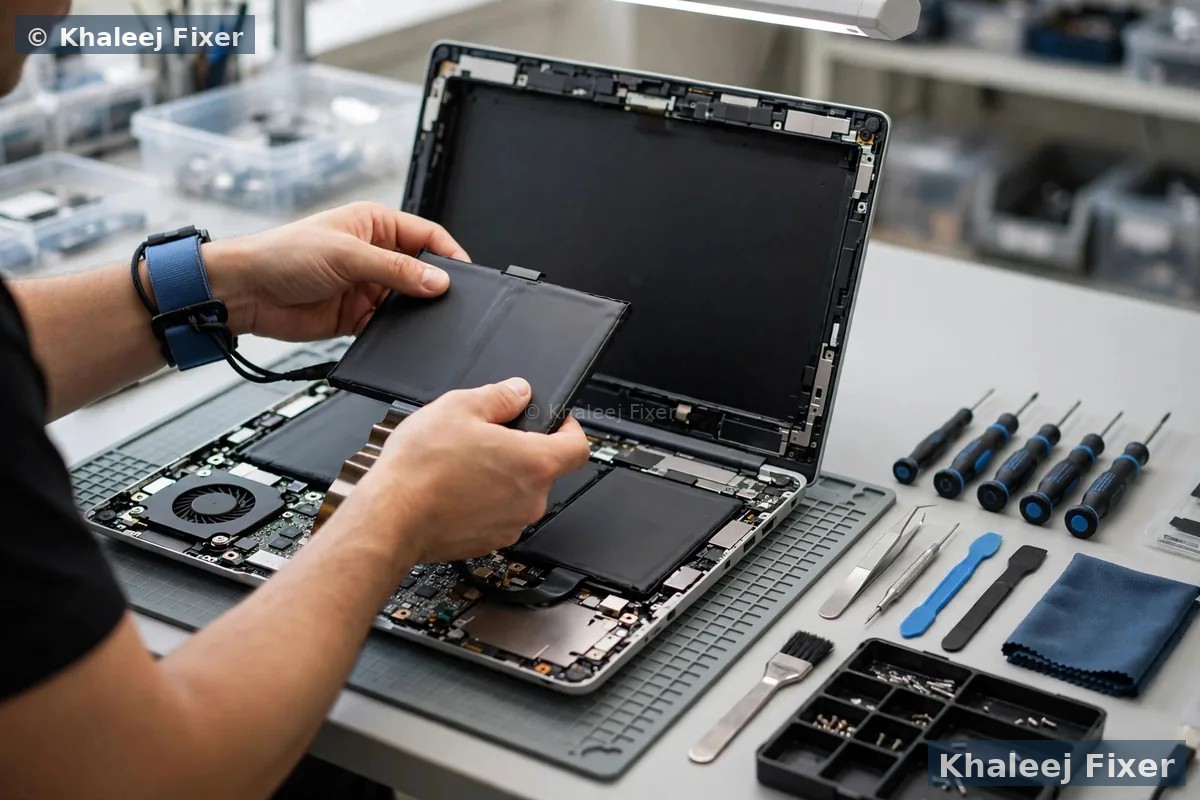
🔋 8 Signs Your Dell Battery Needs Replacing
Dell batteries warn you before they fail. If you recognise any of these, our free battery-health diagnosis confirms it in minutes:
Drains in under an hour
An Inspiron that once lasted 6 hours now dies in 40 minutes — even in power saver, even at lowest brightness. Every lithium charge cycle costs capacity; when runtime no longer covers your workday, Dell battery replacement is the answer, not a new laptop.
XPS battery collapsed
The classic XPS 13/15 complaint: barely 2–3 hours on battery even in power saver mode. Slim XPS packs are built for thinness, not longevity — if runtime has collapsed compared to new, the cells are worn and a fresh XPS battery pack restores it. See our laptop battery replacement Dubai hub for the full service.
Only works plugged in
Unplug the charger and the Dell dies instantly — zero usable capacity. Very common in 3+ year old Inspiron and Vostro machines. Replacement restores true portability the same day.
Swollen / puffed battery
Trackpad lifting, bottom panel bulging, laptop rocking on a flat table. Stop using it immediately — a swollen lithium battery is a fire risk. XPS 13 and XPS 15 are particularly known for swelling as they age. Read our swollen battery safety guide →
“Plugged in, not charging”
The notorious Dell message — sometimes the battery, sometimes the charger, sometimes the charging circuit. Our free diagnosis identifies which before you pay for anything. Related: Dell laptop repair in Dubai.
Overheating + rapid drain
Battery area uncomfortably hot while the charge vanishes — especially on G15/G16 gaming laptops pushing hard loads. A failing battery forces the system to work harder, and heat cooks batteries faster. Free diagnosis separates battery faults from cooling issues.
Stuck or jumping percentage
Charge frozen at 55%, or jumping wildly from 45% to 7%. The battery’s fuel gauge is miscalibrated or the cells are done. A full charge cycle sometimes fixes the gauge (see our calibration tip below) — persistent jumps mean replacement.
Takes forever to charge
Hours on the charger for a partial charge. Ageing cells accept charge slowly and hold less of it. If your Dell spends more time tethered to the wall than travelling with you, the battery has earned retirement.
Not sure whether it’s the battery, the charger, or something deeper? That’s exactly what the free diagnosis is for — you never pay just to find out. Dell laptop repair in Dubai →
🔍 Check Your Dell Battery Health Yourself — Using Dell’s Own Tools
Dell gives you two free built-in ways to check your battery before you spend anything. First, Dell SupportAssist (pre-installed on most Dells): open it, run the battery test, and it tells you the battery’s health status directly. Second, the classic powercfg /batteryreport in Command Prompt — open the generated report and compare Design Capacity with Full Charge Capacity. Below 80% of design capacity means the battery is worn and replacement is the honest answer.
Dell also ships Dell Power Manager, which has a battery-health section most owners never open — plus the charge-limit settings that make a new battery last dramatically longer (we configure this for you after every replacement). If the report shows a dead battery, bring it in — our free battery-health diagnosis runs the same checks plus professional cell-level testing. Economics explained: is it worth replacing your laptop battery?
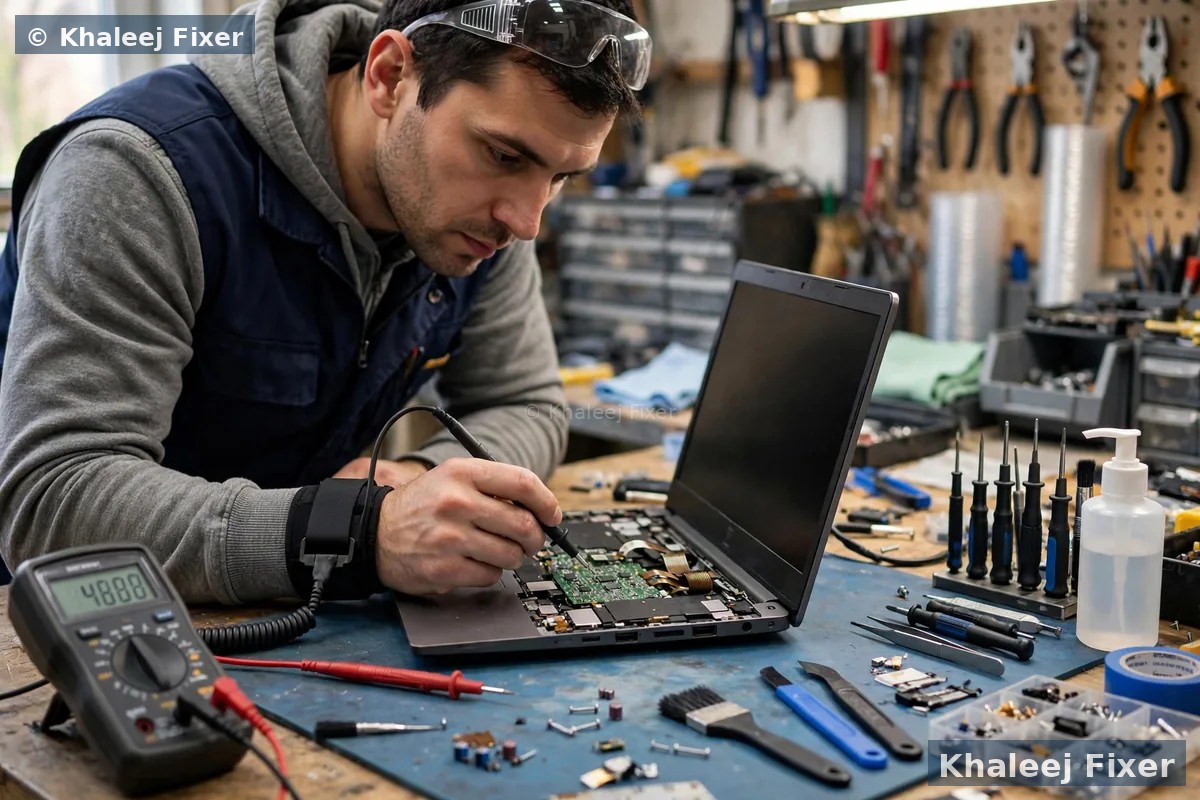
💻 Every Dell Series — Correct Battery, Part-Number Matched
From thin XPS ultrabooks to G-series gaming rigs — the correct battery for your exact Dell model:
Series-specific notes: XPS 13 / 15 / 17 — slim internal packs where swelling detection matters most; XPS batteries are the most-replaced Dell battery we do. Latitude 5000 / 7000 / 9000 — business workhorses; high-capacity packs (up to 76–97Wh) matched exactly so travel days survive. Inspiron & Vostro — the volume models, usually stocked for same-day replacement. G15 / G16 / Alienware gaming — high-discharge packs built for heavy loads, replaced with equivalent-rated cells. Precision — workstation packs matched to exact model numbers. Send your Dell Service Tag on WhatsApp and we confirm the part-number-matched battery before you arrive. Full Dell servicing: Dell laptop repair Dubai → · Other brands: Lenovo battery replacement and Acer battery replacement.
🔧 Our Dell Battery Replacement Process — Done in Under an Hour
Dell batteries are among the fastest replacements we do — most are swapped while you wait:
Free battery-health diagnosis
We test actual capacity vs design capacity, charge behaviour, cell health, and rule out charger or charging-circuit faults using Dell SupportAssist plus professional tools. You learn exactly what’s wrong, free, before spending anything.
Correct battery, part-number confirmed
The replacement is matched to your exact Dell model and battery part number — capacity, voltage, connector, watt-hours. Common Dell batteries (Inspiron, Latitude, XPS families) are stocked for same-day replacement.
Safe removal, Dell procedure
Internal battery disconnected per safe procedure, power fully isolated, old pack removed with proper ESD precautions. For swollen XPS batteries: specialist safe-removal handling — never pried, never punctured. Full guide: swollen battery safety →
New battery fitted + calibrated
New battery installed, connections verified, then calibrated with a full charge cycle so Windows and Dell Power Manager report charge accurately from day one — no “stuck at 80%” nonsense.
Charge + drain tested
We verify the battery charges to 100%, discharges normally under load, and the Dell runs unplugged for a proper stretch. Only then is the job signed off.
Power Manager tuned + safe disposal
We configure Dell Power Manager’s battery charge limit for your usage (the single biggest life-extender — see tips below), and dispose of your old lithium battery through proper e-waste channels. You leave with a fresh battery and our 2-month warranty.
⚠️ Genuine vs Cheap Dell Batteries — Why Part Numbers Matter
The market is flooded with ultra-cheap “Dell-compatible” batteries. Here’s what the low price hides: wrong capacity for your model (a 42Wh pack where your Latitude needs 76Wh — half the runtime you expect), wrong connector that barely seats, missing or inferior safety circuitry — and in the worst cases, genuine fire risk. Dell uses distinct battery families across XPS, Latitude, Inspiron and Vostro lines, and a generic pack “for Dell laptops” can be a millimetre off — which, on a thin XPS 13, means a pack pressing against the motherboard and trackpad, causing the swelling problems you’re trying to fix.
Our rule: we fit genuine Dell-compatible batteries matched to your exact part number — correct Wh rating, correct voltage, correct connector, proper safety circuitry — and back every one with our 2-month warranty. It costs a little more than the cheapest online listing and lasts dramatically longer. If anyone offers you a Dell battery replacement at a price that seems too good to be true, ask which part number they’re fitting — then ask us. Economics explained: is it worth replacing your laptop battery? →
🔋 Make Your New Dell Battery Last Longer — 7 Pro Tips
A new battery is an investment — these habits protect it:
Follow these and your new Dell battery should serve 3–4 years comfortably. And if runtime ever drops unexpectedly, the free battery-health check is always available — no appointment needed. General repair costs: laptop repair cost guide →

🤔 Dell Power Manager Says the Battery Is “Fine” — But It Still Dies?
Software battery readings lie more often than you’d think — a battery can report healthy status while its cells are failing under load. If your Dell shuts down at 40%, refuses to charge, or the gauge jumps around, trust the behaviour, not the number. Our free battery-health diagnosis stress-tests the battery under real load — the same checks Dell’s own technicians run — and tells you the truth in minutes. No charge, no obligation.
💰 What Affects Dell Battery Replacement Cost
Transparent pricing, final quote confirmed after the free diagnosis — these are the factors:
💬 Why Dell Owners Choose Khaleej Fixer
📍 Free Pickup — Dubai & Sharjah
Dell battery replacement with free pickup and delivery — or walk in:
📍 Visit us: 41 St, Industrial Area 2, Sharjah, UAE — open 7 days, 11 AM to 11 PM. All brands: brands we repair → · Full range: all services → · Sibling service: HP laptop screen replacement Dubai →
❓ Dell Laptop Battery Replacement FAQs — Dubai
How much does Dell laptop battery replacement cost in Dubai?
It depends on your Dell model and battery capacity — a standard Inspiron pack costs less than a high-capacity XPS 15 or G15 gaming battery. Our price list is transparent, and your final quote is confirmed after the free diagnosis with no hidden charges.
How do I know my Dell battery needs replacing?
The classic signs: runtime under an hour, laptop dying the moment you unplug it, “plugged in, not charging” messages, swelling, or a battery report showing Full Charge Capacity below 80% of Design Capacity. Run Dell SupportAssist’s battery test or powercfg /batteryreport in Command Prompt — or let our free diagnosis do it for you.
My Dell XPS battery dies in under 2 hours — is replacement the answer?
Usually, yes. Slim XPS packs wear fast — if your XPS 13 or 15 once lasted 8+ hours and now barely survives 2 even in power saver, the cells are worn. First check the battery report and try a full charge cycle (100% → drain to hibernate → 100%); if capacity stays low, replacement restores the original runtime.
My Dell battery is swollen — what should I do right now?
Stop using the laptop immediately, don’t charge it, and don’t press on the swelling. A swollen lithium battery is a fire risk — XPS 13 and 15 models are particularly known for this as they age. Contact us the same day — we handle swollen-battery removal as an urgent job with specialist safe-handling. More: swollen battery safety guide →
Can I replace my Dell laptop battery myself?
On older Dells with removable batteries, yes — it’s a simple swap. On modern Dells the battery is internal: disconnecting it safely, removing the bottom panel without stripping screws, and calibrating afterwards takes experience. Professional replacement takes 30–60 minutes, includes calibration and Dell Power Manager setup, and carries a 2-month warranty.
Genuine Dell battery or a compatible one — which should I choose?
Choose a genuine Dell-compatible battery matched to your exact part number — which is what we fit. “Compatible” alone means nothing without the part-number match; the wrong pack can have the wrong capacity, wrong connector, or a millimetre-off fit that causes swelling on thin XPS machines. Ultra-cheap generics can lack safety circuitry entirely — we refuse to fit them, and you shouldn’t buy them.
Will replacing the battery delete any of my data?
No — battery replacement doesn’t touch your storage at all. Your files, Windows, and programs remain exactly as they were.
Do you replace batteries for all Dell series — XPS, Latitude, Inspiron, Vostro?
Yes — XPS 13/15/17, Latitude 3000/5000/7000/9000, Inspiron 3000/5000/7000, Vostro 3000/5000, Precision workstations, Alienware and G15/G16 gaming. Send your exact model or Dell Service Tag on WhatsApp and we’ll confirm the part-number-matched battery before you arrive.
🔗 Related repairs: battery sorted but the display cracked too? See our HP laptop screen replacement in Dubai (built today) — and for the complete service, our laptop battery replacement Dubai hub covers every brand.
Get Your Dell’s Portability Back — In Under an Hour
One message is all it takes. Free battery diagnosis · 30–60 min replacement · Part-number-matched Dell batteries · 2-month warranty.
💬 WhatsApp: +971 506 757 156 📞 Call Now
📍 41 St, Industrial Area 2, Sharjah, UAE — open 7 days, 11 AM – 11 PM