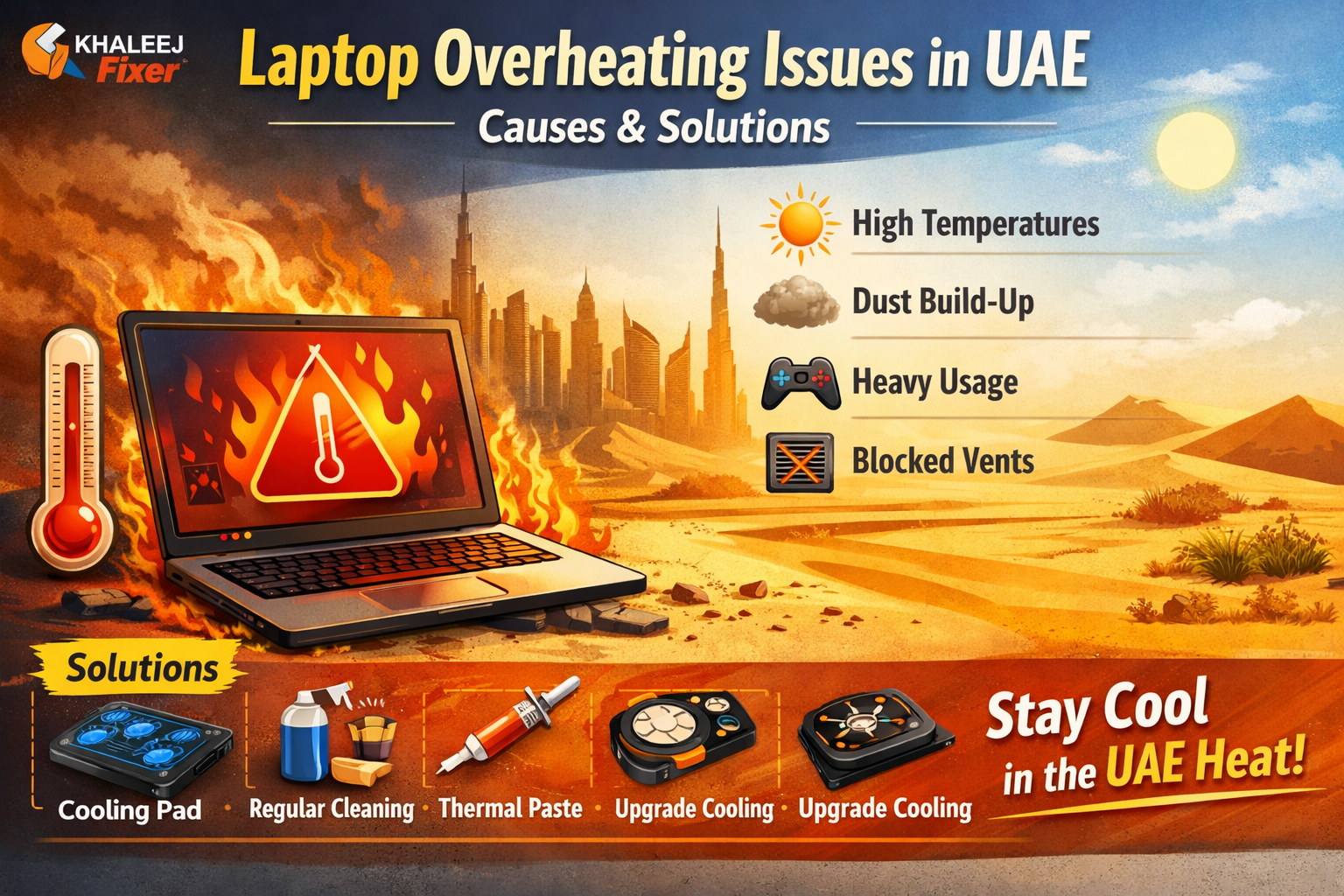
Laptop overheating is one of the most common problems faced by users in the UAE, especially in the hot desert climate. Whether you’re using your laptop for work, gaming, or streaming, prolonged exposure to high temperatures can cause serious damage. This article will explore the causes of laptop overheating in UAE and provide practical solutions to prevent and fix this issue.
Main Causes of Laptop Overheating in UAE
1. High Ambient Temperatures
The UAE is known for its extreme heat, with temperatures often exceeding 40°C during the summer months. Laptop overheating in UAE is often caused by the high ambient temperatures that can affect internal components, causing thermal throttling or even hardware failure. In such conditions, your laptop may overheat if it’s exposed to too much heat for prolonged periods.
2. Dust Accumulation
The dry, dusty environment in the UAE worsens the issue of overheating. Dust can accumulate inside your laptop, blocking vents and cooling fans. This reduces airflow, leading to laptop overheating in UAE. Keeping your laptop clean is crucial to preventing overheating.
3. Heavy Workload and Intensive Usage
Laptops used for gaming, video editing, or running multiple applications are often pushed to their limits. This intense workload generates a lot of heat. Laptop overheating in UAE is more likely if your device is not equipped with an adequate cooling system. The hot external temperatures only make the issue worse.
4. Poor Cooling Systems
Not all laptops are equipped with top-of-the-line cooling systems. This is especially true for budget models. If your laptop has a subpar cooling system, the internal temperature can rise significantly, leading to laptop overheating in UAE.
5. Blocked Vents and Soft Surfaces
Using your laptop on soft surfaces like a bed or couch can block its cooling vents. This lack of airflow can cause your laptop to overheat. Ensure that you use your laptop on a hard, flat surface to promote better airflow and avoid laptop overheating in UAE.
Solutions to Prevent and Fix Laptop Overheating in UAE
1. Use the Laptop in a Cool, Ventilated Area
If you want to prevent laptop overheating in UAE, always use your laptop in a well-ventilated, air-conditioned environment. Avoid placing it under direct sunlight or on surfaces that can trap heat. A cool environment is key to keeping your laptop running at a safe temperature.
2. Regular Cleaning to Remove Dust
Dust can clog the cooling system and cause laptop overheating in UAE. Regularly clean the vents and fans of your laptop using compressed air. This simple step will allow your laptop to maintain proper airflow, helping it stay cool.
3. Invest in a Laptop Cooling Pad
A cooling pad is a great investment, especially in the hot climate of the UAE. Cooling pads have built-in fans that provide additional cooling to your laptop. If you’re in an area where laptop overheating in UAE is a recurring issue, using a cooling pad can significantly help reduce the temperature.
4. Reapply Thermal Paste
Over time, the thermal paste between your laptop’s CPU/GPU and heat sink can wear out, leading to poor heat transfer. If you’re experiencing laptop overheating in UAE, consider reapplying thermal paste to ensure better heat dissipation. This can be done professionally if you’re not comfortable doing it yourself.
5. Optimize Power Settings
Laptops have power management settings that allow you to control how your device uses energy. By setting your laptop to power-saving mode, you can reduce its performance and, consequently, the amount of heat it generates. If you’re experiencing laptop overheating in UAE, adjusting these settings can help lower the internal temperature. For Best Laptops
6. Upgrade the Cooling System
If your laptop is still overheating despite cleaning and optimizing settings, it may be time for a cooling system upgrade. You can replace the cooling fan or even install an external cooling system for more efficient heat dissipation.
7. Update Drivers and Software
Outdated drivers or software can contribute to laptop overheating in UAE. Ensure your laptop’s drivers, especially the graphics and CPU drivers, are up to date. Regular software updates can improve the laptop’s ability to manage heat.
8. Monitor Laptop Temperature
Use temperature monitoring software to keep an eye on your laptop’s internal temperature. If your laptop’s temperature exceeds 85°C, it’s a sign that your cooling system isn’t working as efficiently as it should. Monitoring tools can help you detect overheating issues early on and prevent long-term damage.
Conclusion
Laptop overheating in UAE is a serious issue, especially with the region’s high temperatures. However, by understanding the causes of overheating and taking proactive measures, you can prevent your laptop from getting damaged. Regular maintenance, using cooling accessories, and optimizing settings will help you keep your laptop running efficiently, even in the extreme heat of the UAE.
Laptop overheating is one of the most common problems faced by users in the UAE, especially in the hot desert climate. Whether you’re using your laptop for work, gaming, or streaming, prolonged exposure to high temperatures can cause serious damage. This article will explore the causes of laptop overheating in UAE and provide practical solutions to prevent and fix this issue.
Leave a Reply